
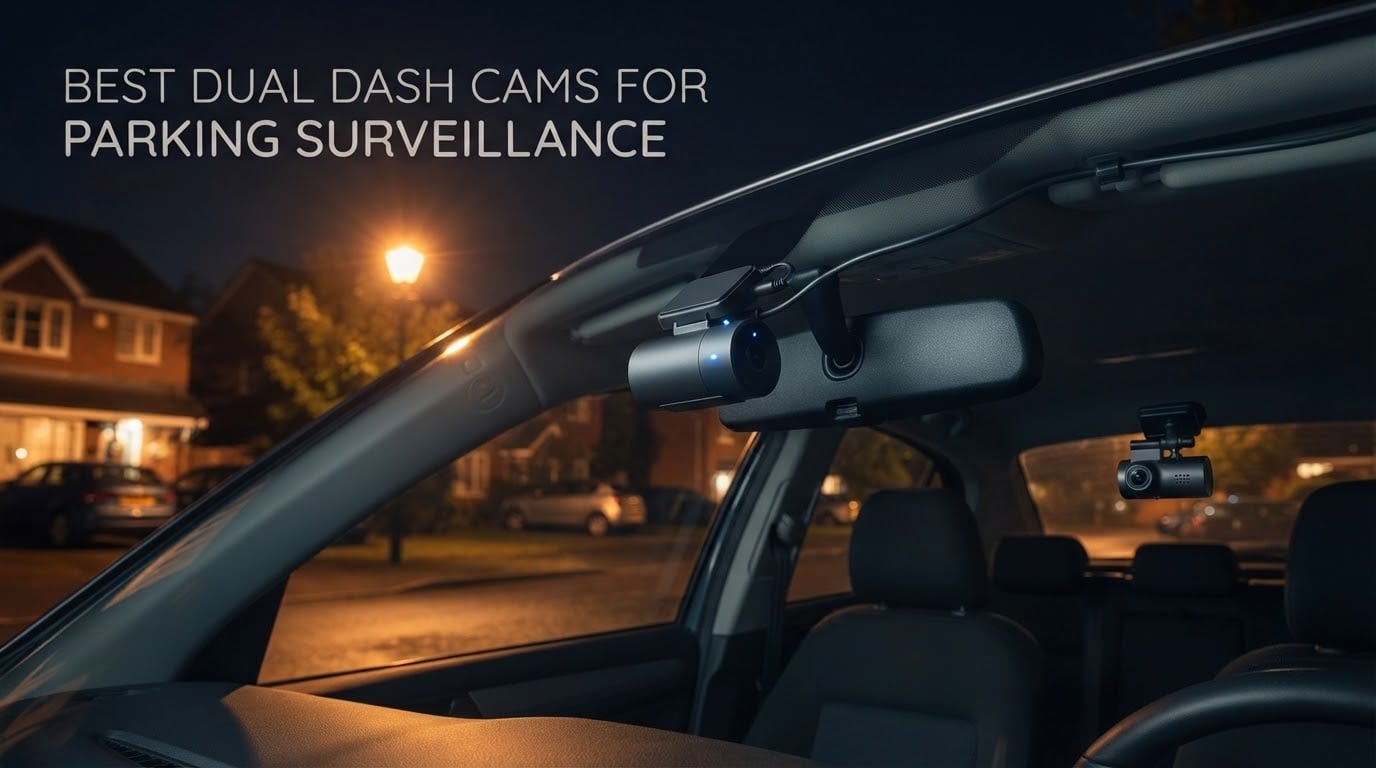
A front camera tells you what happened in front of your car while you were driving. A dual dash cam also watches what happens behind it while you are somewhere else entirely, and the best dual dash cams for parking surveillance are the ones that stay armed for days, not hours. The REDTIGER F7NP 4K leads our list because it combines a genuine STARVIS 2 sensor, time-lapse and impact parking modes, a supercapacitor that shrugs off summer heat, and a memory card already in the box.
That last point matters more than most buyers expect. Parking mode on a dual camera is not a free feature: nearly every unit here needs a hardwire kit that is not in the box, plus a cut-off voltage you have to set yourself. We ranked all 12 cameras on parked-car performance first, with image quality second, and every verdict reflects what the hardware can realistically do once the ignition is off.
Last updated: October 2026. Every model in this guide is a true front-and-rear, two-channel unit, because a single forward lens is structurally unable to catch a car prowler approaching from behind or a vehicle reversing into your bumper.
Table of Contents
- Top 3 Best Dual Dash Cams for Parking Surveillance (October 2026)
- 12 Dual Dash Cams Compared in 2026
- How We Ranked These for Parking Surveillance
- What Is Parking Mode? Five Types You Need to Understand
- 1. REDTIGER F7NP 4K Dual: Best Overall for Parking Surveillance
- 2. ROVE R2-4K Dual: Best Value Dual Dash Cam for Parked Cars
- 3. REDTIGER F7N TOUCH 4K: Best for On-Device Control While Parked
- 4. VIOFO A129 Plus Duo: Best for 1440P 60fps Dual Recording
- 5. VIOFO A129 Pro Duo: Best for a True 4K Front Channel
- 6. Navycrest Q7: Best for Basic Parking Coverage on a Budget
- 7. BOTSLAB G300H Plus 4K: Best for Extreme Temperature Parking
- 8. Affver A4: Best Balanced 4K Front and 2.5K Rear Setup
- 9. VIOFO A229 Pro: Best for Buffered Parking Mode
- 10. Vantrue S1 Pro: Best for Long-Term Parking on Large Cards
- 11. Thinkware U3000: Best for Radar Parking Mode
- 12. IIWEY Q5: Best for a True 4K Rear Channel
- How to Power a Dual Dash Cam Without Killing Your Battery
- Frequently Asked Questions
- Which Dual Dash Cam Should You Buy?
Top 3 Best Dual Dash Cams for Parking Surveillance (October 2026)

REDTIGER F7NP 4K Dual
- 4K front and 1080P rear
- STARVIS 2 sensor
- Time-lapse and impact parking modes
- Supercapacitor

ROVE R2-4K Dual
- Upscaled 4K front
- STARVIS 2 IMX675
- Three 24-hour parking modes
- 1TB card support

REDTIGER F7N TOUCH 4K
- 4K front and 1080P rear
- 3.18-inch touchscreen
- Voice control
- G-sensor parking monitoring
As an Amazon Associate we earn from qualifying purchases. CERTAIN CONTENT THAT APPEARS ON THIS SITE COMES FROM AMAZON. THIS CONTENT IS PROVIDED 'AS IS' AND IS SUBJECT TO CHANGE OR REMOVAL AT ANY TIME.
12 Dual Dash Cams Compared in 2026
The table below is the short version. Every entry is dual-channel and every one of them needs hardwiring before it does anything useful while the car is unattended, so the features column is where the parking story lives.
| Product | Specifications | Action |
|---|---|---|
|
REDTIGER F7NP 4K Dual
|
|
Check Latest Price |
|
ROVE R2-4K Dual
|
|
Check Latest Price |
|
REDTIGER F7N TOUCH 4K
|
|
Check Latest Price |
 VIOFO A129 Plus Duo
|
|
Check Latest Price |
 VIOFO A129 Pro Duo
|
|
Check Latest Price |
 Navycrest Q7
|
|
Check Latest Price |
 BOTSLAB G300H Plus 4K
|
|
Check Latest Price |
 Affver A4
|
|
Check Latest Price |
 VIOFO A229 Pro
|
|
Check Latest Price |
 Vantrue S1 Pro
|
|
Check Latest Price |
 Thinkware U3000
|
|
Check Latest Price |
 IIWEY Q5
|
|
Check Latest Price |
We earn from qualifying purchases. CERTAIN CONTENT THAT APPEARS ON THIS SITE COMES FROM AMAZON. THIS CONTENT IS PROVIDED 'AS IS' AND IS SUBJECT TO CHANGE OR REMOVAL AT ANY TIME.
How We Ranked These for Parking Surveillance
Most roundups rank dash cams by daylight video quality, which tells you almost nothing about what happens at 3am on a residential street. We scored these twelve on parked-car performance instead, and video quality only breaks ties.
Five things decided the order. First, whether the camera wakes and saves quickly enough to catch the vehicle that hit you. Second, how much of that event is preserved before the impact.
Third, how hard the unit is on a 12V battery, because a surveillance camera that flattens your car is worse than no camera. Fourth, whether the box includes the power cable and card you need, or whether you are buying three extra parts before it works. Fifth, how it copes with heat, since a parked car in summer is an oven.
We also weighed long-term reliability signals from owner communities. On r/Dashcam and DashcamTalk, the strongest endorsement is never about resolution, it is owners reporting a hardwired install that still records after a couple of years, with burned-in timestamps and readable plates.
What Is Parking Mode? Five Types You Need to Understand
Parking mode is simply the camera staying powered and armed after you switch the ignition off. Without it, a dash cam records while driving and then stops, which means the footage of a hit-and-run is never written to the card at all.
Simple parking mode
Simple parking mode is the oldest and least useful type. The camera sits idle at very low power, a sensor notices movement, and it starts recording from that moment onward. The problem is the delay between the movement and the recording starting, so a car that is already past your bumper when the camera wakes is never captured.
Buffered parking mode
Buffered parking mode keeps a rolling pre-event buffer on the card, then saves the seconds before the trigger along with the seconds after it. This is the mode that actually catches a car prowler walking up to your window, because the clip starts before anyone is near the vehicle. The VIOFO A229 Pro and A129 Pro Duo both store 15 seconds before and 30 seconds after an event, and the Thinkware U3000 buffers 10 seconds either side of a radar trigger.
Time-lapse parking mode
Time-lapse parking mode records a still frame every second or two and stitches them into a single video, so a full twelve-hour park costs minutes of card space instead of hours. It is superb for proving a car stayed put or for catching a break-in across a driveway. It is poor for reading a license plate, because a frame captured every two seconds may simply not include the moment the plate was legible.
Low bitrate parking mode
Low bitrate mode writes continuous, heavily compressed footage. Nothing is missed, but the compression smears fine detail, which is exactly what a plate number is. Treat it as evidence that an event happened, not as footage you will read a plate from.
Radar parking mode
Radar parking mode is the most battery-friendly approach available. A radar module detects a vehicle or a person approaching, wakes the cameras, and records a buffered clip. Nothing is recorded while the street is empty, so draw drops to a trickle, which is why the Thinkware U3000 is the only unit here that can genuinely watch a car for weeks rather than days.
The trap almost nobody warns you about
Cloud and LTE remote alerts are usually the first thing to disappear when you switch parking modes. Live view, phone push notifications and cloud upload consume far more power than a buffered save, so most manufacturers disable connectivity in their low-power or radar modes. If remote alerts while parked are the reason you want a dash cam, verify that behaviour in the manual before you buy, and expect to pay a subscription on top for the connection itself.
1. REDTIGER F7NP 4K Dual: Best Overall for Parking Surveillance
REDTIGER F7NP 4K Dash Cam Front Rear, STARVIS 2 Sensor, Free Card Included
- 4K front plus 1080P rear
- STARVIS 2 F1.5 aperture
- Time-lapse and impact parking modes
- Supercapacitor
Pros
- Genuine 4K front and 1080P rear from a STARVIS 2 sensor
- Fast 5.8GHz Wi-Fi transfers at 20MB/s
- 128GB memory card included in the box
- Supercapacitor handles parked-car heat better than a lithium cell
- 170 degree front field of view
Cons
- App requires a manufacturer account before the phone connects
- No Bluetooth so Wi-Fi use can interfere with wireless CarPlay
- Parking monitor can auto-lock a large share of recorded clips
I put the F7NP at the top of the list because it removes the two steps that most often delay a working install: fitting a card, and finding a high-endurance one the camera will accept. A 128GB card is already fitted, so the camera records from the moment you install it. Every other unit here needs a separate purchase before it does anything useful at all.
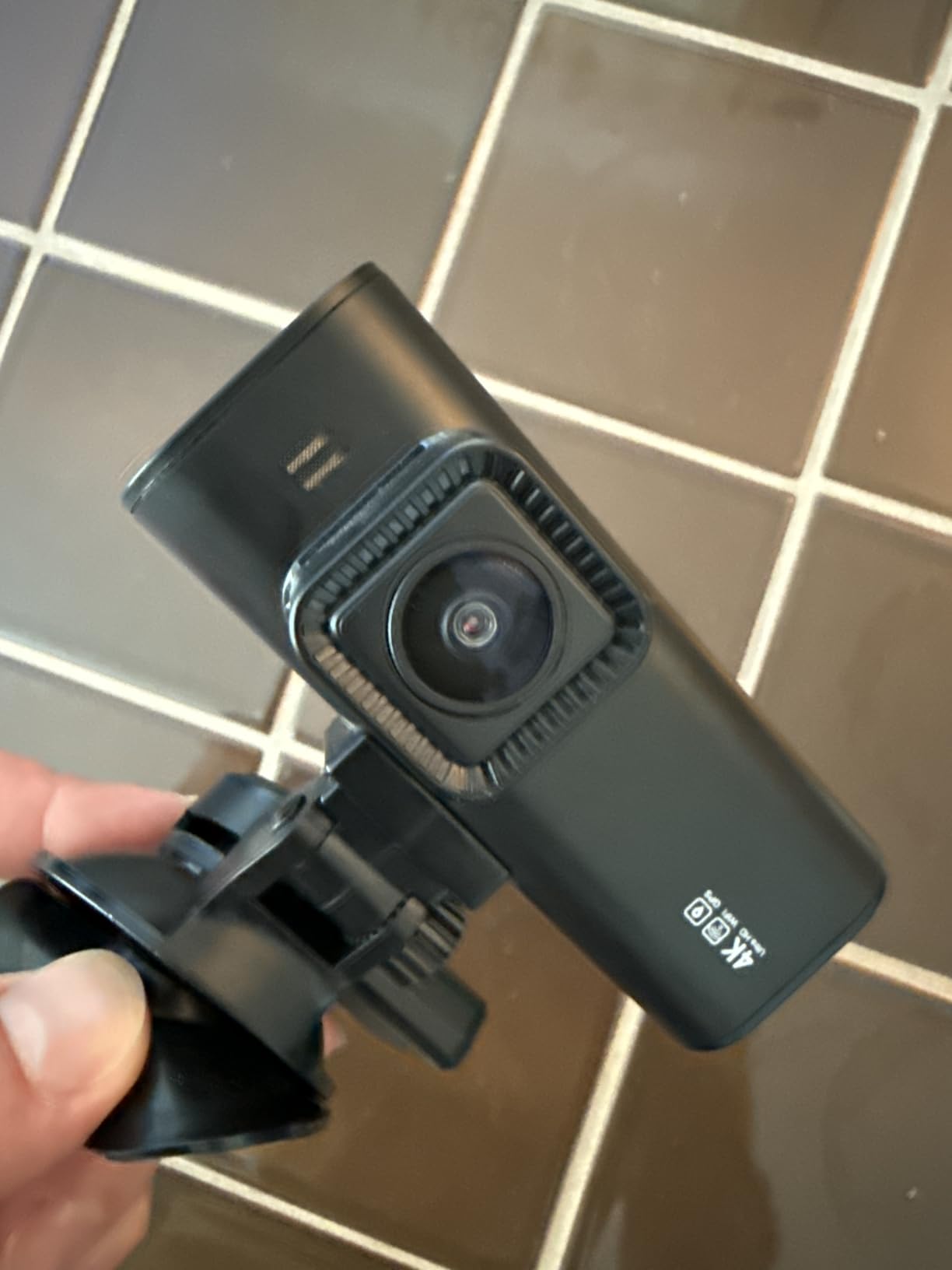
The imaging is genuinely strong. A STARVIS 2 sensor behind an F1.5 aperture and a six-layer lens gives clean 4K footage from the front camera, and the 170 degree field of view covers most of a parking bay without the usual edge distortion. The rear channel records 1080P, which is enough to identify a shape, a colour and a plate in good street lighting.
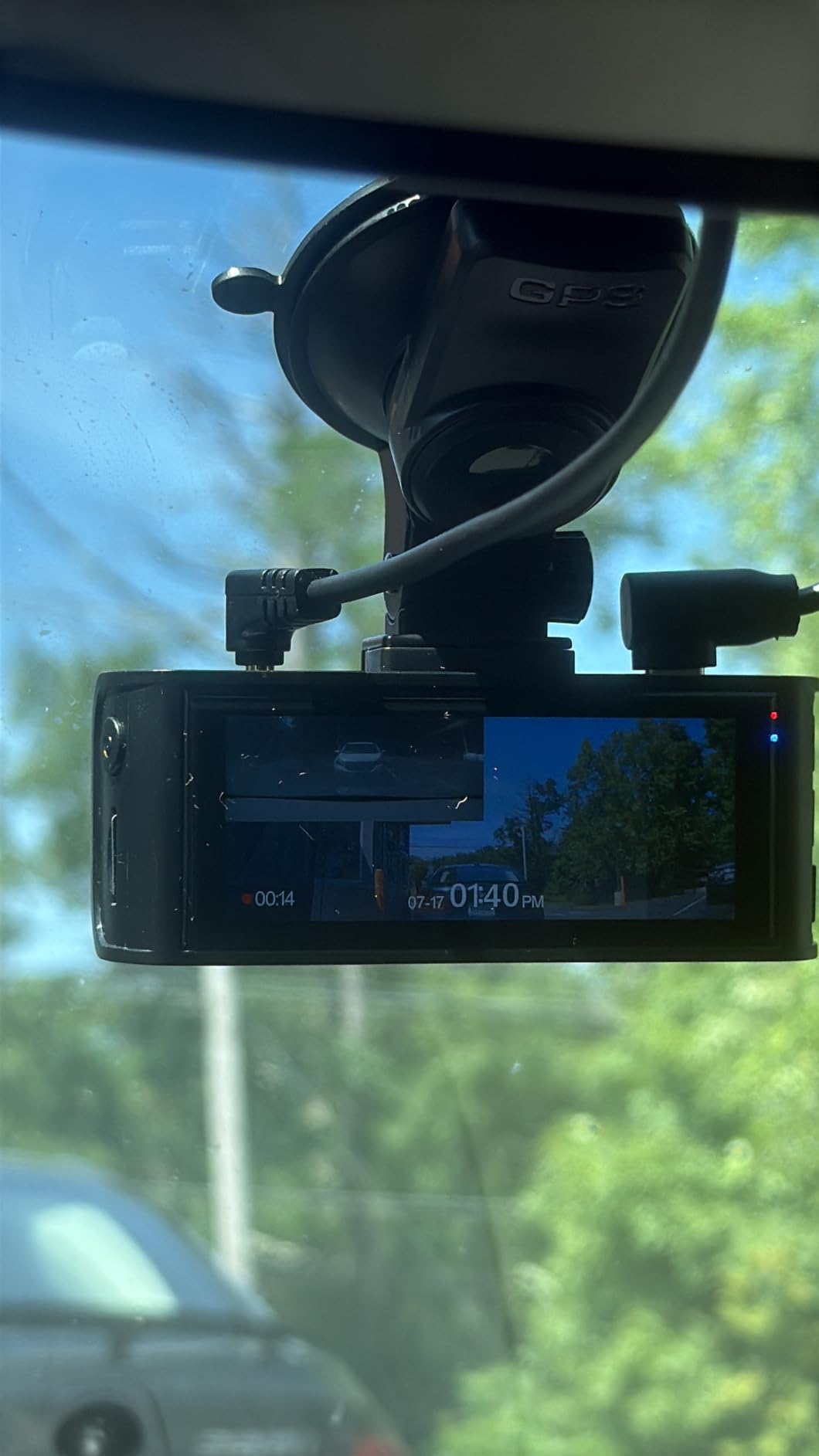
For parked surveillance it runs time-lapse and G-sensor-triggered modes, and the supercapacitor instead of an internal lithium battery is the detail that makes it a good summer car. A capacitor has no cell to swell or fail in a dashboard that hits 70 degrees in July, and it powers the save operation instantly after ignition-off. You will still need a hardwire kit, which is not included, so budget for that as part of the install rather than a surprise.
Two behaviours are worth planning around. The app insists on a manufacturer account before your phone can connect, and because there is no Bluetooth, the camera’s own Wi-Fi network can knock out a wireless CarPlay connection for the duration. Reviewers also report that the parking monitor sometimes auto-locks nearly every clip, which fills your card with event files and makes the loop recorder overwrite good footage faster than it should.
Is it a good choice for overnight street parking?
Yes, provided you accept time-lapse as the primary trigger and you are willing to dig through footage rather than receive an alert. The supercapacitor and the bundled card are the two things that matter most for a car that sits outside every night, and both are handled here.
If you park for a week or more rather than a single night, look at the radar approach instead. This camera has no radar module, so it writes continuously in time-lapse and the card fills faster.
What should worry you before buying?
The mandatory app account and the absence of Bluetooth are the two complaints that appear most often, and both are software problems rather than hardware ones. If you rely on wireless CarPlay and phone connectivity, test the handover early.
Also check the parking monitor’s auto-lock behaviour in the app before you walk away from the car. A monitor that locks everything defeats the loop recording it is supposed to be protecting.
2. ROVE R2-4K Dual: Best Value Dual Dash Cam for Parked Cars
ROVE R2-4K Dual Dash Cam Front and Rear, STARVIS 2 Sensor, Free 128GB Card
- 2.5K front upscaled to 4K
- STARVIS 2 IMX675 sensor
- Three 24-hour parking modes
- 1TB card support
Pros
- 4.5 rating and strong recent owner feedback
- Three parking modes including time-lapse motion and collision detection
- Rear channel records 15 seconds before and 30 seconds after an event
- Dual-band Wi-Fi and a free 128GB card in the box
- Built-in thermal protection for hot climates
Cons
- Front 4K is upscaled from 2.5K rather than native
- Parking mode requires a separately purchased hardwire kit
- Screen and mounting footprint add some windshield bulk
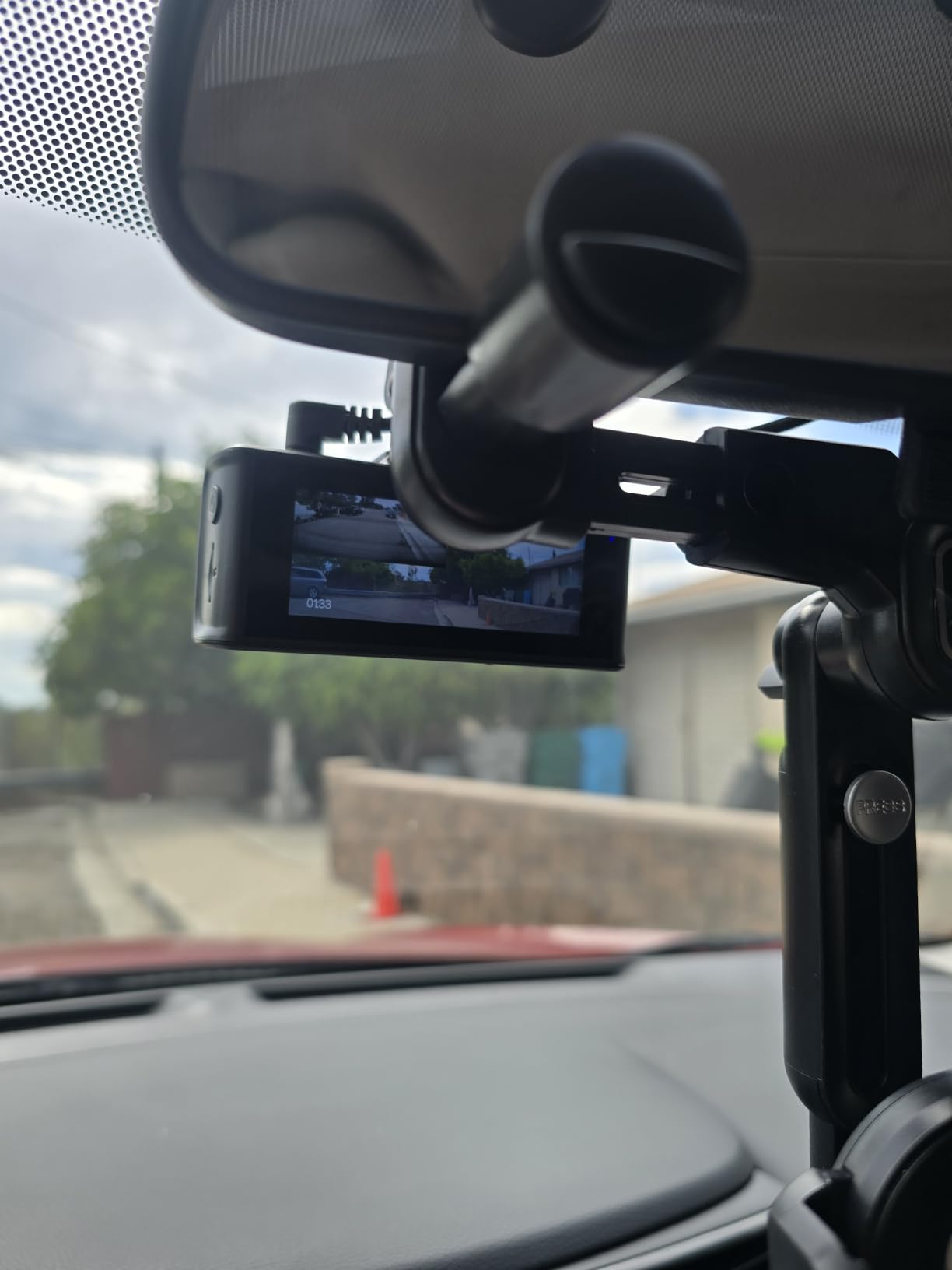
The R2-4K carries the highest average rating of any camera in this guide, and for parking work its rear-channel buffering is the feature I would build a setup around. It saves 15 seconds before and 30 seconds after a detected event on the back camera, so a prowler walking up behind your car is captured from the moment they enter frame rather than from the moment the sensor noticed. The bundled 128GB ROVE PRO card also means it records out of the box.
Three parking modes are offered: 1fps time-lapse, motion detection, and collision detection. Having all three on one unit means you can run motion detection on a quiet street and time-lapse in a driveway without changing hardware. Built-in thermal protection matters for a car parked in direct sun, and the supercapacitor replaces a lithium cell.
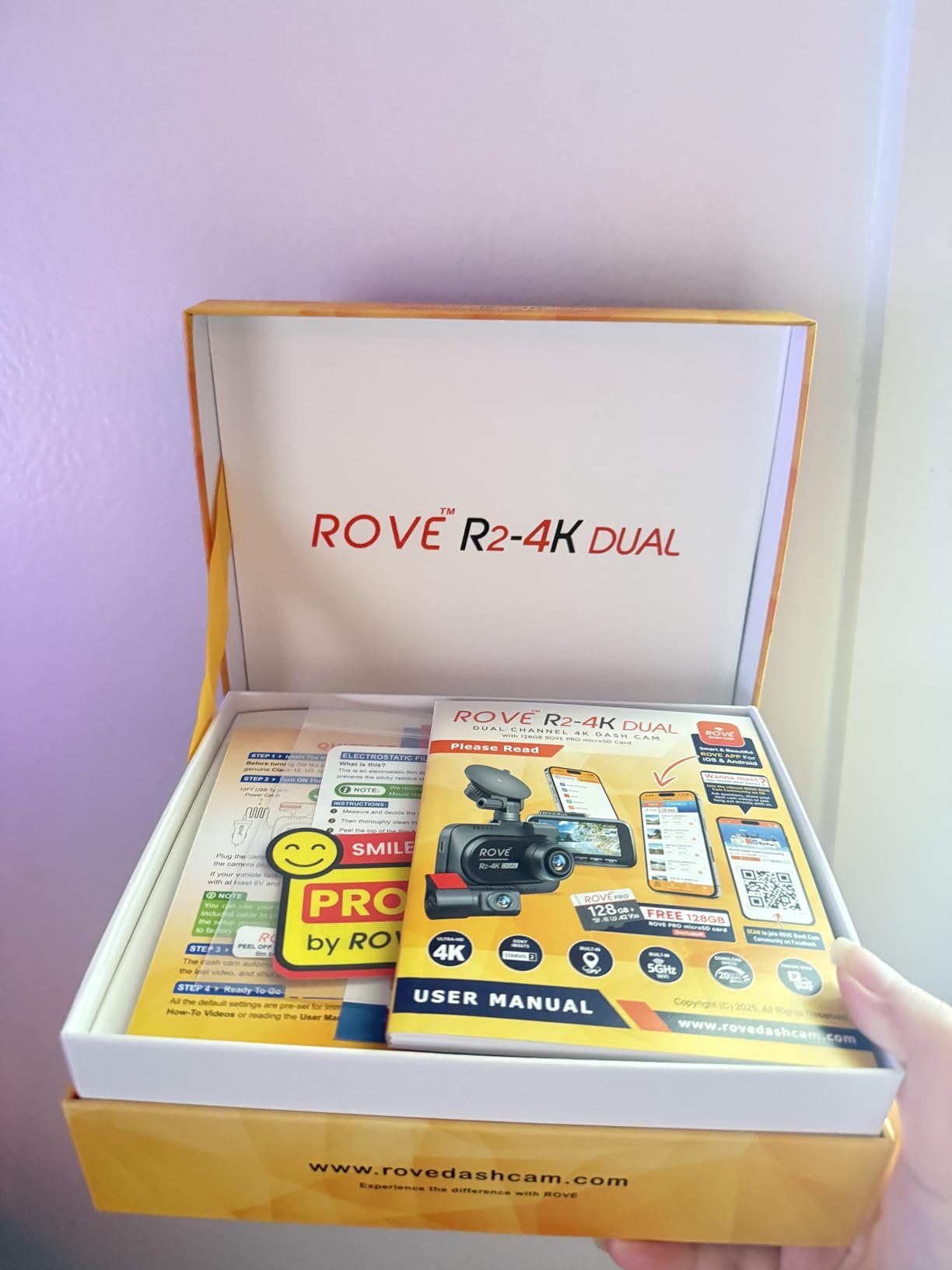
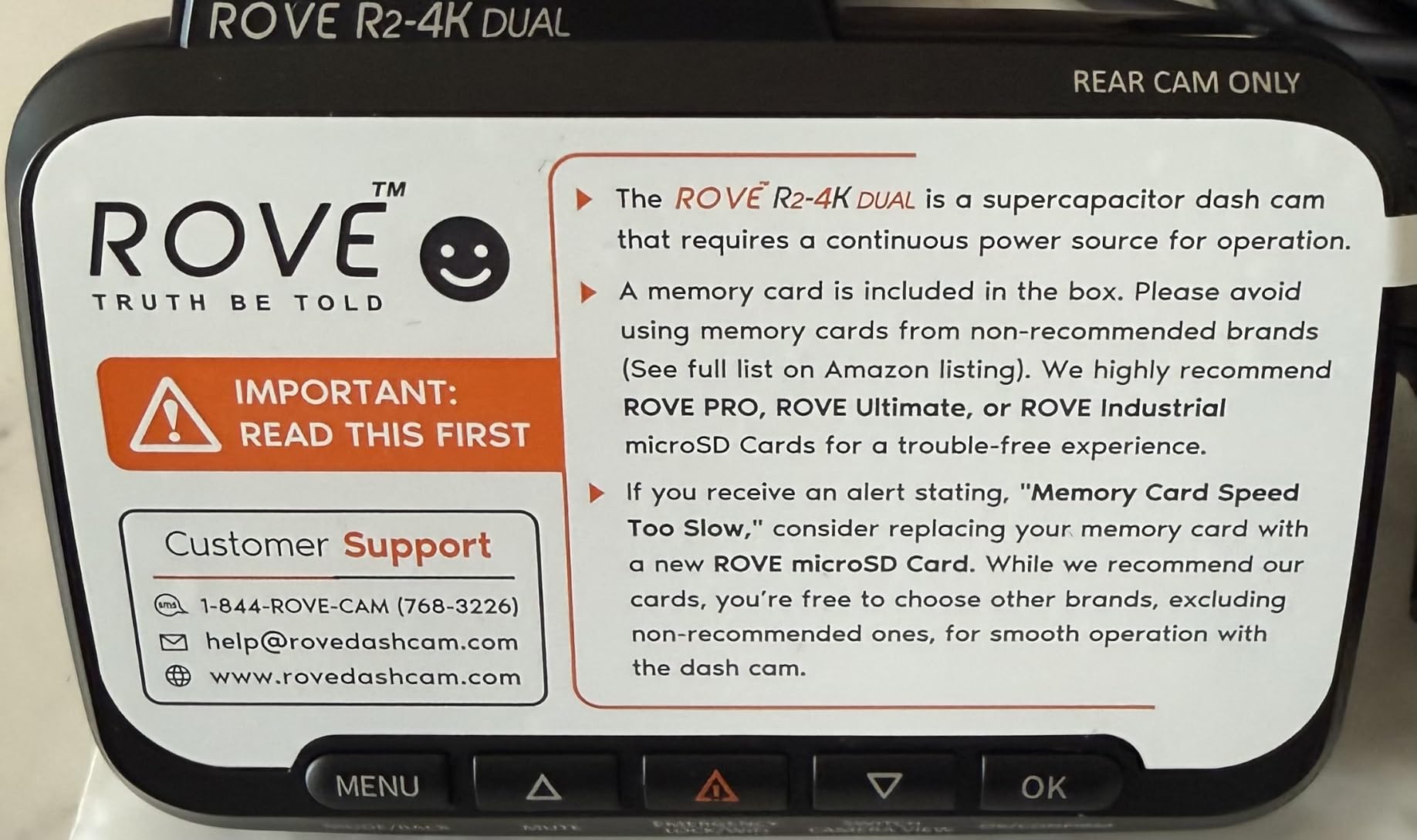
Be clear-eyed about one specification: the front camera records 2.5K natively and upscales to 4K. If you crop into a plate at distance you will see the interpolation, but for parked evidence the STARVIS 2 IMX675 sensor and the f/1.5 aperture do the real work and the output is bright and low-noise at night. The bundled 128GB ROVE PRO card and support for cards up to 1TB mean you can record far longer per overwrite cycle than most rivals.
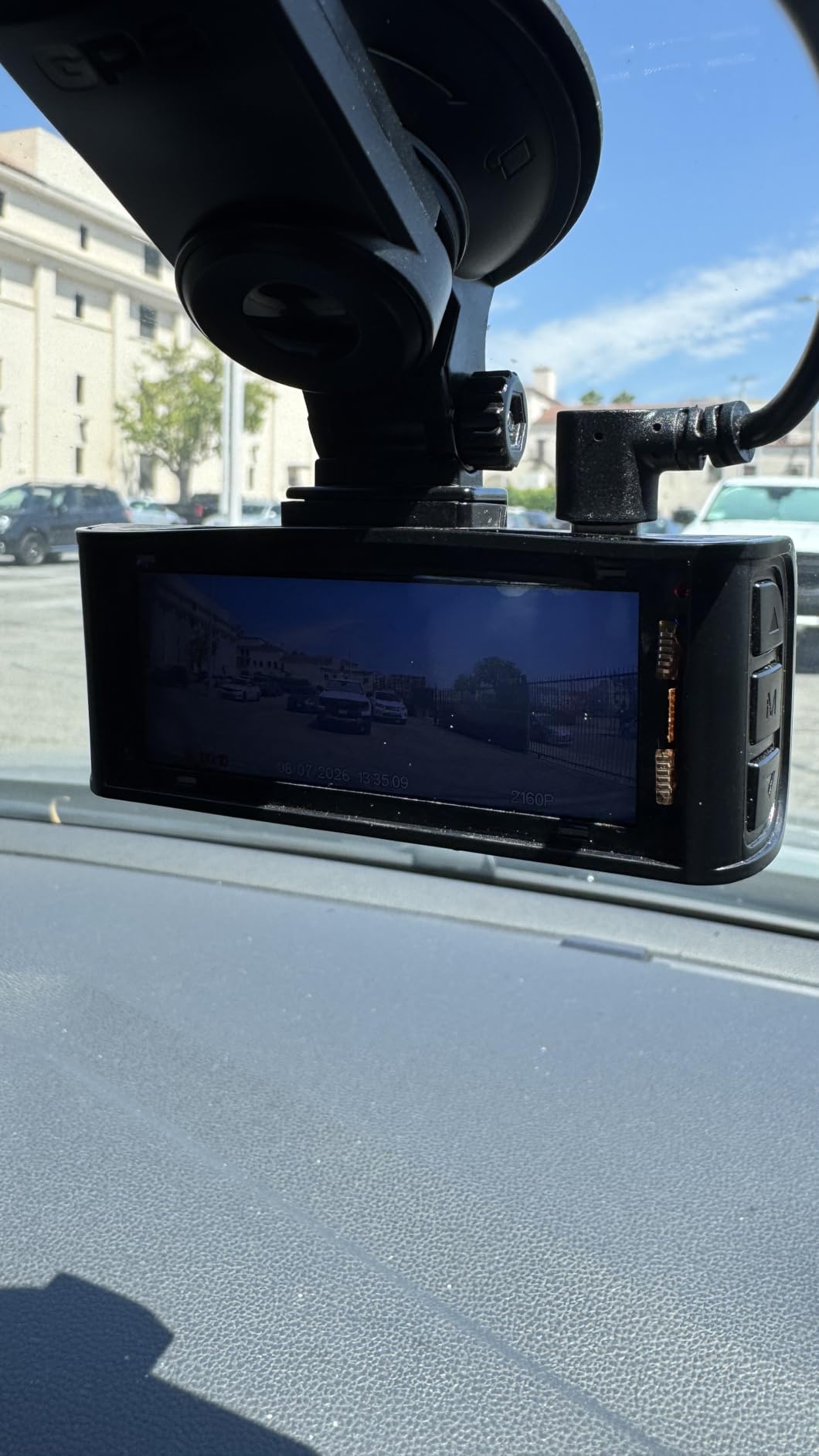
The 3-inch IPS screen shows live speed and compass from the built-in GPS, which is genuinely useful when you park somewhere unfamiliar and want to confirm the car is pointed the way you think it is. The hardwire kit is not included, and that is the single accessory you must add.
Why it suits long unattended parks
It is the combination of three trigger styles and 1TB card support that wins here. Long-duration parking needs a camera that can stay armed without eating the card, and the option to run time-lapse through the quiet stretches then switch to buffered events does exactly that.
The built-in GPS also stamps speed and location into the file, which shortens the process of proving where a vehicle was when it hit you.
Where the compromises show up
The upscaled front channel is the honest drawback. It looks excellent until you crop hard on a plate at range, and for insurance evidence that crop is often exactly what happens.
The screen adds weight and visual bulk behind the glass compared with a screenless design, so it is a less discreet option in a street where you do not want to advertise a camera.
3. REDTIGER F7N TOUCH 4K: Best for On-Device Control While Parked
REDTIGER 4K STARVIS 2 Dashcam Front Rear, 5GHz WiFi 20MB/s, Free 128GB Card
- 4K front plus 1080P rear
- 3.18-inch touchscreen
- Voice control
- G-sensor and time-lapse parking
Pros
- Crisp 4K front and 1080P rear with strong daylight colour
- Responsive touchscreen makes locking clips and changing settings quick
- Voice control works for hands-free clip saving
- Compact body fits between the windshield and rearview mirror
- 128GB card and mounting hardware included
Cons
- Voice commands are unreliable when the screen is off
- Time-lapse parking mode consumes card space quickly
- Switching the display back to the front camera view is fiddly
This is a closely related REDTIGER platform to our top pick, with a 3.18-inch touchscreen layered over it, and for parked-car work that screen is more useful than it first appears. When you come back to a car that was hit and the incident is buried among a day of loop footage, tapping a clip to lock it beats fumbling for a phone and a Wi-Fi connection in bad light.
Image quality is in the same class as the F7NP: a STARVIS 2 sensor with WDR and HDR night vision, 4K UHD on the front lens with a 170 degree field of view, and 1080P on the rear with a 140 degree lens. Built-in GPS logs route, speed and location, and 5.8GHz Wi-Fi pulls clips at up to 20MB/s when you do use the app.
For parking it offers G-sensor and time-lapse 24-hour monitoring, and like the F7NP it runs on a supercapacitor rather than a lithium battery, which is the right call for a dashboard in a hot climate. The mode you pick determines the trade-off: time-lapse gives you the whole night cheaply, while impact-triggered clips are the ones you will actually submit to an insurer.
Two practical notes. The voice commands are inconsistent when the screen is off, so treat voice as a driving convenience rather than a parked-car tool. And the time-lapse mode writes through the card quickly, which on a 128GB card in a long park means you should check the loop interval settings before you leave the vehicle.
Why it suits first-time installers
The touchscreen removes the menu-learning curve that is the most common complaint on app-only cameras. You can confirm the recording mode, storage level and channel state at the unit itself rather than guessing from your phone.
Voice control also lets you lock a clip without touching the camera while you are still in the driver’s seat, which stops you handling a device in an unsafe spot after an incident.
Where it falls short
The touch panel is the weak point. Reviewers report that returning the display to the front camera view is fiddly, and that the voice commands frequently fail with the screen off, which is the state you actually want it in while parked.
Time-lapse storage use is the other issue. On a long airport park, set a sensible loop interval or the card will fill with one-second frames.
4. VIOFO A129 Plus Duo: Best for 1440P 60fps Dual Recording
VIOFO Dual Dash Cam, 2K 1440P 60fps+1080P 30fps Front and Rear Dash Camera with Wi-Fi GPS, Parking Mode, Emergency Recording, Super Capacitor, Motion Detection (A129 Plus Duo)
- 1440P 60fps front and 1080P rear
- STARVIS sensors with HDR
- Three parking mode options
- Super capacitor
Pros
- 1440P at 60fps stays clear at highway speed
- STARVIS sensors with HDR perform well at night
- Front and rear coverage from a single power run
- Long cables reach the rear of large SUVs and trucks
- VIOFO support has replaced failed units
Cons
- Wi-Fi transfers are slow and drop on large files
- Motion detection for parking mode is inconsistent and misses people
- Rear adhesive mount can unstick and needs re-mounting
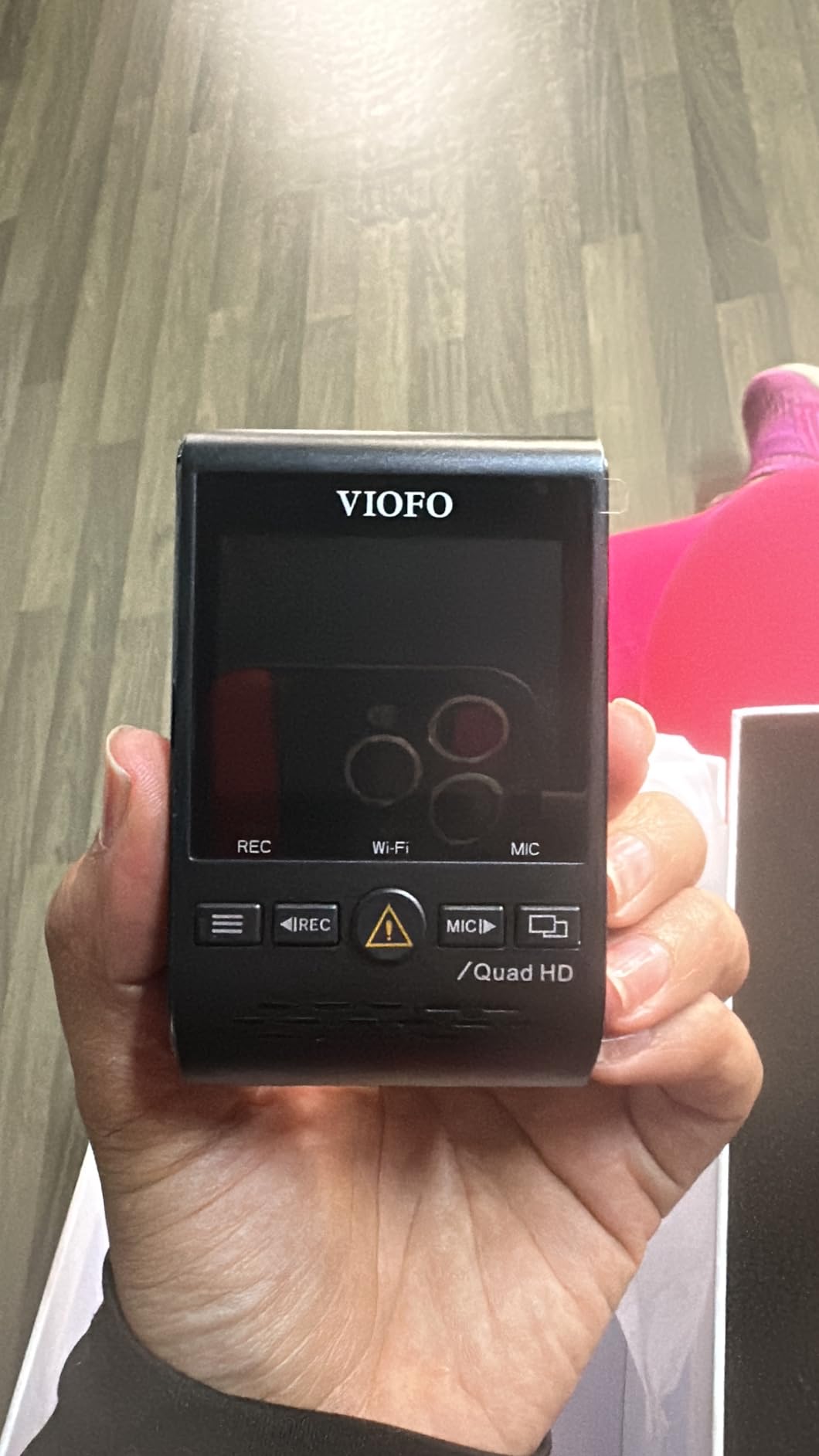
The A129 Plus Duo is a long-running platform that still makes sense when 1440P at 60fps is the priority. That frame rate gives you smoother motion on a passing vehicle, which matters when you are trying to follow a car through an intersection or count a plate across three frames instead of one.
It records 2560×1440 at 60fps on the front and 1080P at 30fps on the rear simultaneously from a single power run, with STARVIS sensors in both housings and HDR to hold detail in the bright and dark halves of a street scene. The 140 degree lens is wide without the aggressive distortion that makes a 170 degree image hard to interpret.
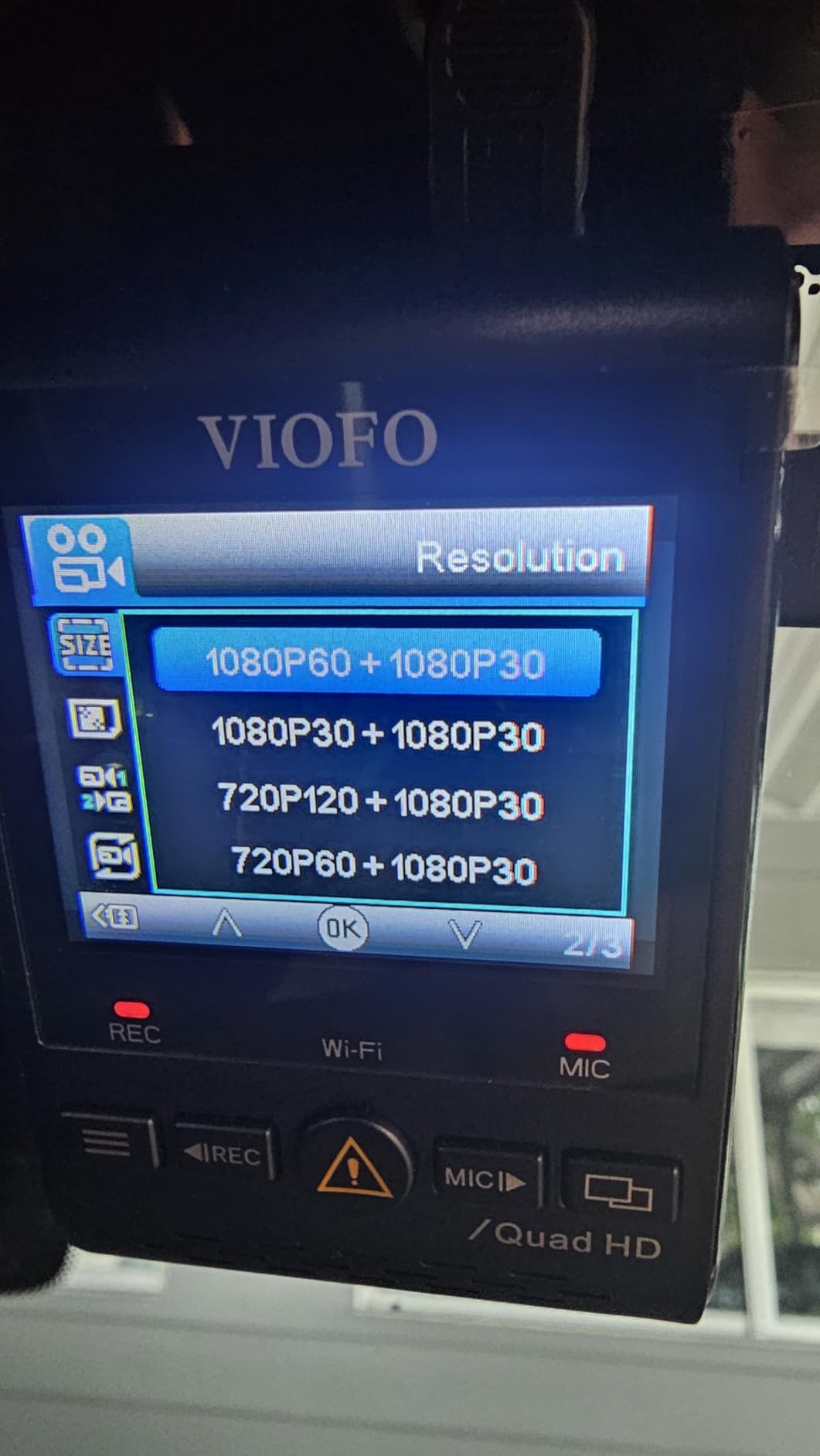
Three parking solutions are supported: auto event detection, time-lapse at selectable frame rates, and a low bitrate mode designed for the HK3 hardwire kit. That hardwire kit is optional and not included, which is the normal arrangement for a dash cam at this level. A supercapacitor handles temperature, and a GPS module logs speed and location independently of the camera port.
The honest weakness is the software. The Wi-Fi app transfer speeds are slow and frequently time out on large 4K-class files, and the review pattern shows this is where most of the dissatisfaction sits. Parking motion detection is also the least reliable of the three triggers, with owners reporting it reacts to moving trees and misses people, so for a street with foliage you would be better off on buffered impact detection or time-lapse.
Is it good enough for plate identification at night?
Yes for the front channel, with HDR doing useful work against headlights and streetlamps. The STARVIS sensors are a genuine step up from the CMOS sensors in cheaper two-channel kits, and 1440P at 60fps is a real advantage over a 30fps alternative when a vehicle is moving.
For a parked scenario the sensor quality matters less than trigger reliability, so set the unit to impact detection rather than trusting motion sensing in a tree-lined street.
What is the catch?
The app. Slow transfers and buffering in the streaming view are the most common complaints, and owners also report the rear adhesive mount losing grip and needing to be re-fitted after a few weeks of road vibration.
The microSD card is not included, and the GPS module needs its own power port, so the install is slightly more involved than a single-cable setup.
5. VIOFO A129 Pro Duo: Best for a True 4K Front Channel
VIOFO A129 Pro Duo 4K Dual Dash Cam 3840 x 2160P Ultra HD 4K Front and 1080P Rear Car WiFi Dash Camera 8MP Sensor GPS, Buffered Parking Mode, G-Sensor, Motion Detection, WDR, Loop Recording
- True 4K front IMX317 plus 1080P rear
- Buffered parking with pre-event video
- 7-glass F1.8 lens with WDR
Pros
- True 4K front resolution that stays sharp when cropped on distant plates
- Portrait body mounts out of sight behind the rearview mirror
- Buffered parking mode captures the lead-up to an incident
- Built-in screen with screen-saver timeout and status LEDs
- Dual-band Wi-Fi is more stable than older single-band units
Cons
- Several owners report the Wi-Fi network failing to broadcast at all
- G-sensor and parking motion detection are oversensitive and lock too many clips
- Rear 1080P channel underexposes at night and reads plates poorly
The A129 Pro Duo is the camera to buy if the front plate crop is the whole point. An 8MP IMX317 sensor records genuine 3840×2160 on the front rather than upscaling a lower resolution, and a 7-glass F1.8 lens with WDR keeps that detail usable when a headlight is pointed straight into the lens.
It is also one of only a few kits here with a genuine buffered parking mode, storing 15 seconds before and 30 seconds after an impact or motion event. For the hit-and-run that happens while you are at work, those pre-event seconds are the difference between a clip and an accusation.
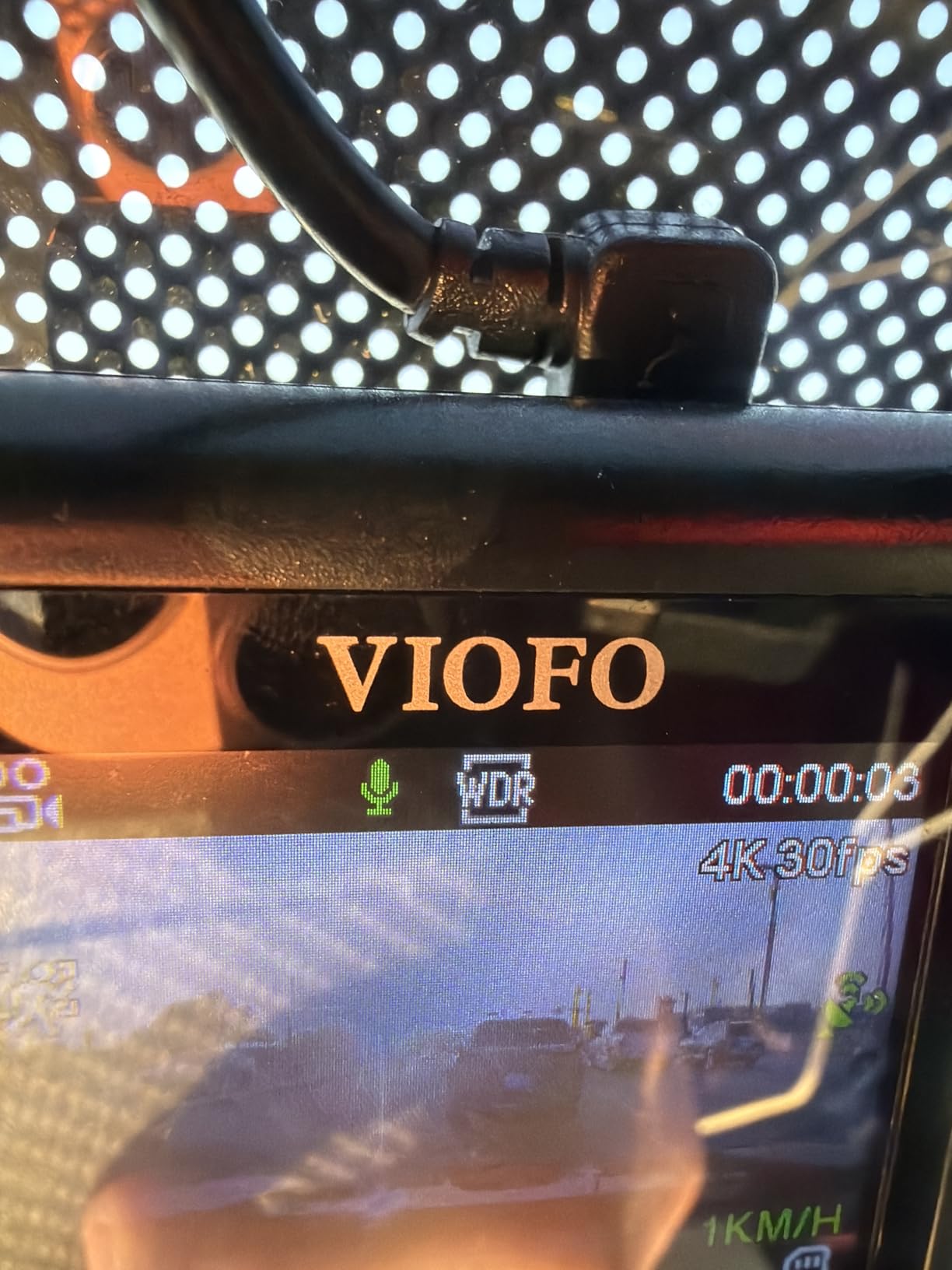
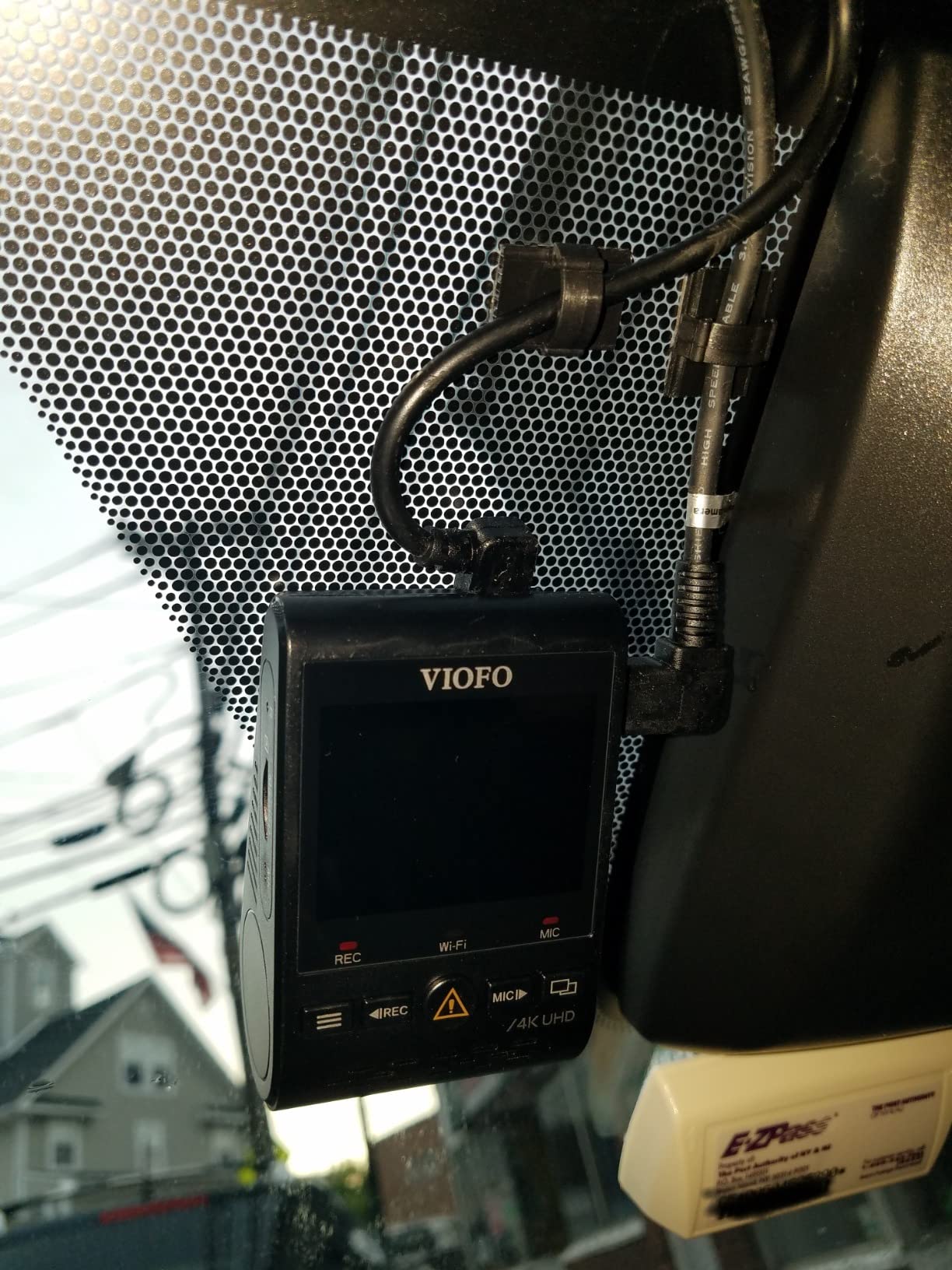
Both cameras mount on adhesive, the front on a portrait bracket that tucks behind the rearview mirror, and the long rear cable is routed along the headliner. There is a 2-inch screen with a screen-saver timeout, plus status LEDs so you can confirm at a glance that the unit is armed after you park.
Its 4K image quality and low-profile mounting earn real loyalty, but reviewers also report a high share of one-star feedback. Wi-Fi units that fail to broadcast at all, firmware and card-format sensitivity that silently stops front or rear recording, and an over-eager G-sensor that fills a card with locked event files are the recurring themes. It also runs hot during extended parking-mode recording, which matters if your car sits in direct summer sun.
Who should choose this over the cheaper VIOFO?
Anyone whose parking situation involves a car being driven away from a collision. The true 4K front channel is the difference between a colour and a legible plate when the vehicle is two cars ahead at night.
Its buffered mode also previews a 4K frame before the impact, so you can see the approach lane rather than just the moment of contact.
Why some owners return it
Reliability reports dominate the negative feedback, particularly Wi-Fi hardware failure and card-format sensitivity. The card and the hardwire kit are both sold separately here, so the working system costs more than the listing suggests.
Oversensitive detection is the other recurring theme. If the trigger threshold is not tightened after install, the loop recorder will overwrite your useful footage with locked, irrelevant events.
6. Navycrest Q7: Best for Basic Parking Coverage on a Budget
Navycrest 4K Dash Cam Front and Rear, Built-in 5G WiFi, Dash Camera for Cars 4K Front and 1080P Rear, Dashcams for Cars Loop Recording, Gravity Sensor, 24-Hours Parking Mode, SD Card NOT Included
- 4K front plus 1080P rear
- SONY IMX sensor, 6-glass lens
- Collision and time-lapse parking mode
Pros
- Entry-level dual channel kit that still claims 4K front resolution
- 155 degree field of view gives broad coverage
- 5G Wi-Fi transfers faster than 2.4GHz units
- Compact body keeps the forward sightline clear
- Included wiring tool makes cable routing easier
Cons
- Memory card is not included so it is not usable straight from the box
- Hardwire kit for parking mode must be bought separately
- 1.5-inch screen is small for working through menus and playback
The Q7 exists for a specific situation: a second vehicle, a beater car, or a car that sleeps on a rough street where the priority is a timestamped record of anything that happens. It still delivers 4K on the front and 1080P on the rear.
Parking is handled through collision detection or time-lapse, both requiring a hardwire kit that is not in the box. A 3-axis gravity sensor locks incident clips so loop recording cannot overwrite them, and the 256GB card ceiling is adequate for a nightly park.
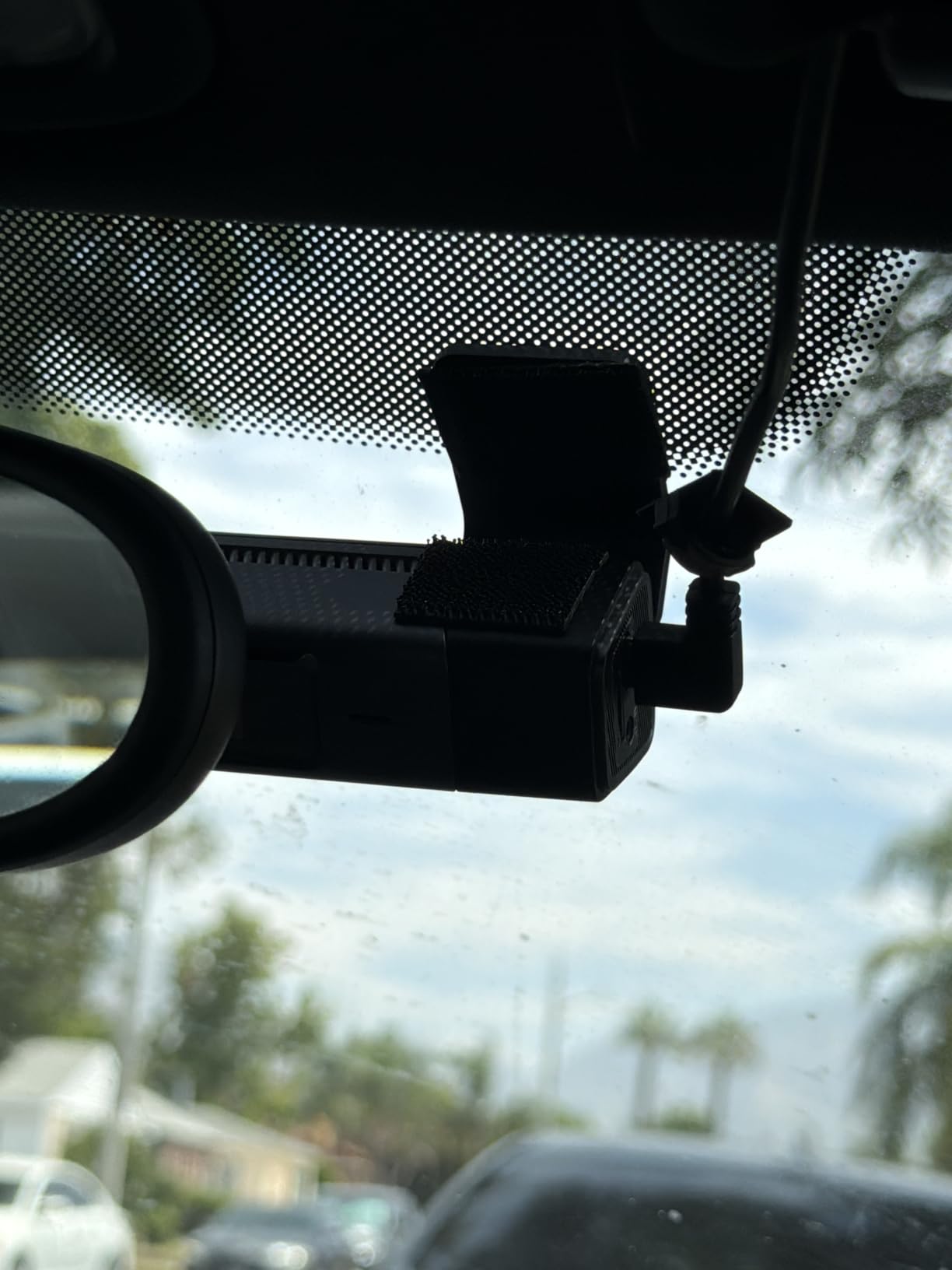
The SONY IMX sensor with a six-glass lens and WDR produces bright, clean low-light frames, and 5G Wi-Fi at up to 8MB/s makes clip retrieval considerably faster than 2.4GHz units. The 155 degree field of view is wide enough to cover a bay and both flanks.
Be clear about what you are giving up. The memory card is not bundled, so the camera cannot record anything until you buy one. The screen is 1.5 inches, which is fine for confirming a red recording light and frustrating for anything else, and the lithium polymer cell inside is a departure from the supercapacitor designs used elsewhere in this list, which matters more if the car lives in a hot climate.
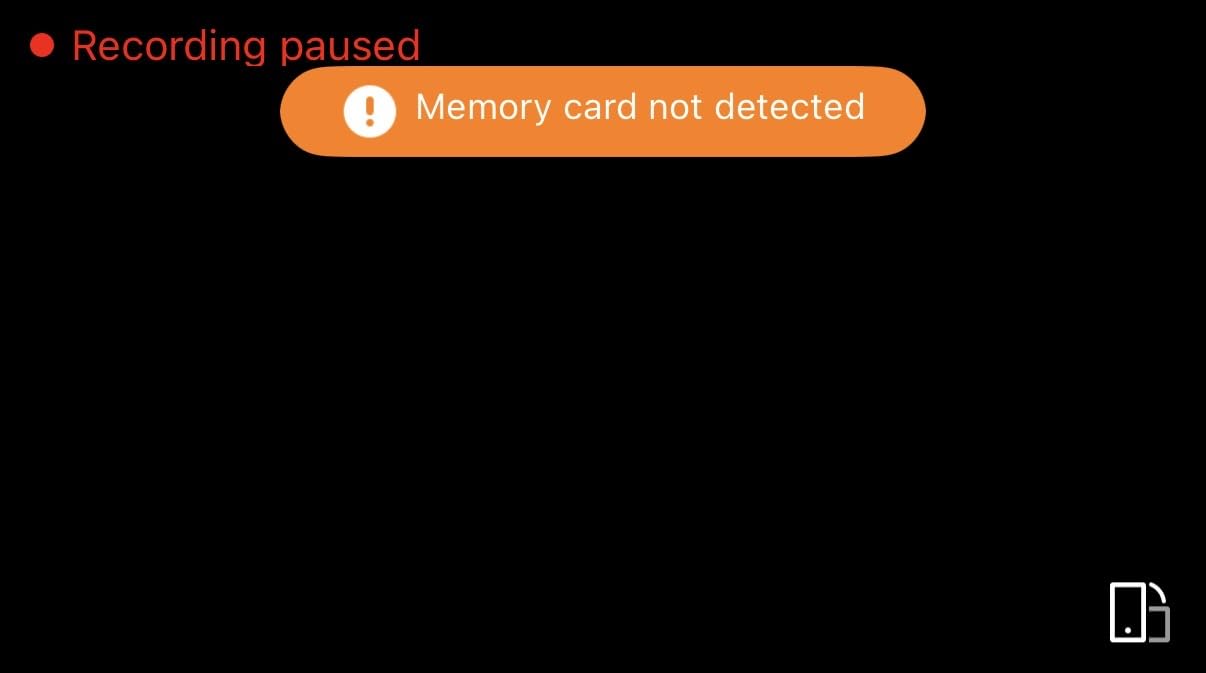
When is this the right camera?
When the car parks outdoors unattended for a full night and you want cheap continuous coverage. Collision detection plus loop recording gives you a protected file any time something strikes the vehicle.
It is also a reasonable second camera for a second vehicle, where duplicating a premium setup makes no financial sense.
Where it will frustrate you
Two mandatory purchases. The memory card and the hardwire kit are both extra, and until you have fitted the kit the parking mode feature is decorative.
The 1.5-inch display and the internal lithium battery are the two hardware compromises. Neither is dangerous, but both are the first things you will notice in daily use.
7. BOTSLAB G300H Plus 4K: Best for Extreme Temperature Parking
BOTSLAB G300H Plus 4K STARVIS 2 Dual Dash Cam Front and Rear[2026 Upgraded]
- 4K front plus 1080P rear
- STARVIS 2 sensor
- Supercapacitor rated to 70C
- Voice control parking mode
Pros
- STARVIS 2 sensor in a dual channel kit at this outlay is unusual value
- 170 degree front and 150 degree rear coverage limits blind spots
- 64GB card included so it records immediately
- Voice control locks clips without touching the unit
- Supercapacitor handles temperature swings better than lithium designs
Cons
- Slim 2-inch screen is small for reviewing footage on the unit
- Hardwire kit needed for parking mode is not included
- Thinner pool of long-term owner feedback than the established models
Temperature is the failure mode that quietly kills parked-car cameras, and the G300H Plus is the one in this list built for it. The supercapacitor is rated from minus 20C to 70C and there is no lithium cell at all, which removes both the swelling risk and the degraded-save behaviour you get from a battery-backed unit sitting in a windscreen for a season.
Imaging is a STARVIS 2 sensor with an f/1.5 aperture on the front and f/2.0 on the rear, feeding 4K front and 1080P rear recording through 170 degree and 150 degree lenses. That rear aperture is worth noting, because a dim f/2.0 rear channel is exactly what ruins night plate capture on cheaper dual kits.
![BOTSLAB G300H Plus 4K STARVIS 2 Dual Dash Cam Front and Rear[2026 Upgraded] customer photo 1](https://www.sparkflyphotography.com/wp-content/uploads/2026/09/B0GSDTJQK8_customer_1.jpg)
For a parked car it offers 24-hour parking mode alongside loop recording and G-sensor protection, with built-in GPS, 5.8GHz Wi-Fi and app control. Voice control lets you capture or save a clip without touching the unit, which is convenient when you are checking a car in a dark car park. A 64GB card, car charger, USB-C cable and manual are all included.
The main caveat is that the hardwire kit needed for parking mode is not included, and the 2-inch screen is small enough that you will review footage on your phone rather than in the car. The thinner review history also means long-term reliability data is less settled than for the established VIOFO and REDTIGER listings.
![BOTSLAB G300H Plus 4K STARVIS 2 Dual Dash Cam Front and Rear[2026 Upgraded] customer photo 2](https://www.sparkflyphotography.com/wp-content/uploads/2026/09/B0GSDTJQK8_customer_2.jpg)
Why the temperature rating decides it
A capacitor-based design survives the parked-summer failure cycle that damages battery-equipped cameras. If your car sits in unshaded parking in a hot climate, this is the hardware choice that keeps recording through August.
The wide 150 degree rear coverage also helps when a car prowler approaches at an angle rather than straight on.
What to plan around
Budget for the hardwire kit, and expect to install it before the camera is useful for its main purpose. The small screen is a design choice for a low-profile mount rather than an oversight.
Long-term owner feedback on this specific model is still building, so treat the community reliability consensus around the brand carefully rather than as established fact for this unit.
8. Affver A4: Best Balanced 4K Front and 2.5K Rear Setup
Affver 4K+2.5K Dash Cam Front and Rear, Built-in 5G WiFi 6 GPS Dual Dashcam
- 4K front and 2.5K rear
- Wi-Fi 6 at 10MB/s
- 3.59-inch IPS screen
- 24-hour parking monitor
Pros
- 4.4 rating with strong recent owner feedback
- 4K front plus 2.5K rear gives unusually balanced dual-channel detail
- Wi-Fi 6 transfers at up to 10MB/s which is faster than most competing apps
- Large 3.59-inch IPS screen is unusually readable for a dash cam
- 64GB card and install tools included
- Car charger includes a spare USB port for charging a phone
Cons
- Parking mode needs a fuse-box hardwire installation which is not included
- Leaving the cigarette-lighter charger connected overnight defeats parking mode
- Newer model with a shorter review history than the established listings
The A4 fixes a compromise most dual kits make. Many pair a 4K front with a 1080P rear, which means the channel covering the side of your car is the one you can barely read. This one pairs 4K UHD at 30fps on the front with 2.5K at 25fps on the rear, so both channels hold plate detail.
Field of view is 160 degrees on the front and 155 on the rear, and the f/1.5 aperture with a six-layer lens and WDR handles night scenes better than the price suggests. The 3.59-inch IPS panel is the largest specified anywhere in this group, and the low-profile body still sits low enough not to obstruct the view through the windscreen.
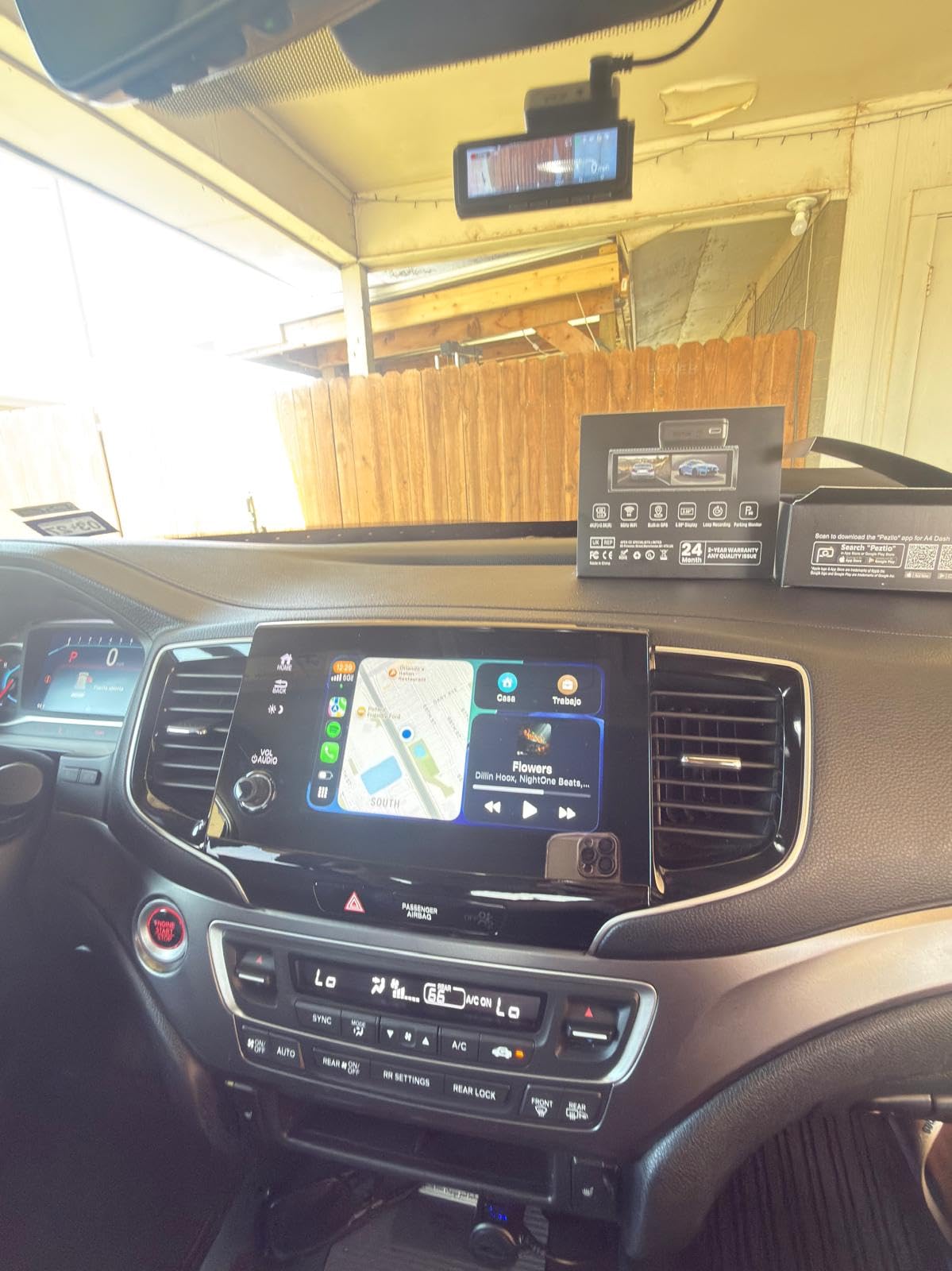
Connectivity is a real strength. Wi-Fi 6 on 5GHz moves clips at up to 10MB/s, and the built-in GPS logs speed, route and coordinates for playback in a desktop player. Loop recording with a 3-axis gravity sensor auto-locks incidents, and 24-hour parking monitor support is present, though it needs a fuse-box hardwire install that is not included.
Two things to know. This listing was upgraded with the Wi-Fi 6 module and revised transfer speed, so earlier production units behave differently, and it is a newer listing with a shorter owner history than the established names in the group. Leaving the cigarette-lighter charger plugged in overnight, which is what most people try first, does not arm parking mode and will run down the car battery.
Why dual-channel balance matters for parking
When someone rear-ends a parked car, the evidence is on the back camera, and on most kits the back camera is the one you can barely read. A 2.5K rear channel makes the difference between identifying a car and describing one.
The large screen also lets you confirm the rear channel is recording properly at installation, which is the step people skip and regret.
What could go wrong
Nothing runs in parking mode without a hardwire to the fuse box, and that install is more involved than a cigarette-lighter plug on any vehicle. Set the low-voltage cut-off during that install rather than afterwards.
With a shorter review history, the long-term reliability picture is less settled than for the VIOFO and REDTIGER platforms, so keep an eye on card compatibility early on.
9. VIOFO A229 Pro: Best for Buffered Parking Mode
VIOFO A229 Pro 4K HDR Dash Cam Front and Rear, Dual STARVIS 2 Sensors
- 4K front plus 2K rear
- Dual STARVIS 2 sensors
- Buffered parking 15s pre-event
- CPL filter included
Pros
- 2K rear channel paired with 4K front for readable plates behind the car
- Bundled CPL filter cuts windshield and hood glare
- Quad-mode GPS improves route and speed accuracy
- Twelve voice commands cover clips WiFi and channel switching
- Supercapacitor and no internal battery for better heat tolerance
Cons
- No microSD card included so a high-endurance card must be bought
- HK4 hardwire kit is not included for parking mode
- 2.4-inch screen is small next to some rivals
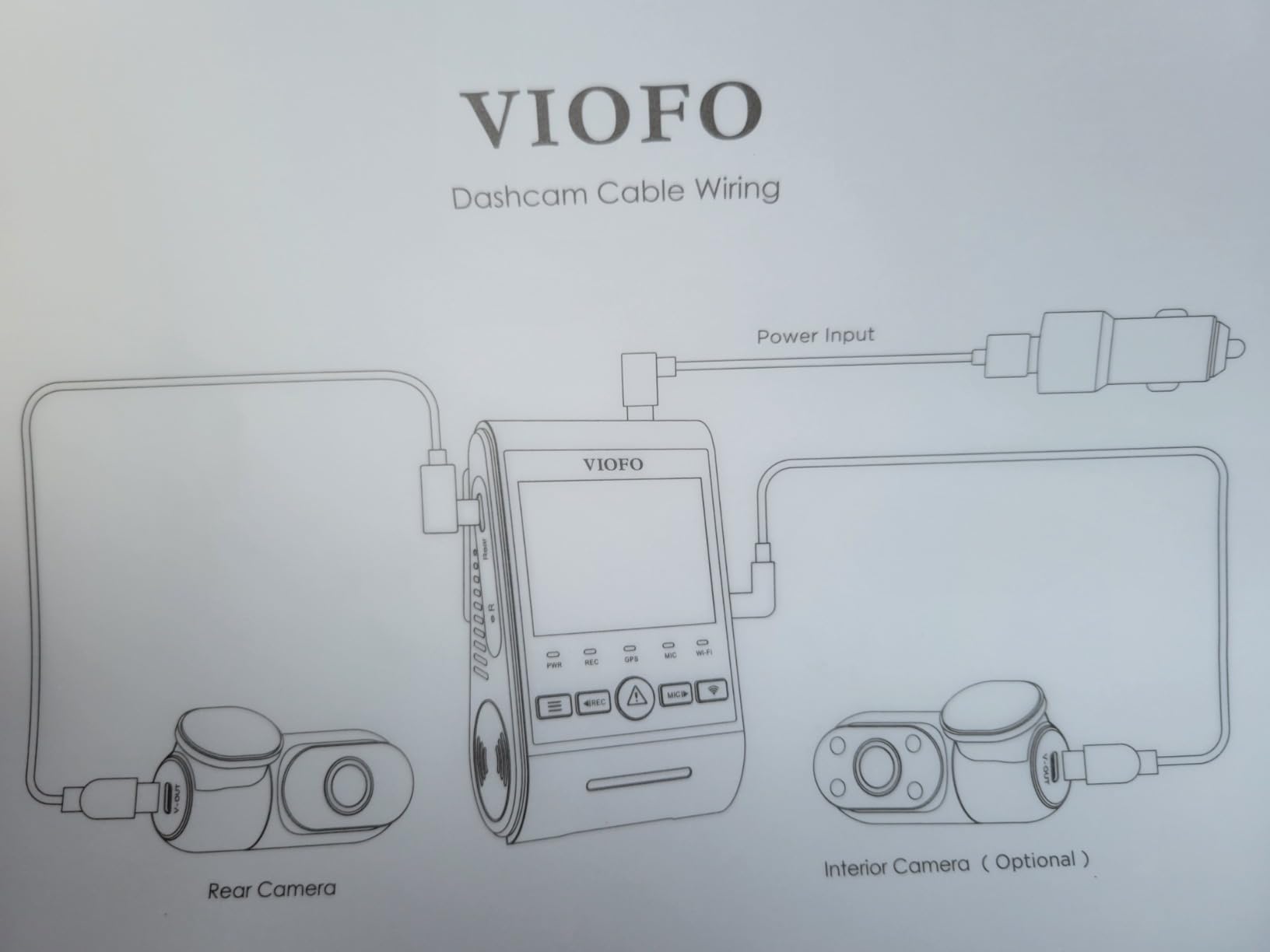
The A229 Pro is among the most completely specified dual kits here, and for parking surveillance the buffered mode is the headline. It stores 15 seconds before and 30 seconds after a triggered event, so the clip that saves the argument starts while the other vehicle is still approaching rather than at the moment of contact.
Three parking modes are offered: auto event detection, low bitrate, and time-lapse. Two STARVIS 2 sensors, an IMX678 on the front and an IMX675 on the rear, feed 4K 2160P and 2K 1440P simultaneous recording, and HDR Night Vision 2.0 is tuned specifically for plate recognition rather than general brightness.
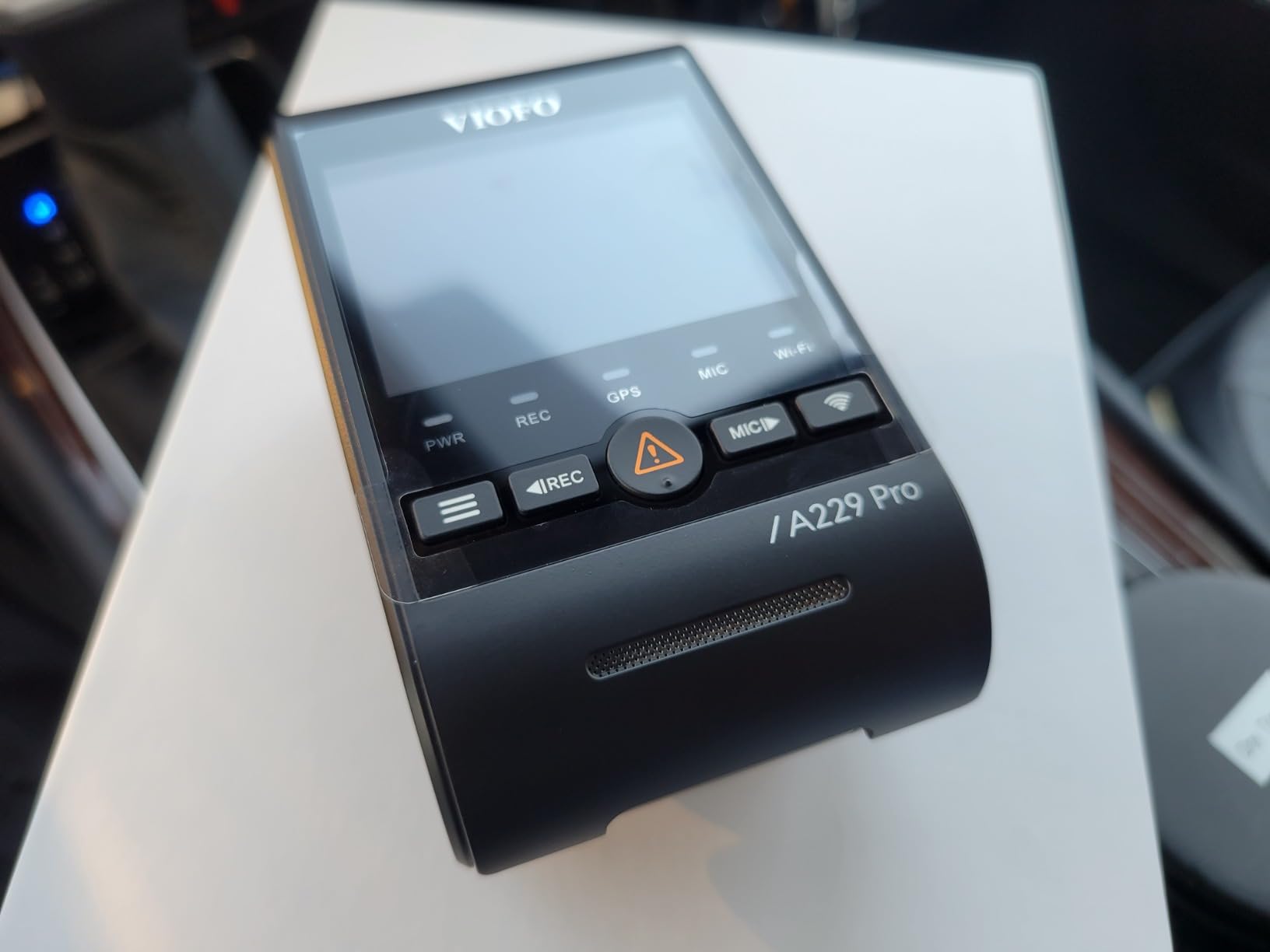
Several details here are genuinely thoughtful for a car that lives outside. An anti-glare CPL filter is included and pre-fitted, which removes the hood reflection that ruins night footage shot through a windscreen. The supercapacitor is rated from 5F to 149F with no battery fitted at all, and a 6-metre rear cable reaches the back of an SUV without an extension. Quad-mode GPS covers GPS, BEIDOU, GALILEO and GLONASS, so location stamping stays accurate in more places.
Its second channel records at 2K rather than the 1080P used by most dual kits at this level, so the car behind you is as readable as the one in front.
Why buffered beats simple mode for an unattended car
Simple parking mode starts recording after the sensor reacts, which is often several seconds too late. Buffered mode keeps a rolling cache, so the saved file contains the approach as well as the impact, and that is usually the only part that identifies a vehicle.
The included CPL filter makes the difference more visible at night, where windscreen reflections otherwise wash out the rear of the car in front of yours.
What it costs you in practice
Neither the memory card nor the HK4 hardwire kit is bundled, so a fully working parking setup means two extra purchases before it functions, and the 2.4-inch screen is modest beside larger panels available elsewhere. It is worth it only if you genuinely need the 2K rear channel and the pre-event buffer, and most street parkers can live without both.
10. Vantrue S1 Pro: Best for Long-Term Parking on Large Cards
Vantrue S1 Pro 60fps Dash Cam Front and Rear, STARVIS 2 AI Dual Dash Cam
- 1440P 60fps front
- STARVIS 2 with PlatePix
- Four parking modes with 15s pre-record
- Supercapacitor
Pros
- Sharp 1440P at 60fps through a 160 degree lens for plate capture
- STARVIS 2 plus PlatePix delivers strong low-light clarity
- Fast 5GHz Wi-Fi app with live preview and OTA updates
- Built-in GPS records route location and speed
- Compact hidden design behind the rearview mirror with easy 3M transfer
Cons
- Parking mode requires an additional hardwire kit sold separately
- microSD card is not included
- Voice control supports only English Japanese Russian and Chinese
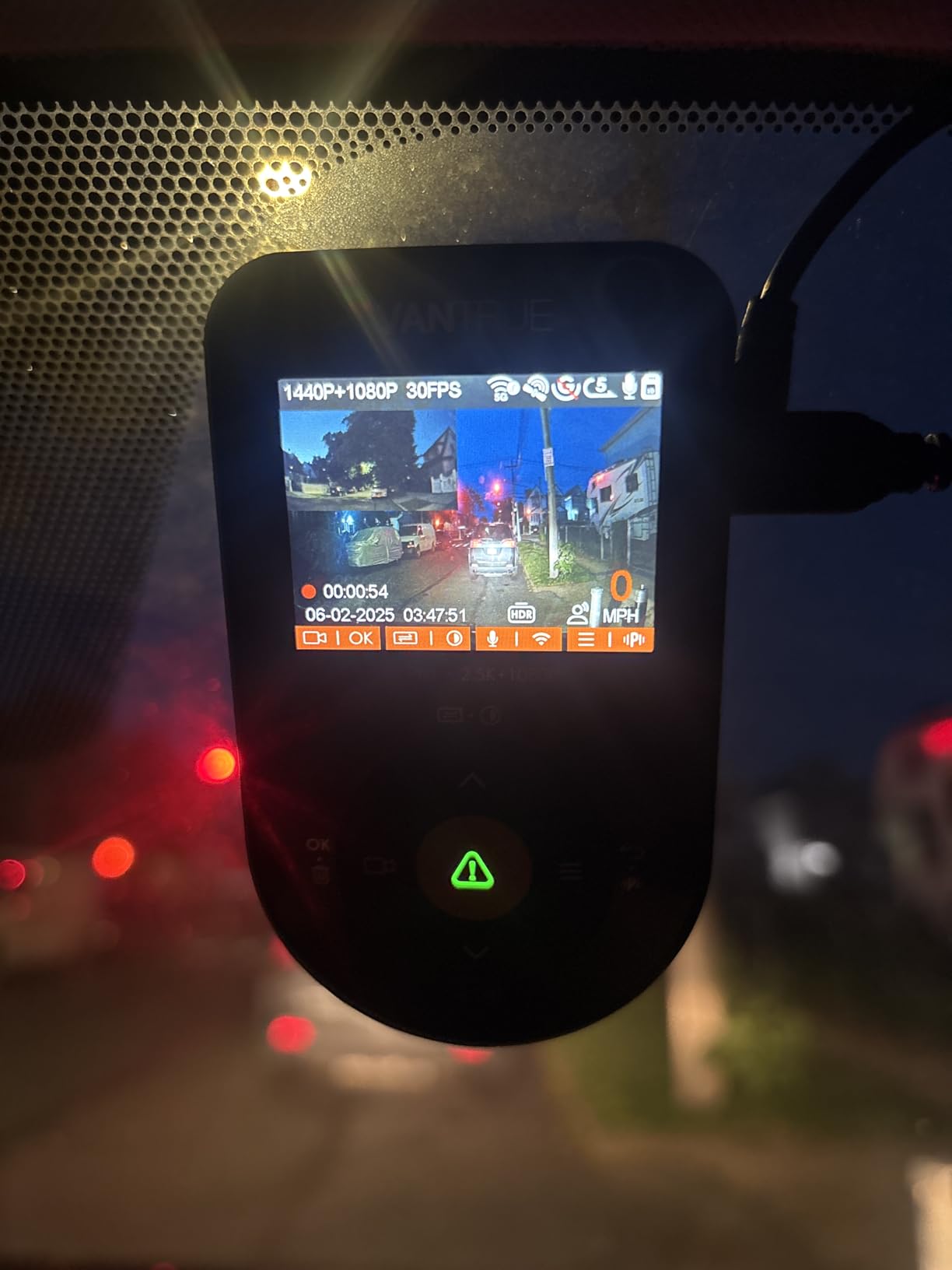
The S1 Pro is the pick when a card capacity ceiling is your binding constraint. It accepts microSD cards up to 1TB, and paired with its 24-hour parking mode that changes the maths on a long park: instead of writing through a smaller card several times a night, you can leave a long buffer in place before the oldest footage is overwritten.
It records 1440P at 60fps on the front, or 1944P plus 1080P at 30fps in dual-lens mode, through a 160 degree lens with a STARVIS 2 sensor and f/1.8 aperture. PlatePix night vision and dual HDR on both channels are aimed squarely at reading plates after dark, which is the hardest thing a parked camera has to do.
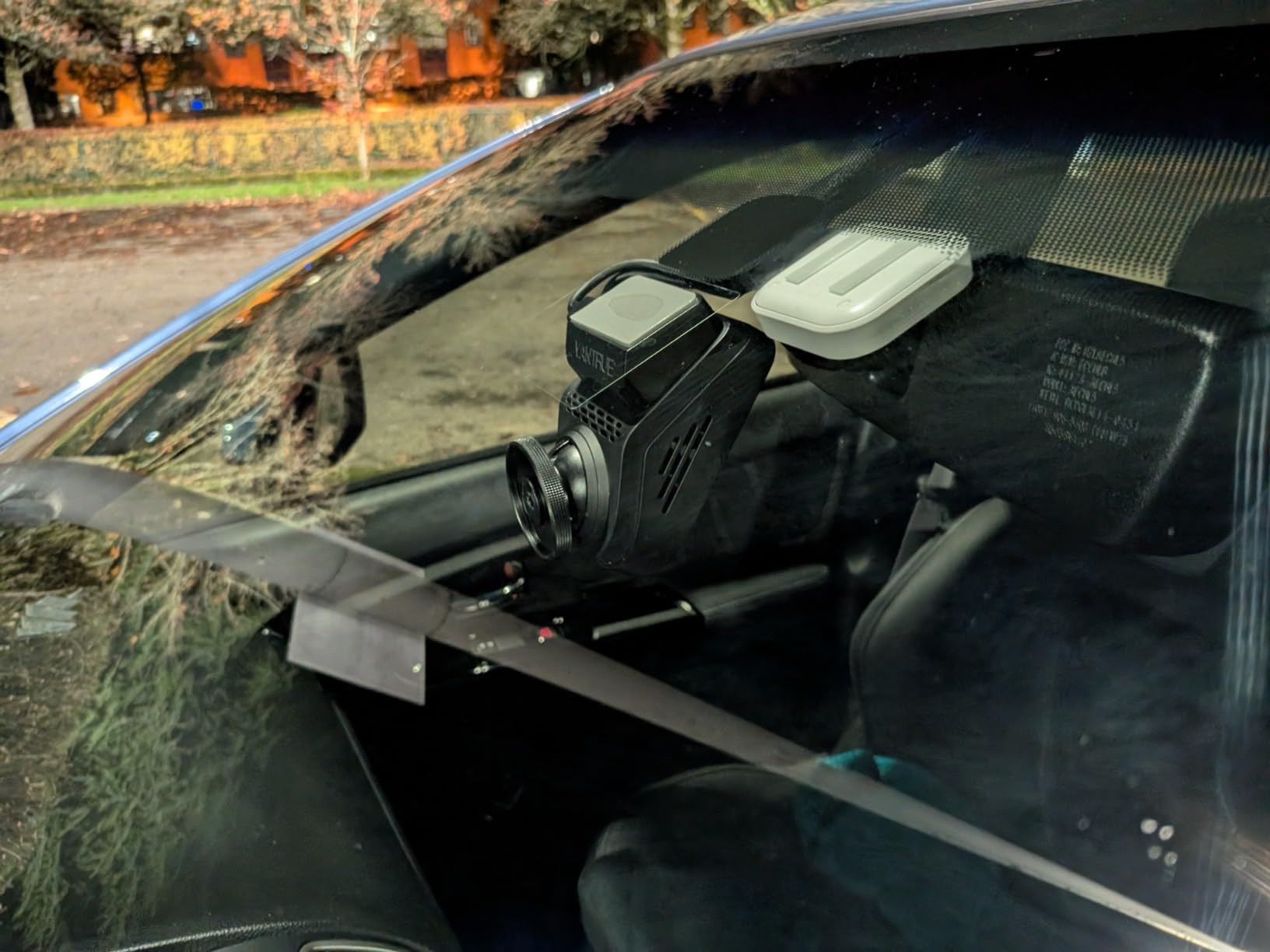
Four parking modes are offered with 15 seconds of pre-record on motion detection, alongside G-sensor emergency lock, loop recording and time-lapse. A built-in supercapacitor is rated from 14F to 158F, covering both a cold-climate winter and a hot parked car. The body mounts behind the rearview mirror with electrostatic stickers, so it can be moved between vehicles without leaving adhesive behind.
Neither the hardwire kit nor the memory card is included, and voice control supports only four languages, which matters if you are outside them. Otherwise the software story is clean: a 5GHz app with live preview and over-the-air firmware updates, and no subscription requirement for the basic functions.
Why a 1TB ceiling changes the parking maths
Card capacity determines how long a pre-event buffer stays intact. With a small card and an active trigger, the loop recorder can overwrite the very clip you needed before you get to it.
Supporting a large high-endurance card means the buffer survives a long unattended park, which is the situation dual-channel parking cameras exist for.
What you give up
Two accessories are missing from the box, and the hardwire kit is not optional for parked-car use. Budget for a card and a kit before you count on parking mode.
Voice control is limited to English, Japanese, Russian and Chinese, and PD fast charging is not supported, so you must use the supplied car charger.
11. Thinkware U3000: Best for Radar Parking Mode
THINKWARE U3000 4K Dash Cam Front and Rear 2CH STARVIS 2 Sensor Super Night Vision Dashcam for Car Camera 5GHZ WiFi GPS Radar Buffered Parking Mode CPL Filter Red Light Speed Camera Alerts OBD Cable
- 4K front plus 2K rear
- Built-in radar parking mode
- 20-second buffered clips
- OBD-II cable included
Pros
- Genuinely sharp 4K front with plates readable two cars ahead
- Rear 2K camera gives solid secondary coverage
- Super Night Vision 4.0 performs close to daytime on lit streets
- Radar parking mode buffers before and after impact without draining the battery
- Bundled 64GB card OBD-II cable hardwire kit and CPL filter
- Low-profile screenless design blends behind the rearview mirror
Cons
- Two separate apps and a clunky playback interface
- Wi-Fi reconnection is needed for every download so a card reader is faster
- Some users report the rear radar parking mode is non-functional
- Setup and registration are not intuitive with no printed manual
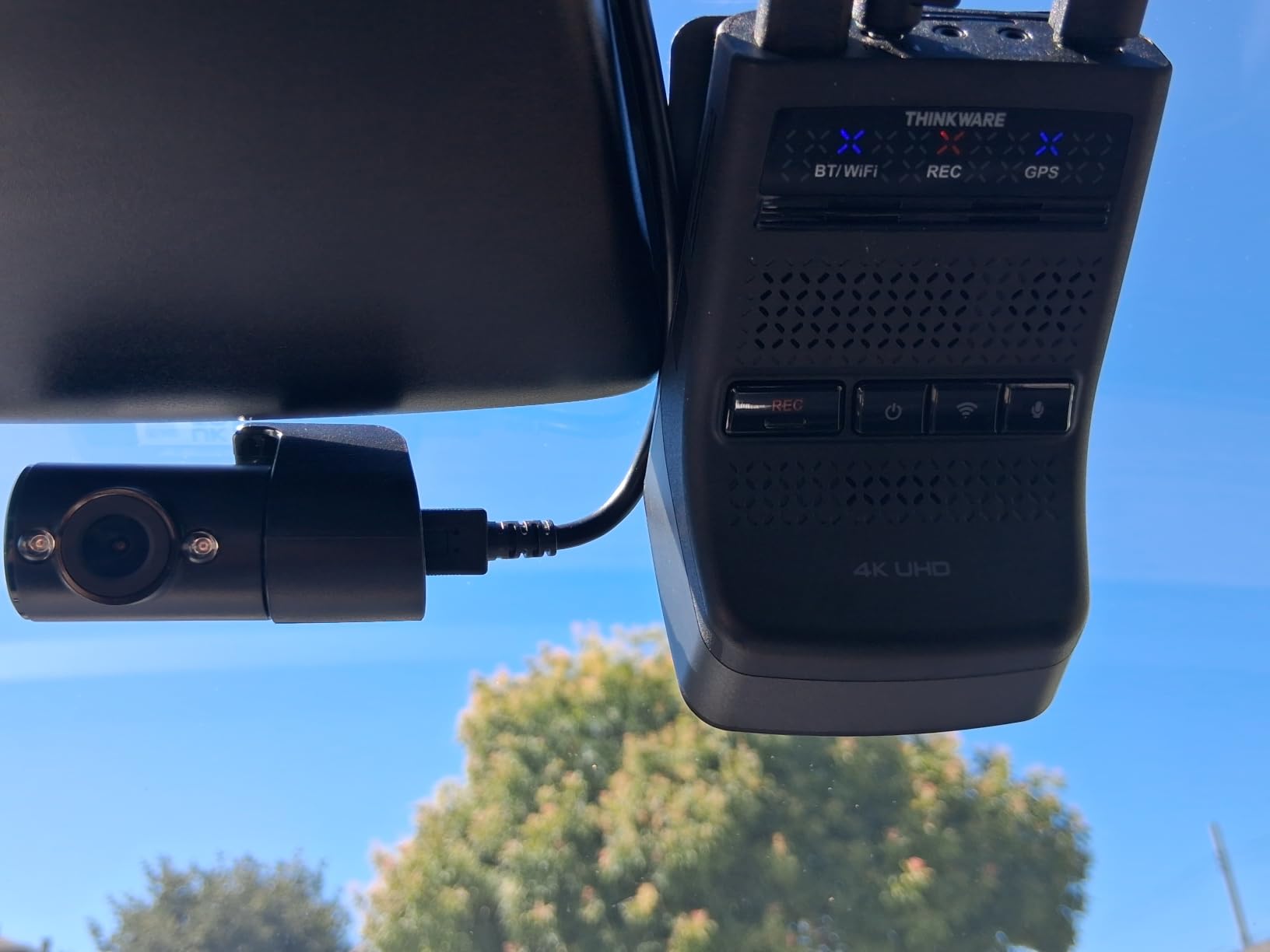
The U3000 is the only camera in this guide that can watch a parked car for weeks rather than days, and radar is why. A built-in radar module wakes the cameras when something approaches, so nothing is written while the street is empty and the draw on the 12V battery drops to a trickle. Every other unit here records continuously in time-lapse or sits idle waiting for a motion sensor to react.
When it does trigger, the clips are buffered 10 seconds before and 10 seconds after the event, so you get the approach and the departure rather than a two-second fragment. A 4K front with a Sony STARVIS 2 sensor and Super Night Vision 4.0 is paired with a 2K rear, and an Ambarella processor with adjustable bitrate lets you raise quality when the card allows.
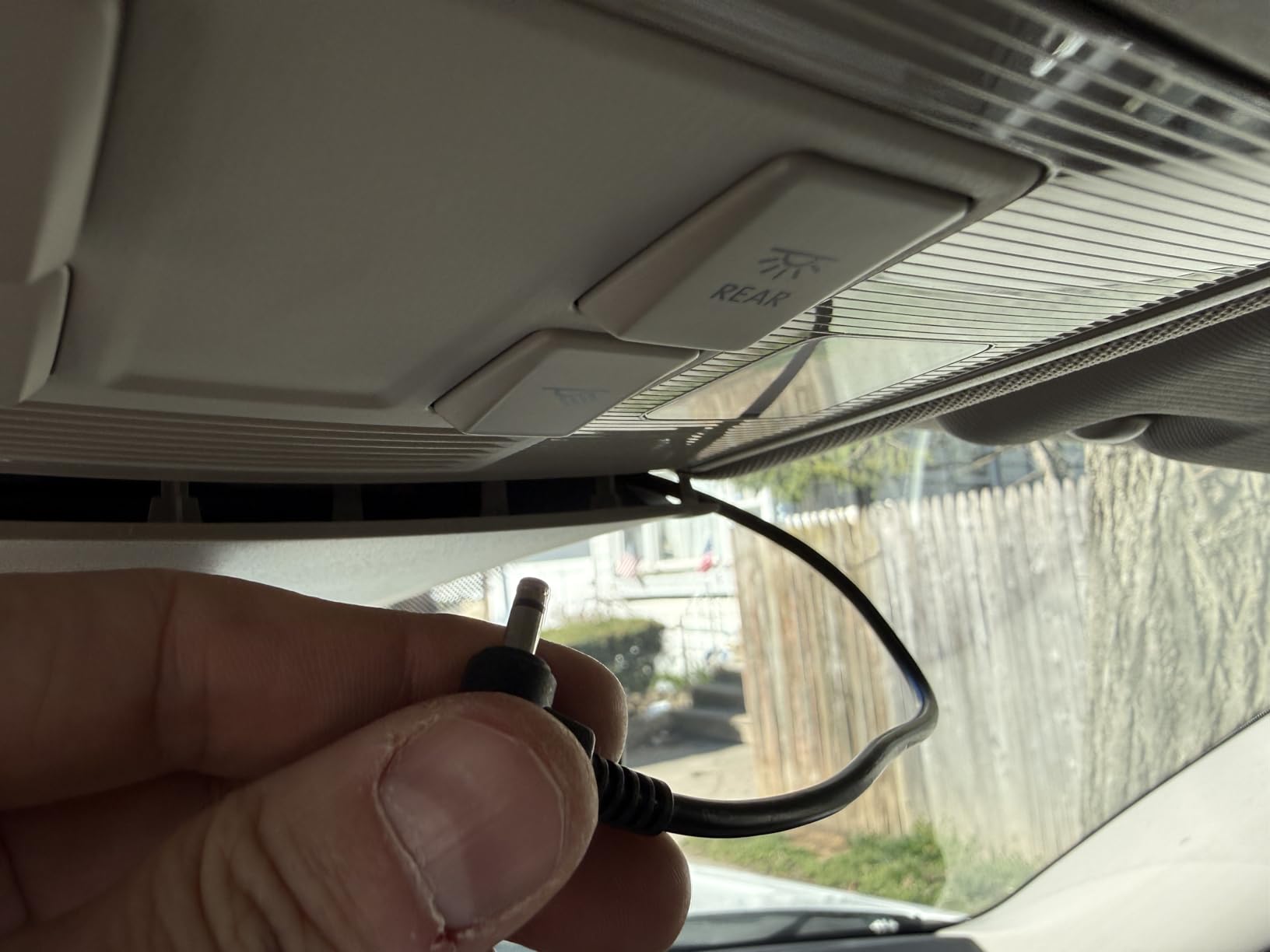
The box is unusually complete for a surveillance install: a 64GB card, an OBD-II power cable, a hardwire kit, a CPL filter and a heat shield. Most rivals sell you the first two separately, and owners on enthusiast forums consistently rate the inclusion of the OBD-II cable as a genuine convenience, because it removes the need to identify a switched circuit in the fuse box.
The software is the weak point. Two separate apps handle configuration and viewing, playback and scrubbing are awkward, and Wi-Fi reconnection is needed for every download, which owners say makes a card reader faster in practice. Some users also report the rear radar module not working at all, so confirm both radar channels after installation.
Why radar changes the duration maths
Recording only on approach means the camera consumes a fraction of the power of a continuous time-lapse setup. That is what allows genuine multi-week parking rather than a weekend.
The buffered window on either side of the trigger means the saved clip includes the vehicle approaching, which is the part that identifies it.
What to check on day one
Verify that radar triggers in both the front and rear channels, and test the buffered save before you rely on it. Registration and setup steps are reported as unintuitive, with no printed manual in the box.
Software friction is the main cost of this camera. If you review footage often, the card reader workflow will likely be faster for you than the apps.
12. IIWEY Q5: Best for a True 4K Rear Channel
IIWEY 4K+4K Dash Cam Front and Rear, 5G Wi-Fi 64GB SD Card Included, STARVIS Dash Camera for Cars, 3 Inch IPS Screen, Dual Channel HDR Night Vision, 24H Parking Mode, 170° Widude Angle, G-Sensor
- True 4K front and 4K rear
- STARVIS f/1.6 aperture
- Dual-channel HDR
- 24-hour parking monitor
Pros
- True 4K plus 4K dual-channel recording at the entry end of this list
- STARVIS sensors with f/1.6 apertures give bright low-noise night footage
- 5.8GHz Wi-Fi makes clip downloads much faster than 2.4GHz models
- 64GB microSD card included in the box
- 3 inch IPS screen for on-device checking
- G-sensor auto-locks incident footage
Cons
- 24-hour parking mode requires a separately sold hardwire kit
- Suction mount is less secure than adhesive windshield mounts
- Rear camera cable may be tight in larger vehicles
Most dual kits pair a 4K front with a 1080P or 2.5K rear, which means the camera watching the side of your car is often the one you cannot read a plate from. This one records 4K on both channels with 170 degree lenses at each end.
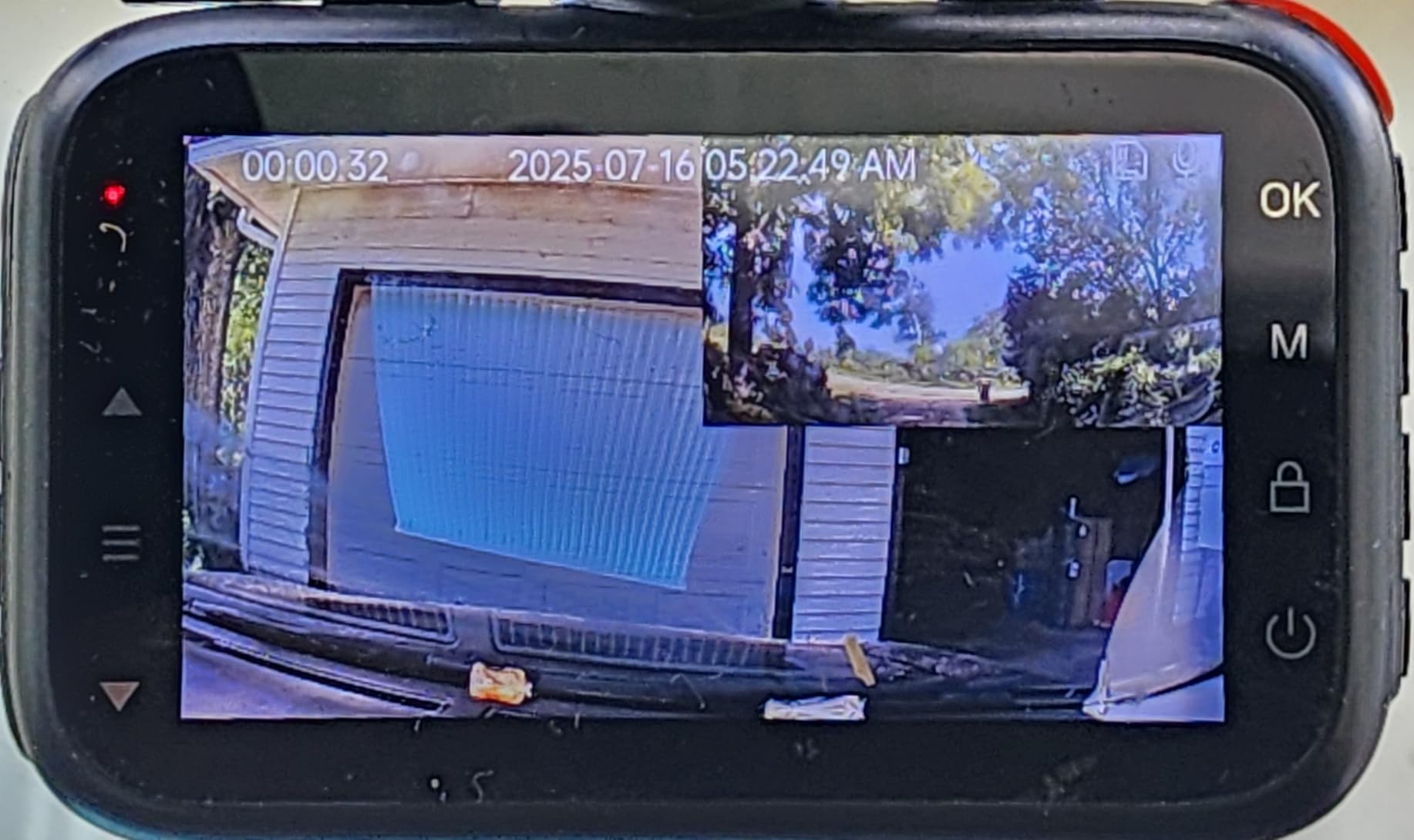
Sensors are STARVIS with f/1.6 apertures and dual-channel HDR night vision, which gives bright, low-noise footage at night. Transfers run at about 10MB/s over 5.8GHz Wi-Fi in the IIWEY app, and a 3-inch IPS screen lets you confirm both channels are live at installation.
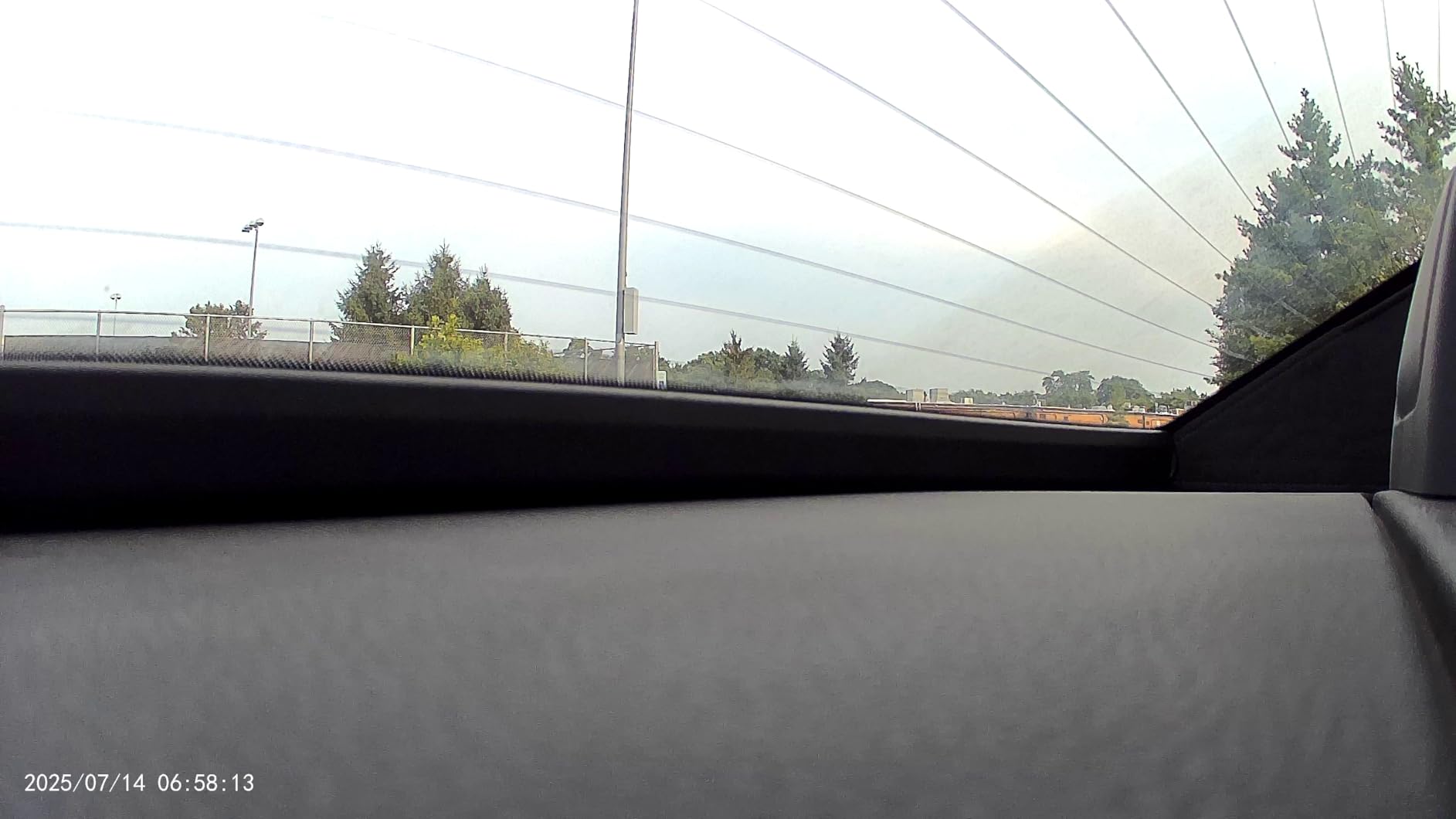
Parking is handled by a 24-hour monitor with impact-triggered or time-lapse modes and a battery guard, with the G-sensor auto-locking incident clips so the loop recorder cannot overwrite them. The 64GB card is included, along with a rear camera cable, a car charger and an installation tool, so the only extra purchase is the hardwire kit.
Two cautions. The suction mount is less secure than an adhesive windshield mount over long periods, which matters more for a parked car than a driving one because vibration and heat work at the joint. The 5.5 metre rear cable can be tight in larger vehicles, so measure before you commit. The review base here is also the thinnest in the group, so long-term reliability data is limited.
Why a 4K rear channel is worth the trade-offs
The rear camera is the one that catches the reversing car, and on most kits it is the weakest sensor in the housing. A genuine 4K rear channel means the evidence behind your car is as readable as the evidence in front of it.
Bright f/1.6 apertures also help in unlit car parks, where the rear channel usually gives up first.
What to watch out for
The hardwire kit is not included, and without it the 24-hour monitor never activates. A suction mount over a long park is the other weak point, particularly in summer heat.
Measure the rear cable route in your largest vehicle before ordering, and note that the long-term owner record for this specific model is still short.
How to Power a Dual Dash Cam Without Killing Your Battery
Almost nothing on this list works as a parking camera out of the box. A dual setup needs a permanent power feed, a cut-off voltage, and a card rated for continuous writing. Get these three right and the rest of the install takes about an hour for most vehicles.
Choose a power method
A hardwire kit taps the fuse box and runs a cable to a discreet position under the headliner. It is the only method that gives you true 24-hour coverage, and every parking-capable camera here needs one. An OBD-II cable, included with the Thinkware U3000, is a faster alternative because it plugs into a diagnostic port rather than requiring you to find a suitable fuse.
Set the low-voltage cut-off
The cut-off threshold is the single setting owners ask about most. It tells the camera when to stop drawing from the car battery, and it is the difference between a camera that protects your car and a car that will not start in the morning. A higher threshold is safer in cold weather, where lead-acid capacity drops and cranking needs more power. Owners in cold climates report being more conservative for exactly this reason.
Whichever value you choose, set it during installation and confirm the setting afterwards. A camera left on a factory default in a car parked outdoors through winter is the classic failure in enthusiast threads.
Use an external battery pack
If your car sits for more than a couple of days, add a dedicated battery pack. The camera draws from the pack first and tops the car battery only when mains power returns, which removes the drain question entirely. It is also the only realistic answer for airport parking or a garage where the vehicle is not started regularly.
Format a high-endurance card
Use a card rated for continuous write and format it in the camera rather than on a computer. Multi-channel cameras write constantly while parked, and a card that is not rated for it will corrupt files silently. Owners on enthusiast forums repeatedly name card compatibility as the leading cause of a camera that stops recording.
Verify the install before you walk away
Confirm three things with the car parked: that both front and rear channels record, that an impact test produces a locked buffered file rather than a fragment, and that the cut-off voltage is set to the value you intended. This takes two minutes and it is the difference between a working system and a false sense of security.
Frequently Asked Questions
Which dash cam is best for parking surveillance?
For most drivers, the REDTIGER F7NP 4K dual is the best balance of parked-car capability and ownership simplicity, because it ships with a 128GB card and a supercapacitor that tolerates parked-summer heat. If you are parking for weeks rather than nights, the Thinkware U3000 is the better answer, since its built-in radar module records only when something approaches and drains far less power.
What is the best 2-channel dash cam with parking mode?
The VIOFO A229 Pro is the strongest 2-channel option for parking because it records 4K on the front and 2K on the rear and saves 15 seconds before and 30 seconds after a triggered event, so the clip includes the approach. The ROVE R2-4K offers three parking trigger styles and larger card support for a lower outlay, and includes a card in the box.
How long can a dashcam typically stay in parking mode?
It depends entirely on the trigger. A radar-based camera such as the Thinkware U3000 can watch a car for weeks because it records only when something approaches. A dual camera running continuous time-lapse typically manages a handful of days on the car battery, which is why an external battery pack is the usual answer for longer parking.
Will dashcam parking mode drain my battery?
Yes, if it is left unconfigured. Every camera here needs a hardwire kit and a low-voltage cut-off setting, and without a cut-off the camera will keep drawing until your battery will not turn the engine over. Set the cut-off during installation, and add an external battery pack if the car sits for more than a couple of days.
How do I know if parking mode is working?
Park the car, switch off, then check three things: both front and rear channels recorded, an impact or motion test produced a locked buffered clip rather than a short fragment, and the cut-off voltage is set to the value you intended. Reviewers also recommend testing before you need the footage, not after an incident.
Should I turn on parking mode on my dash cam?
Turn it on if your car is ever left unattended where someone could reach it, especially on a street, in a shared lot or in a garage. It is worth less if you always park inside a locked garage or on a private drive, where the main risk is a key fob relay attack rather than a prowler.
Which Dual Dash Cam Should You Buy?
The best dual dash cams for parking surveillance are the ones that stay armed without draining your battery and capture the seconds before an impact, not just the impact itself. Start with the REDTIGER F7NP if you want the shortest path to a working install, the ROVE R2-4K if you want the strongest rating and the most trigger options, and the Thinkware U3000 if your car sits for weeks at a time and only radar-triggered recording will get you there.
Whatever you pick, the camera is the smallest part of a parking setup. Budget for a hardwire kit, a high-endurance card, and a proper low-voltage cut-off, then test both channels and a buffered save before you walk away from the car. Updated for 2026.