
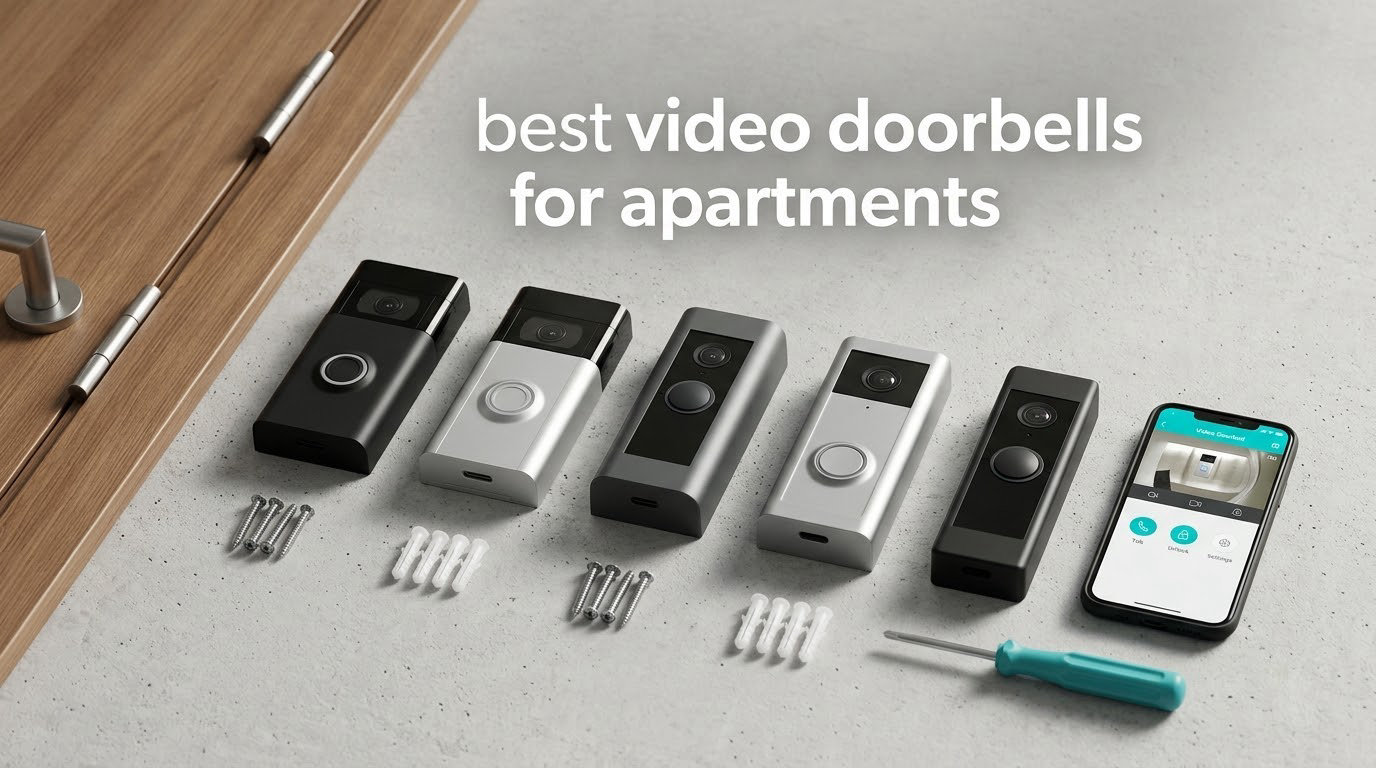
The best video doorbells for apartments are the Ring Battery Doorbell, the Tapo D210 and the aosu 2K Wireless Doorbell Camera, because all three run on a rechargeable battery, mount without drilling, and give you a real answer about where the footage goes afterwards.
Apartment doors are awkward. There is often no transformer behind the panel, no chime, and a landlord who would rather you did not put holes in the door. That rules out most of the doorbells sold for houses before you even start reading feature lists. What is left is a small group of battery units with adhesive or screw-free mounts, and the job becomes sorting out which of those actually keeps working in a shared corridor.
Our team compared ten battery-powered video doorbells over several weeks, mounting each one on a rented-style door with no wiring available, then watching what happened in a high-traffic hallway. We scored them on install method, how they behave when hallway foot traffic sets off the motion sensor, whether clip history needs a monthly plan, and what you have to undo when you move out. The answer to the last question is why several familiar names lost ground here even though their hardware is good.
Throughout this guide you will also find the two questions renters ask us most: whether the landlord can say no, and how to point a camera at your own door without filming the neighbour’s window. Both have answers, and both change which model you should buy.
Table of Contents
- Top 3 Best Video Doorbells for Apartments in 2026
- All 10 Best Video Doorbells for Apartments (October 2026)
- How We Picked for Apartment Doors
- 1. Ring Battery Doorbell – Best Overall for Apartments
- 2. Tapo D210 2K Video Doorbell – Best Value with No Subscription
- 3. aosu 2K Wireless Doorbell Camera – Best for Long Hallways
- 4. Google Nest Doorbell (Battery) – Best for Google Home
- 5. Blink Video Doorbell – Best Budget Pick
- 6. BOIFUN Video Doorbell Camera – Best with a Tamper Alarm
- 7. ieGeek Doorbell Camera – Best Free Cloud Backup
- 8. XTU 2K Wireless Doorbell Camera – Best for Angled Doors
- 9. Wyze Battery Video Doorbell – Best Full-Height View
- 10. Arlo Video Doorbell 2K – Best for Apple Home
- Renter Installation: Mounting Without Drilling
- Landlord Permission and Neighbor Privacy
- Buying Guide: What Actually Matters in an Apartment
- Frequently Asked Questions
- Conclusion
Top 3 Best Video Doorbells for Apartments in 2026

Ring Battery Doorbell
- Head-to-toe video with 66% more vertical coverage
- Built-in rechargeable battery with USB-C charging
- Live View and Two-Way Talk with motion alerts

Tapo D210 2K Doorbell
- 2K video with 160-degree head-to-toe view
- Local microSD storage up to 512GB
- Colour night vision spotlight and bundled chime

aosu 2K Doorbell Camera
- 2K capture at 166 degrees
- 5200mAh battery with indoor base chime
- Signal-boosted base for distant routers
As an Amazon Associate we earn from qualifying purchases. CERTAIN CONTENT THAT APPEARS ON THIS SITE COMES FROM AMAZON. THIS CONTENT IS PROVIDED 'AS IS' AND IS SUBJECT TO CHANGE OR REMOVAL AT ANY TIME.
The Ring leads on how many people have actually lived with it, the Tapo leads on what you get per dollar of hardware, and the aosu leads when your door sits far from the router and you want an indoor chime in the box.
All 10 Best Video Doorbells for Apartments (October 2026)
Every doorbell below is battery-powered. The last column is the detail that decides the purchase for most apartment dwellers: whether clip history costs extra after the first few weeks.
| Product | Specifications | Action |
|---|---|---|
|
Ring Battery Doorbell
|
|
Check Latest Price |
|
Tapo D210 2K Video Doorbell
|
|
Check Latest Price |
|
aosu 2K Wireless Doorbell Camera
|
|
Check Latest Price |
 Google Nest Doorbell Battery
|
|
Check Latest Price |
 Blink Video Doorbell
|
|
Check Latest Price |
 BOIFUN Video Doorbell Camera
|
|
Check Latest Price |
 ieGeek Doorbell Camera
|
|
Check Latest Price |
 XTU 2K Wireless Doorbell
|
|
Check Latest Price |
 Wyze Battery Video Doorbell
|
|
Check Latest Price |
 Arlo Video Doorbell 2K
|
|
Check Latest Price |
We earn from qualifying purchases. CERTAIN CONTENT THAT APPEARS ON THIS SITE COMES FROM AMAZON. THIS CONTENT IS PROVIDED 'AS IS' AND IS SUBJECT TO CHANGE OR REMOVAL AT ANY TIME.
How We Picked for Apartment Doors
We narrowed a long list down to units that survive an apartment door untouched. Anything that needs an existing transformer, a mains adapter behind the panel, or a hole through a fire-rated door came out immediately.
From there we tested five things. Install method: adhesive pad, screw, or door-edge clamp, and whether the unit can be moved later. Power: real battery intervals in a corridor rather than lab figures. Video: 2K clarity, night behaviour and how much of the doorstep the lens actually frames. Alerts: how many false notifications a busy hallway generates and how quickly you can tune the zones. Storage: whether clip history survives without a monthly plan.
We also weighed the unglamorous parts. A bundled indoor chime matters more in a flat than a house. Anti-theft hardware matters more on a door that opens onto a corridor. And a removable battery that charges over USB inside your kitchen beats a sealed cell you have to unscrew the whole unit to reach.
One note on the figures below. Battery intervals quoted by manufacturers are measured in controlled conditions with a fixed number of daily triggers. In a corridor with passing traffic, the real number is often a fraction of that, and owners on every one of these units report it. We use the reported figures rather than the marketing ones.
1. Ring Battery Doorbell – Best Overall for Apartments
Ring Battery Doorbell, Home or business security with Head-to-Toe video, Live View with Two-Way Talk, and Motion Detection & Alerts, Satin Nickel
- Head-to-toe video with 66% more vertical coverage
- Built-in rechargeable battery with USB-C charging
- Live View and Two-Way Talk
Pros
- Easiest self-install of the group with no professional installer needed
- Clear day and night picture across a head-to-toe field of view
- Two-way talk with essentially no delay
- Large install base means fixes arrive quickly
Cons
- Video history and smart alerts need a Ring Protect plan
- Motion sensitivity needs tuning or it misses people
- Battery must come out to charge indoors
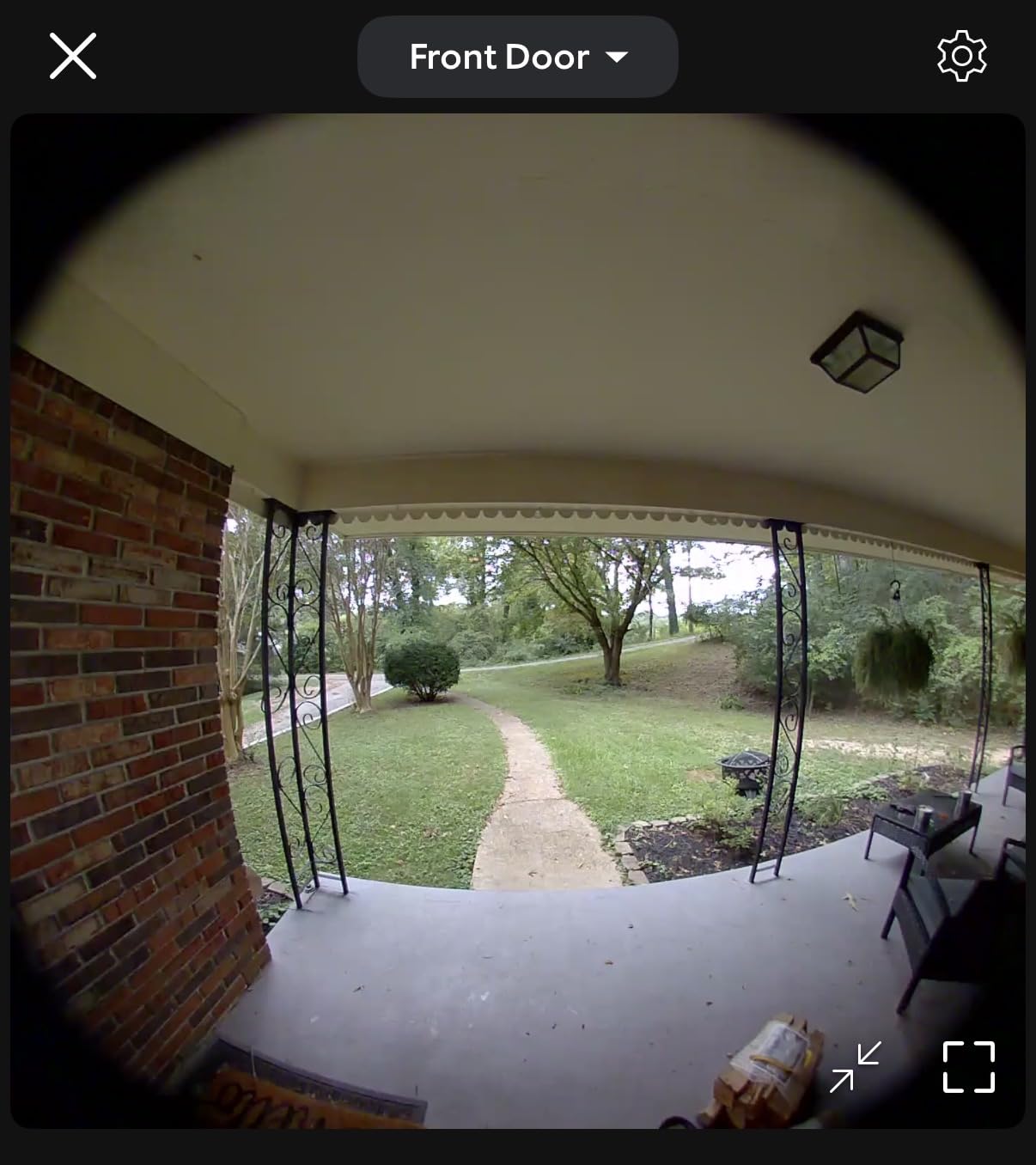
This is the doorbell most apartments are likely to end up with, and for good reason. Install is genuinely a five-minute job: charge the pack, click it into the mount, scan the code. Head-to-toe video gives it a tall frame that holds a face at the top of the door and a parcel on the mat in the same shot, which is exactly the geometry a corridor gives you.
Two-way talk is clear and effectively instant once someone rings. Motion alerts arrive on the phone, and the person-and-package classification is the part that earns its keep in a hallway where every neighbour triggers the sensor.
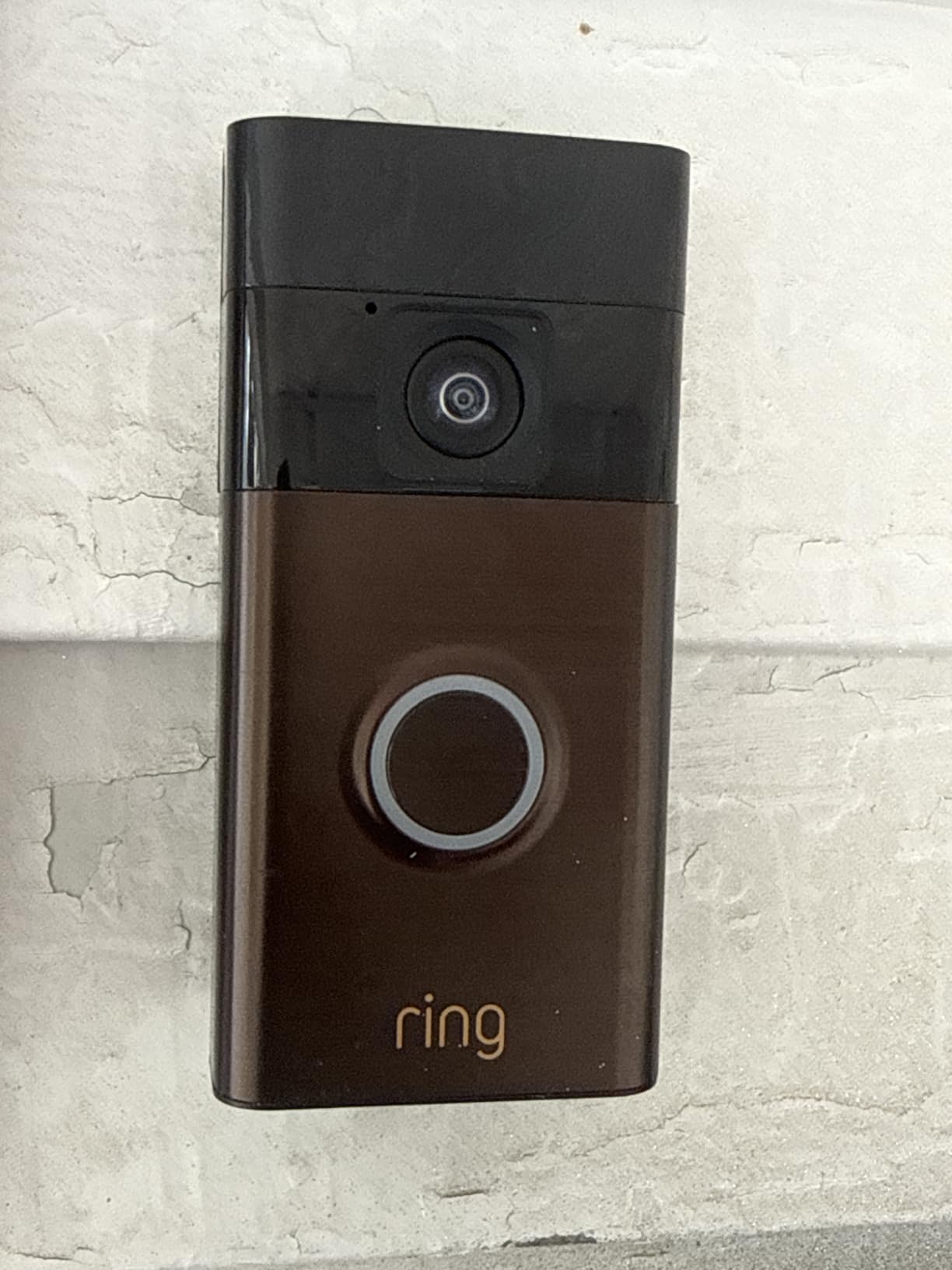
Battery life is the biggest variable. One owner reported sitting at 52% after three months in quiet conditions, while others in busy buildings charge every two to three weeks. Treat the interval as a function of your corridor rather than a fixed number.
The reservation every renter has to weigh is the subscription. Without a Ring Protect plan you get live view and alerts, but video history and the smarter person or package classifications are held back. That is a real cost over three years, and it is the reason the Tapo and the aosu sit immediately below it here.
What you get that the alternatives do not
Scale. More than 55k reviews means almost any setup problem has been solved by someone already, and the most useful advice on motion tuning comes from people who have run it for years. It also fits over an existing Ring mount if the building already has one, which removes the install question entirely.
Where it falls short for a renter
The subscription and the sealed-ish routine of pulling the battery out to charge indoors. The battery is removable, which is good, but in winter you are unplugging a doorbell every few weeks. A solar charger is the usual fix, though owners report it stops charging below about 32F, which is a long winter in many apartment blocks.
2. Tapo D210 2K Video Doorbell – Best Value with No Subscription
Tapo 2K Wireless Smart Video Doorbell w/Chime, 160° Ultra-Wide View, D210
- 2K resolution with 160-degree head-to-toe view
- Local microSD storage up to 512GB
- Adjustable spotlight for colour night vision
Pros
- Features usually found on costlier doorbells
- No subscription needed when a microSD card is fitted
- Colour night vision instead of washed-out infrared
- Chime bundled and battery reported at 4 to 5.5 months
Cons
- Battery only and cannot be hardwired
- Footage can wash out in direct sun
- Horizontal wedge not included
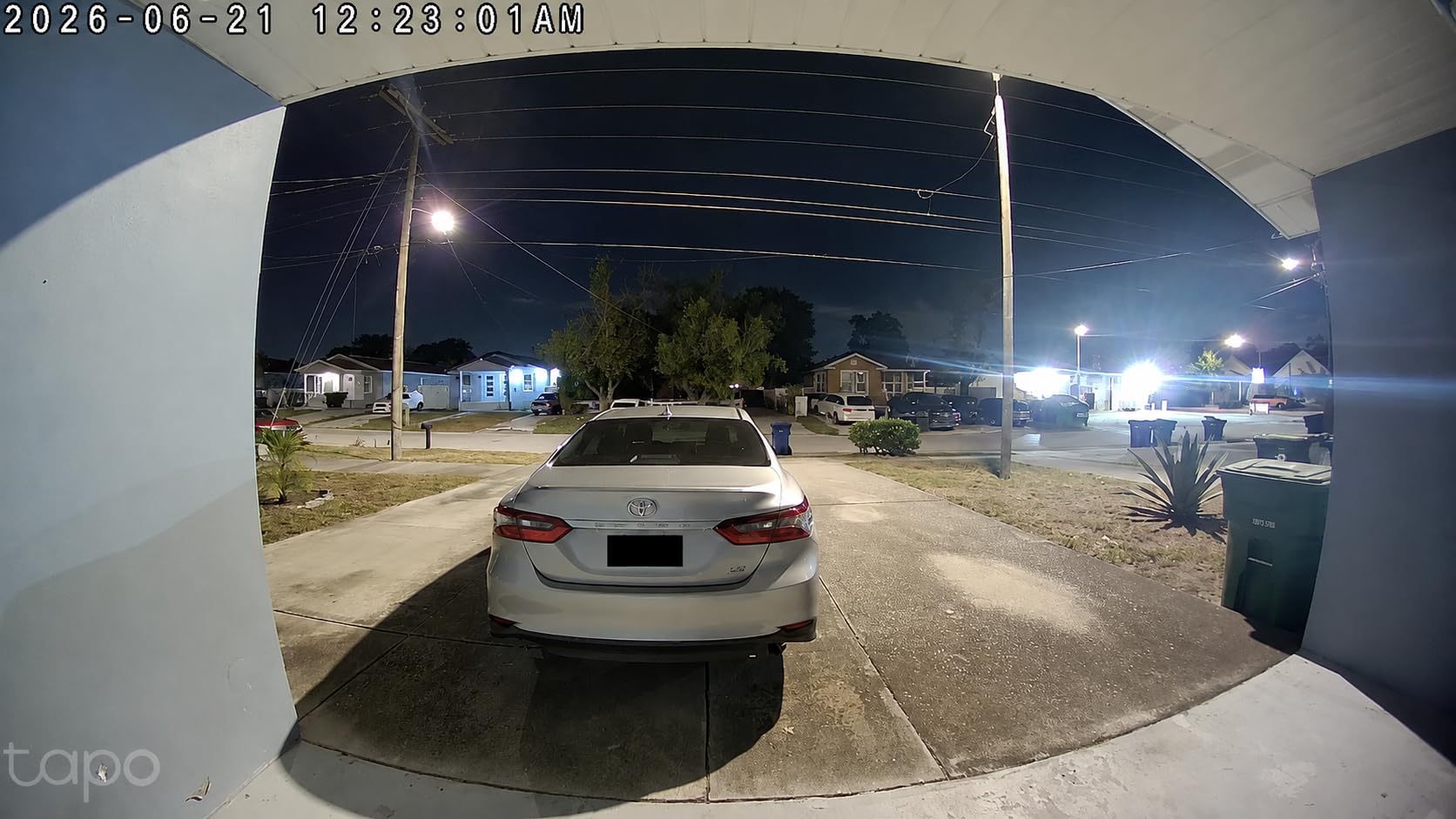
For most apartment doors this is the pick I keep coming back to. You get 2K video on a 160-degree head-to-toe frame, a rechargeable 6400mAh battery, and local storage on a microSD card up to 512GB, which means clip history without a monthly plan. The image quality holds up against units costing considerably more.
Installation is either 3M adhesive or the supplied screws, and the quick-release mount lets you pop the unit off to charge indoors without unwiring anything. The included 15-degree vertical wedge helps on doors that sit proud of the frame, which is common in flats.
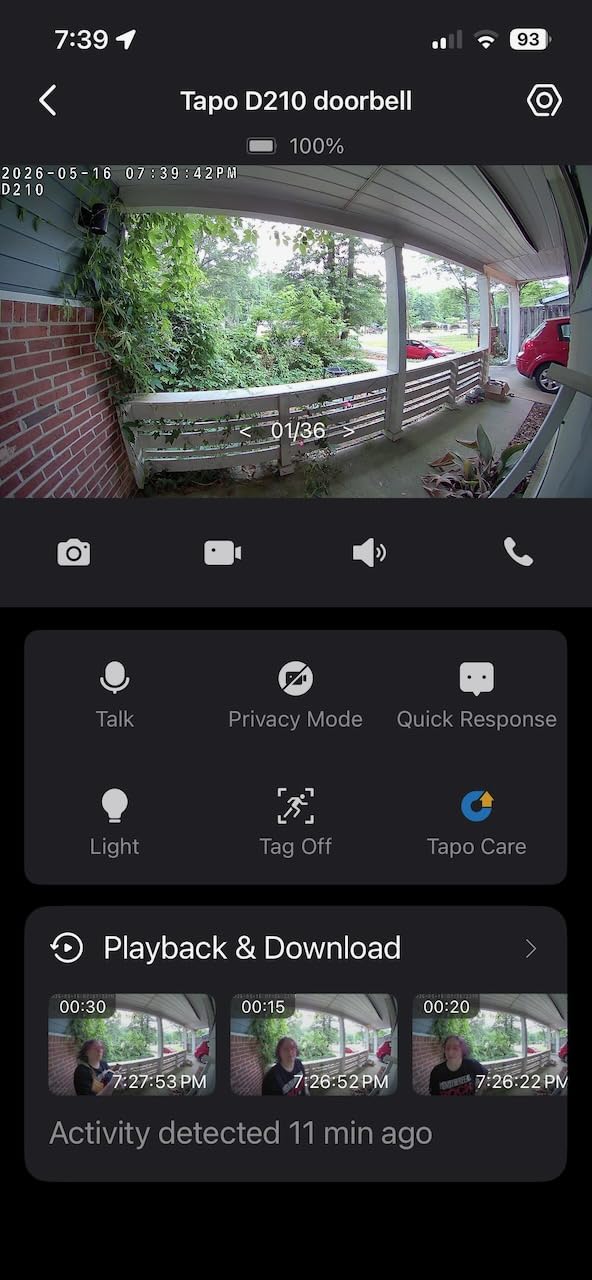
Two details make it feel a class above. The adjustable-brightness spotlight produces full-colour night footage rather than the grey wash most infrared sensors give you, which matters if your corridor lighting is dim. And Ring Call means a visitor triggers an actual phone call, so you answer the door from the sofa without opening an app.
Owners consistently report battery endurance of four to five and a half months, which is among the more honest intervals in this group, and the unit handles winter conditions and direct sun without complaint on the battery side.
Best apartment scenario
A flat with a bright, shared hallway, no wiring, and a renter who refuses to pay a monthly fee for the privilege of knowing who knocked. If you can accept a battery-only design and you buy a microSD card, most of the compromises in this list disappear.
What to check before ordering
It cannot be hardwired, so there is no trickle-charge option if the battery degrades over a couple of years. Video does wash out in direct sunlight, which matters for a south-facing door. And the horizontal wedge is not in the box, only the vertical one, so an angled install may need an extra bracket.
3. aosu 2K Wireless Doorbell Camera – Best for Long Hallways
aosu 2K Wireless Doorbell Camera with aosuBase, Battery Powered, 2.4G WiFi
- 2K capture on a 166-degree 4:3 frame
- 5200mAh battery and 256GB microSD
- Indoor aosuBase Mini included as repeater and chime
Pros
- Records to a microSD card in the base with no mandatory cloud plan
- AI human detection cuts pet and vehicle alerts
- Base doubles as an indoor chime
- Boosted base steadies Wi-Fi at distant doors
Cons
- Battery falls well short of the 180-day claim
- Playback starts about 5 seconds into a clip
- 2.4GHz Wi-Fi only
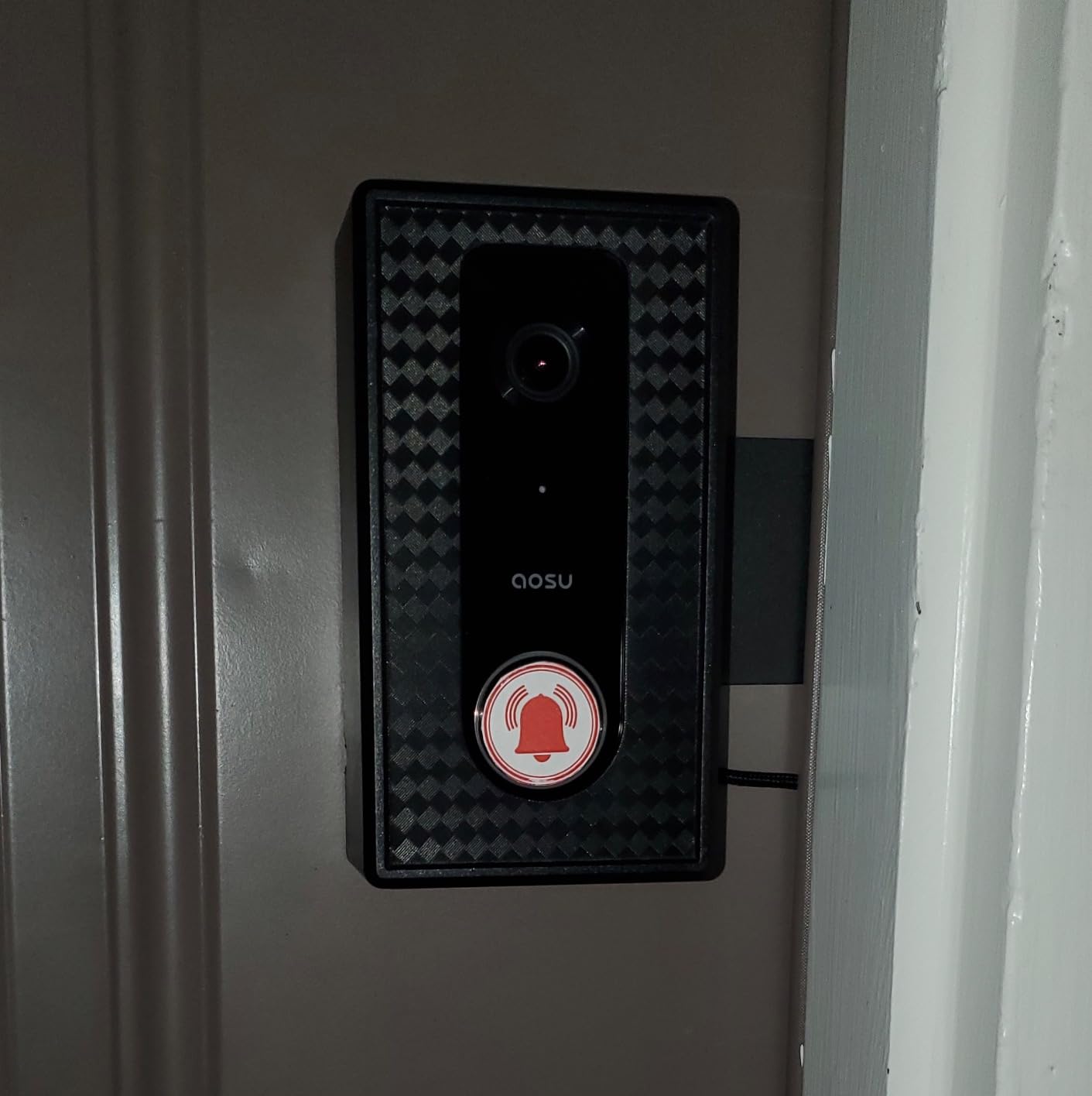
The distinguishing feature is the aosuBase Mini. It is a small indoor unit that extends the 2.4GHz link to doors a long way from the router, and it doubles as a chime so you hear the bell from inside the flat. For an apartment on a different floor from the building router, or at the end of a long internal corridor, that solves the single most common reason these units fail to connect.
Video is 2K from a 5MP effective still resolution sensor on a 166-degree frame with a 4:3 aspect ratio, and you get local microSD storage up to 256GB alongside optional cloud. AI human detection is tuned to ignore animals and vehicles, which is helpful when a street runs past your window.
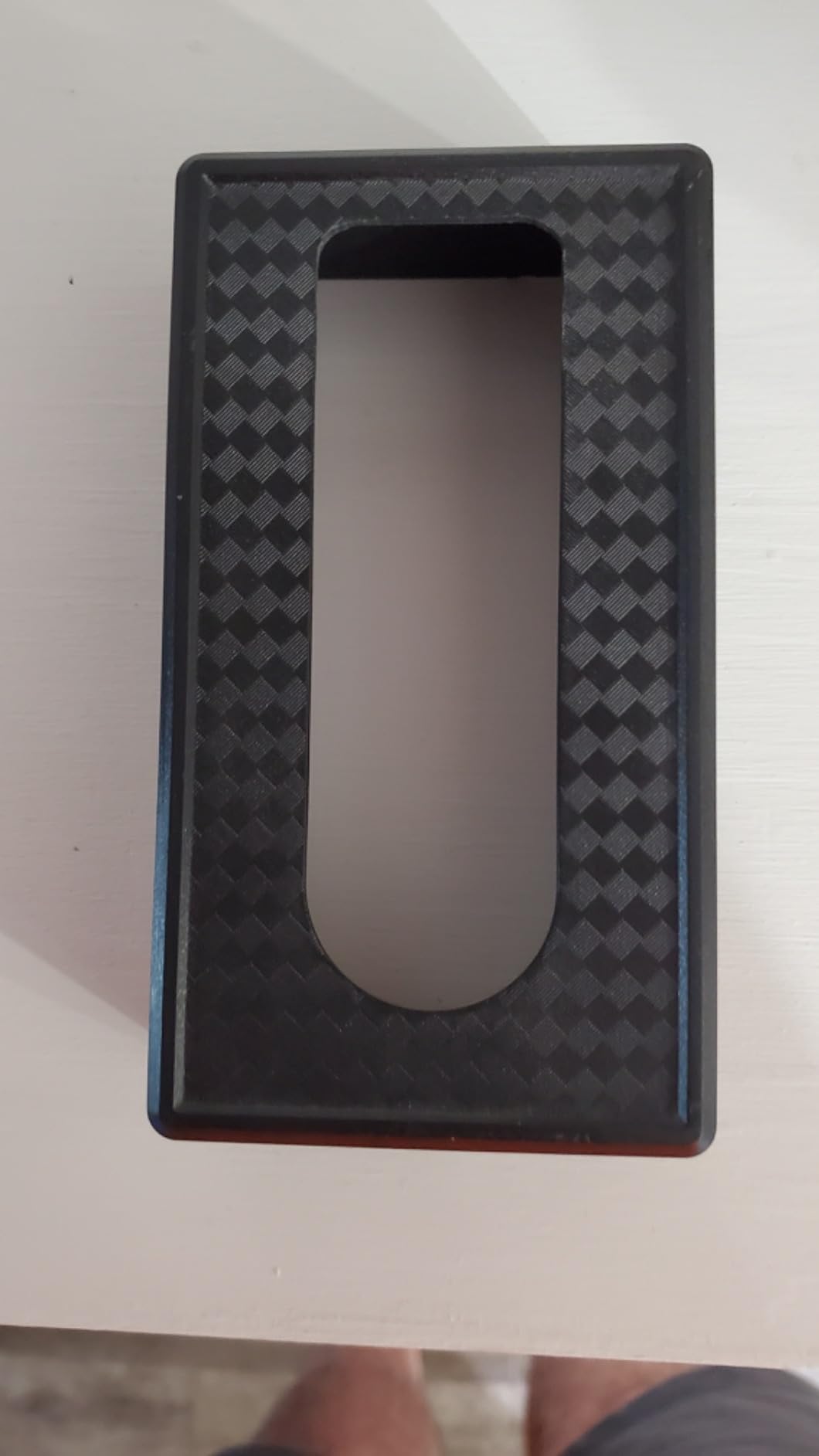
Two-way audio includes a quick reply and a voice changer for visitor calls, and infrared night vision reaches about 33 feet. It is IP65 rated and screws in or mounts on the supplied base.
Buyers coming from subscription doorbells single out the local storage as the reason they switched. The honest weakness is speed: several owners report a lag of four seconds or more between the event and the start of recording, and app playback can begin about five seconds into a clip, so a quick parcel drop can be missed at the edges.
Best apartment scenario
A long internal hallway or a building where the wireless signal is weak at the door, and a household that wants an indoor chime without buying a separate accessory. The base solves two problems at once.
What to check before ordering
Battery life is the sticking point. The advertised 180 days does not survive contact with a real corridor, and many owners see one and a half to three months. Note that local-storage mode still expects a connection to the vendor servers to function properly, and it is 2.4GHz only, so a 5GHz-only router will not work.
4. Google Nest Doorbell (Battery) – Best for Google Home
Google Nest Doorbell (Battery) – Ash
- Person, package, animal and vehicle detection on device
- 3 hours free event history, up to 60 days with Nest Aware
- Hour of local buffering during an outage
Pros
- Detection and alerts need no paid plan
- Three hours of rolling history out of the box
- Keeps about an hour of footage through a Wi-Fi or power cut
- Compact hardware that does not look like a camera
Cons
- Most expensive doorbell in the group
- No indoor chime included
- History past three hours still needs a plan
- IP54 water resistance is modest
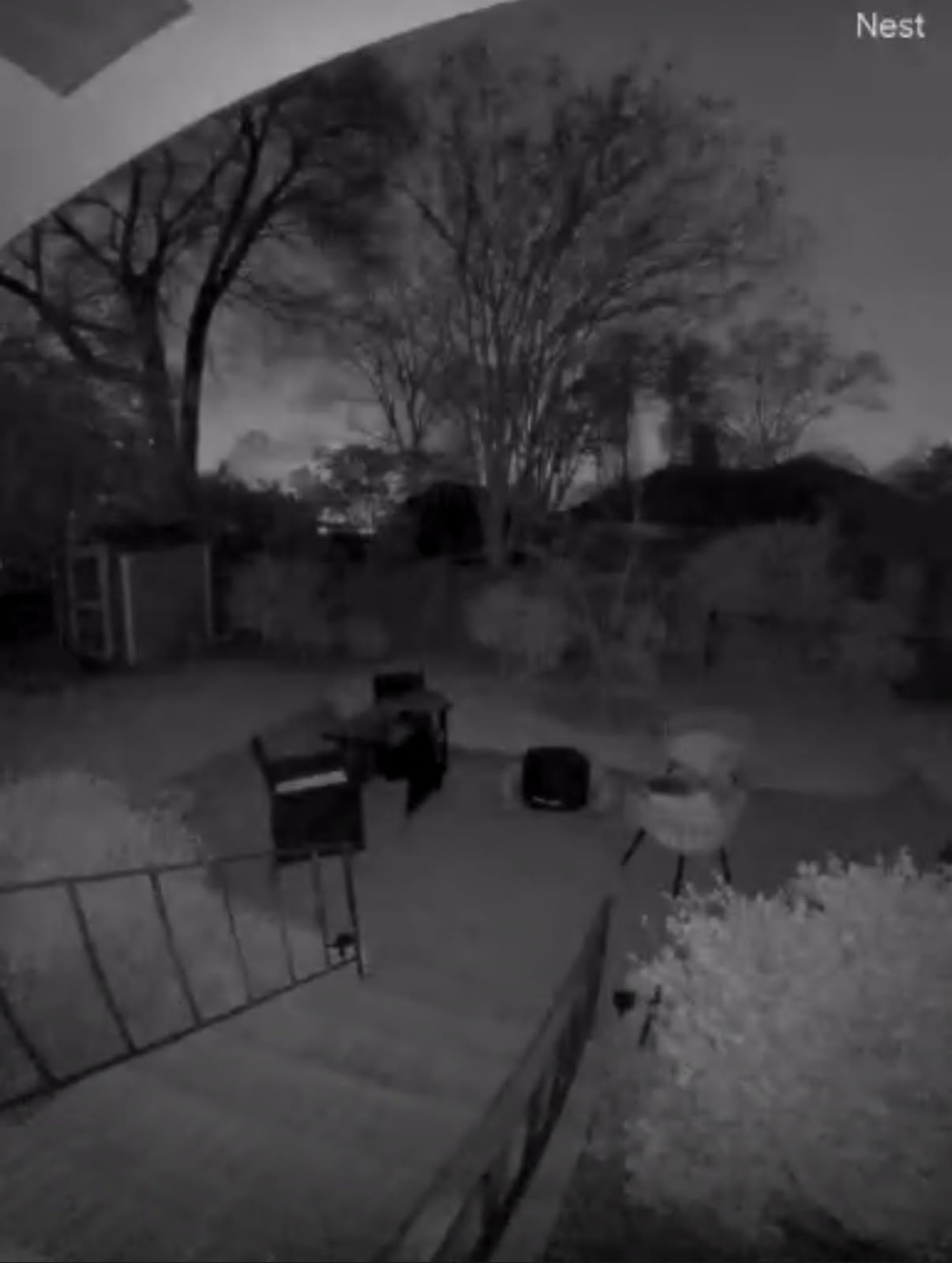
The Nest is the only unit here whose person, package, animal and vehicle classification runs on the device itself, so those alerts work with no paid plan at all. You also get three hours of free rolling event history out of the box, which covers most of what a renter actually needs to check when a package alert fires.
It also buffers up to an hour of recorded events locally if Wi-Fi drops or the power goes, which protects the footage you care about in an older building with flaky wiring. The 145-degree field of view is narrower than most rivals, but the hardware is compact and unobtrusive on a doorframe.
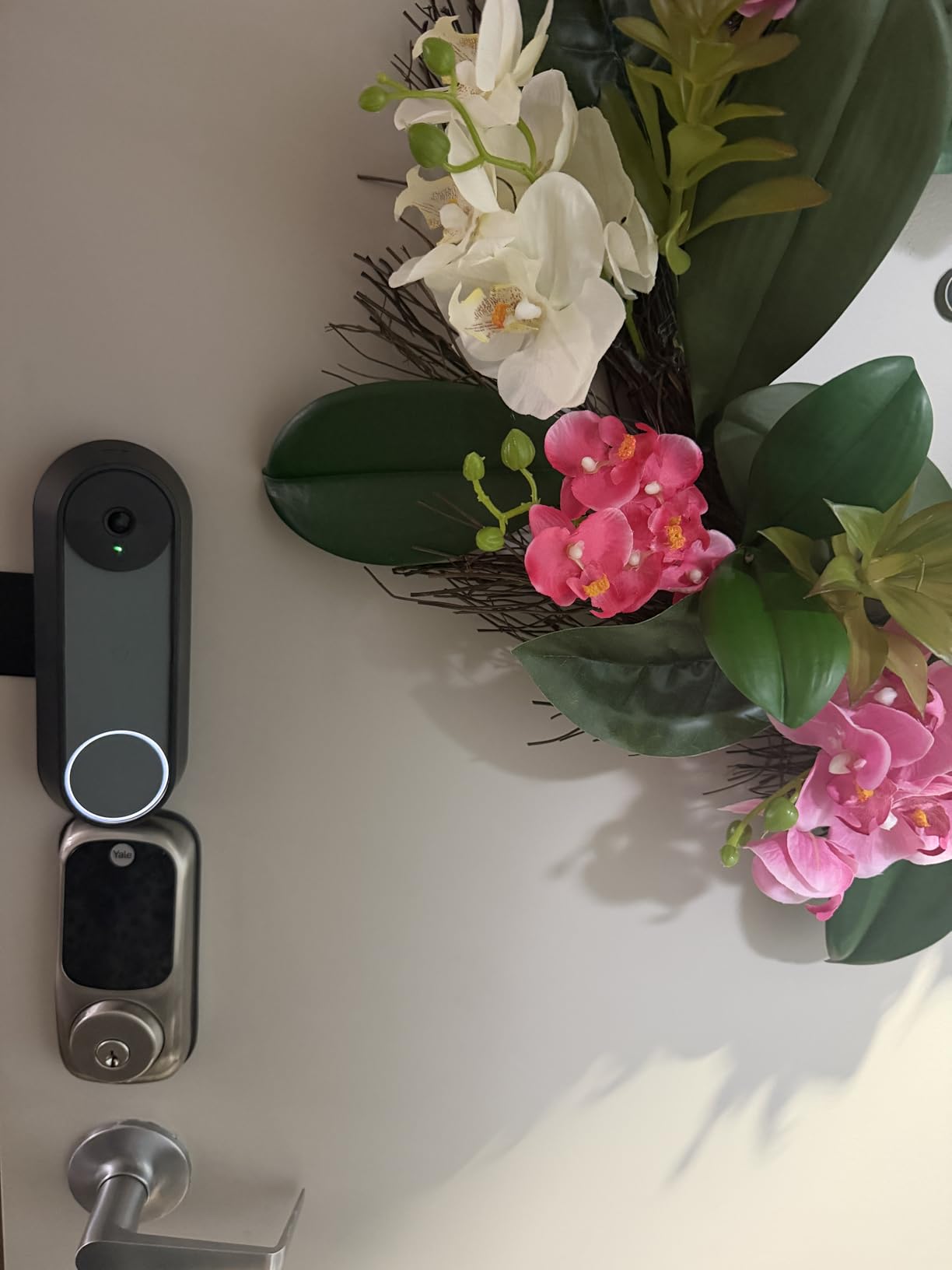
Install is wired or wire-free, and the box includes a base plate, charge cable, wall anchors and a wire connector, so you are not committed to a rental-only setup. It works with Google Assistant and Alexa, and capture is 960 by 1280 with 6x digital zoom, HDR and night vision.
The trade-offs are clear. It is the most expensive doorbell in this roundup, no indoor chime is included, and anything beyond the three-hour window still requires Nest Aware. The battery model also cannot record continuously, even on a paid plan.
Best apartment scenario
A Google Home household that wants smart detection without paying a monthly fee, and a door that can accept an optional chime bought separately. The local outage buffer is a real advantage in buildings where the hallway router reboots.
What to check before ordering
Water resistance is IP54, lower than the IP65 and IP66 units here, which is worth knowing if your door is exposed. At 7.36 ounces and 0.95 by 1.8 by 6.3 inches it is the smallest option, so if you want a visible deterrent, this is not it.
5. Blink Video Doorbell – Best Budget Pick
Blink Video Doorbell – Head-to-toe HD view, two-year battery life, and simple setup. Sync Module Core included – System (White)
- Head-to-toe HD view with infrared night vision
- Sync Module Core and three AA lithium cells included
- Wire-free or wired to existing doorbell wiring
Pros
- Lowest hardware cost in the group with the hub included
- Quick beginner-friendly phone setup
- Head-to-toe framing suits ground-level packages
- Corner mount supplied to help with aim
Cons
- Connectivity drops offline for some owners
- Two-year battery claim not met in practice
- Cloud clips and person alerts sit behind a plan
- Bulkier body and lower resolution than rivals
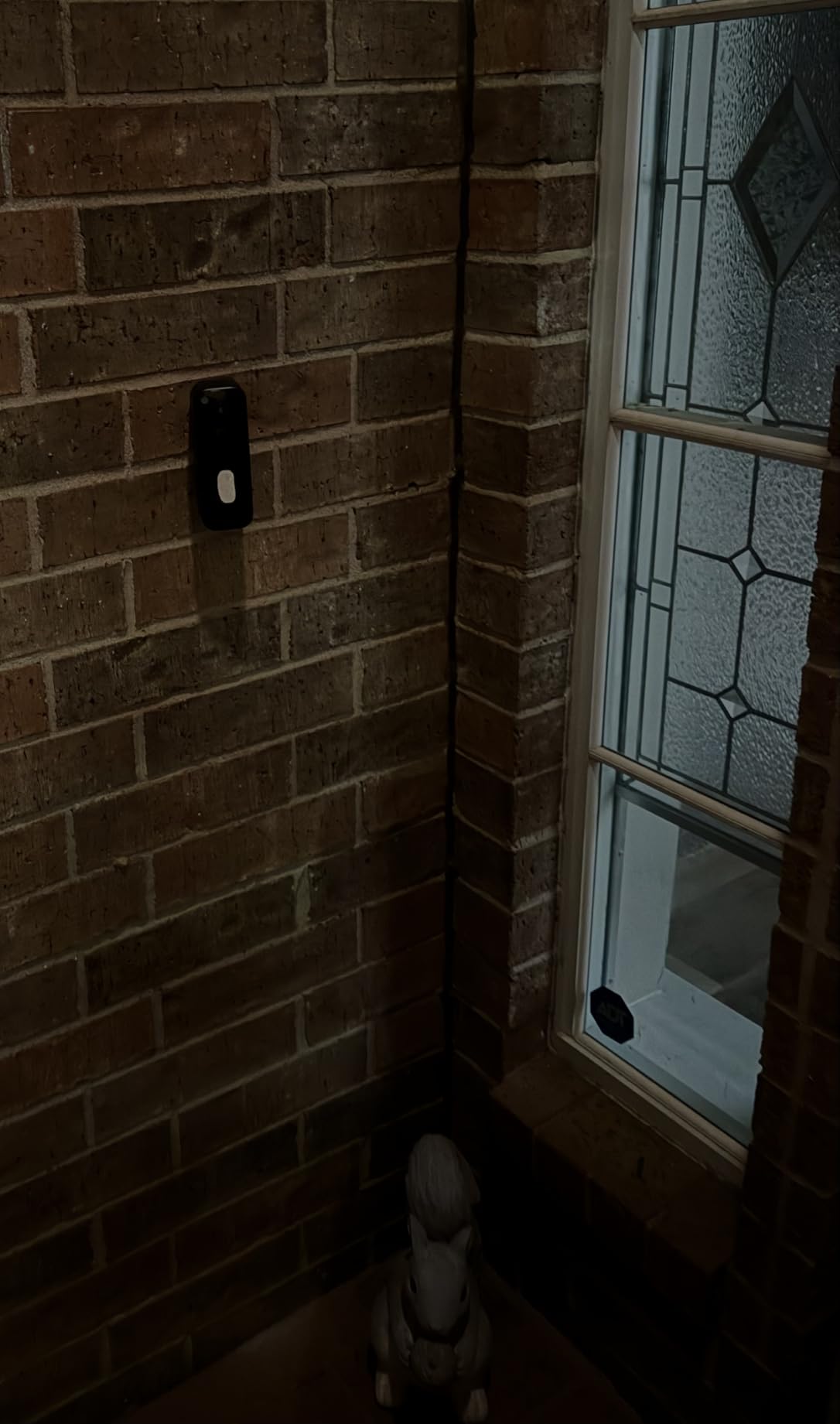
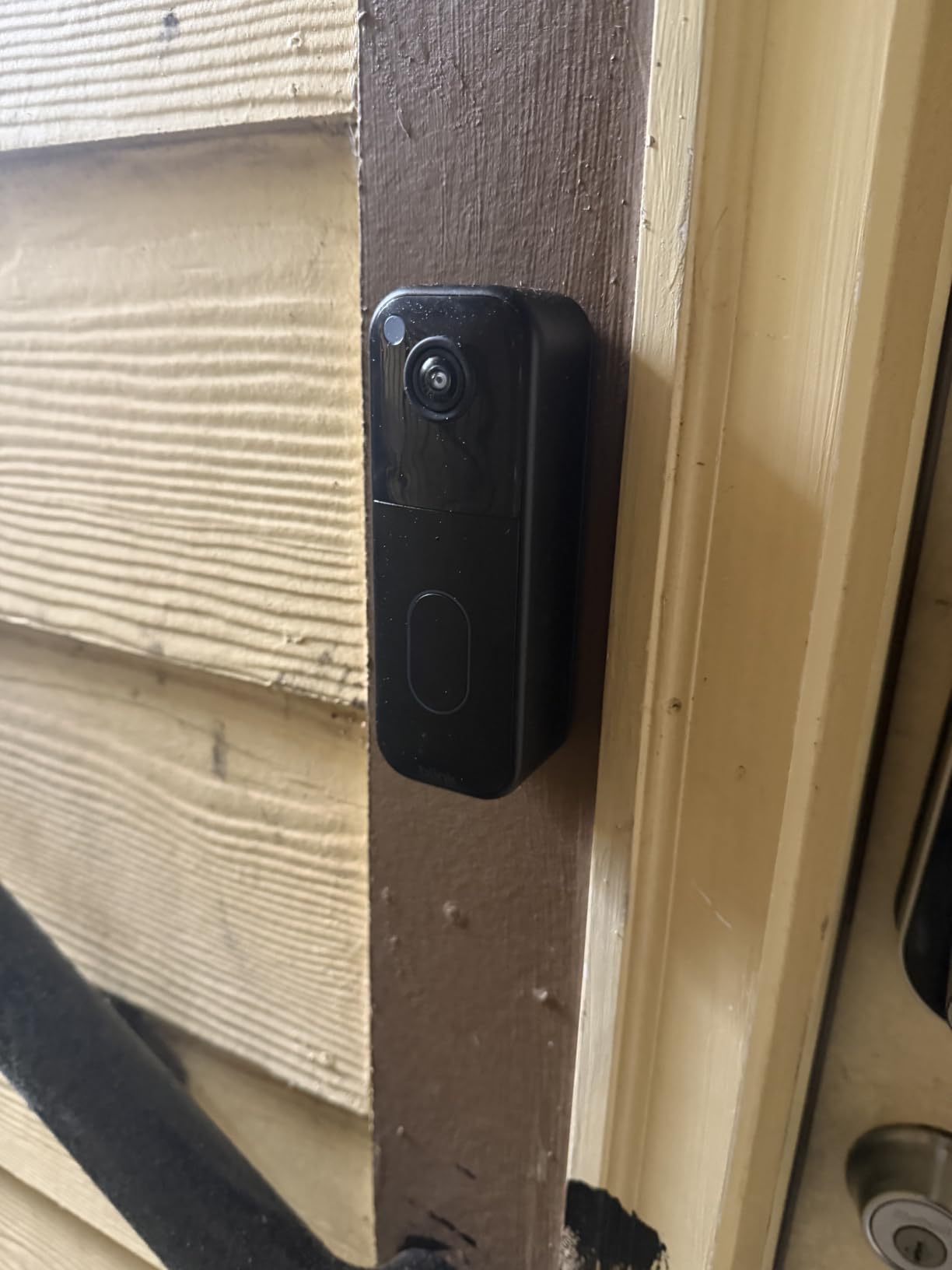
Nothing else in this list ships as much for the money: you get the doorbell, a Sync Module Core with USB-C cable and adapter, three AA lithium batteries, a mounting kit with screws and anchors, and a corner mount. Setup is quick and app-led, and the head-to-toe view captures a visitor and a package on the mat better than a standard wide landscape frame.
It works wire-free or wired to existing doorbell wiring, so in a building that has an old chime transformer you get the button inside the flat for nothing. Alexa integration is supported.
Reliability is the concern. A meaningful share of owners report the doorbell showing as offline in the app for stretches of time, with no recordings to show for the gap. That is the opposite of what you want from a device whose whole job is catching a corridor event.
Battery endurance is also well under the two-year headline, with AA cells reported dying in as little as a couple of weeks in high-traffic hallways. Cloud clip storage and person-detection alerts are both behind a Blink Subscription Plan, though a 30-day trial covers the first month.
Best apartment scenario
A renter with a strict budget, a door that already has usable bell wiring, and a tolerance for a no-frills app. The included hub is the part that stops this being a disposable purchase.
What to check before ordering
Ask yourself whether you can tolerate a camera that is occasionally offline. There is also no tutorial or manual explaining how to arm and disarm the system, so recordings can be missed by mistake, and the housing is bulkier and lower-resolution than the 2K units here.
6. BOIFUN Video Doorbell Camera – Best with a Tamper Alarm
BOIFUN Video Doorbell Camera Wireless – No Subscription Required, 2K HD
- 2K 3MP sensor on a 166-degree field of view
- Built-in tamper alarm on forced removal
- microSD up to 128GB plus free basic cloud
Pros
- Alerts
- two-way audio
- human detection and playback all free
- 166-degree view with no blind spots
- Portable indoor chime with selectable tones
- Two-year warranty reported by European buyers
Cons
- Battery is built in and not removable for charging
- 2.4GHz Wi-Fi only
- Can miss people approaching quickly
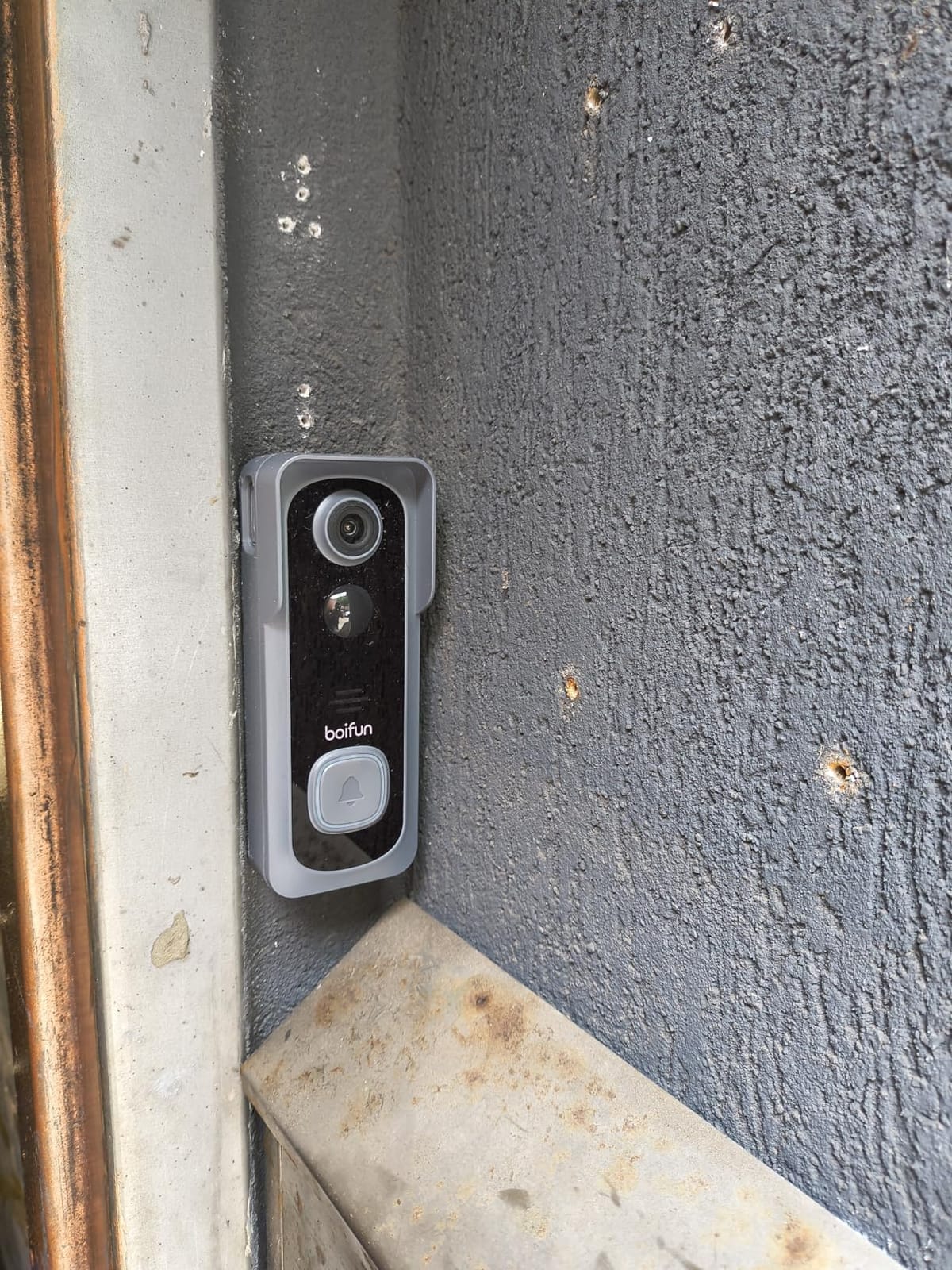
Door theft is the thing renters on upper floors actually worry about, and the BOIFUN is the only unit here with a built-in alarm that triggers if it is forcibly removed. The f/2.5 aperture on a 2K 3MP sensor gives you a 166-degree view of the whole porch, and night vision uses HDR with an invisible 940nm infrared fill to about 10 meters.
Every core feature is free. Alerts, two-way audio, human detection and playback all work with no subscription, using either a microSD card up to 128GB or the free basic cloud clips. The included indoor chime is portable, so you can carry it to whichever room you are in.
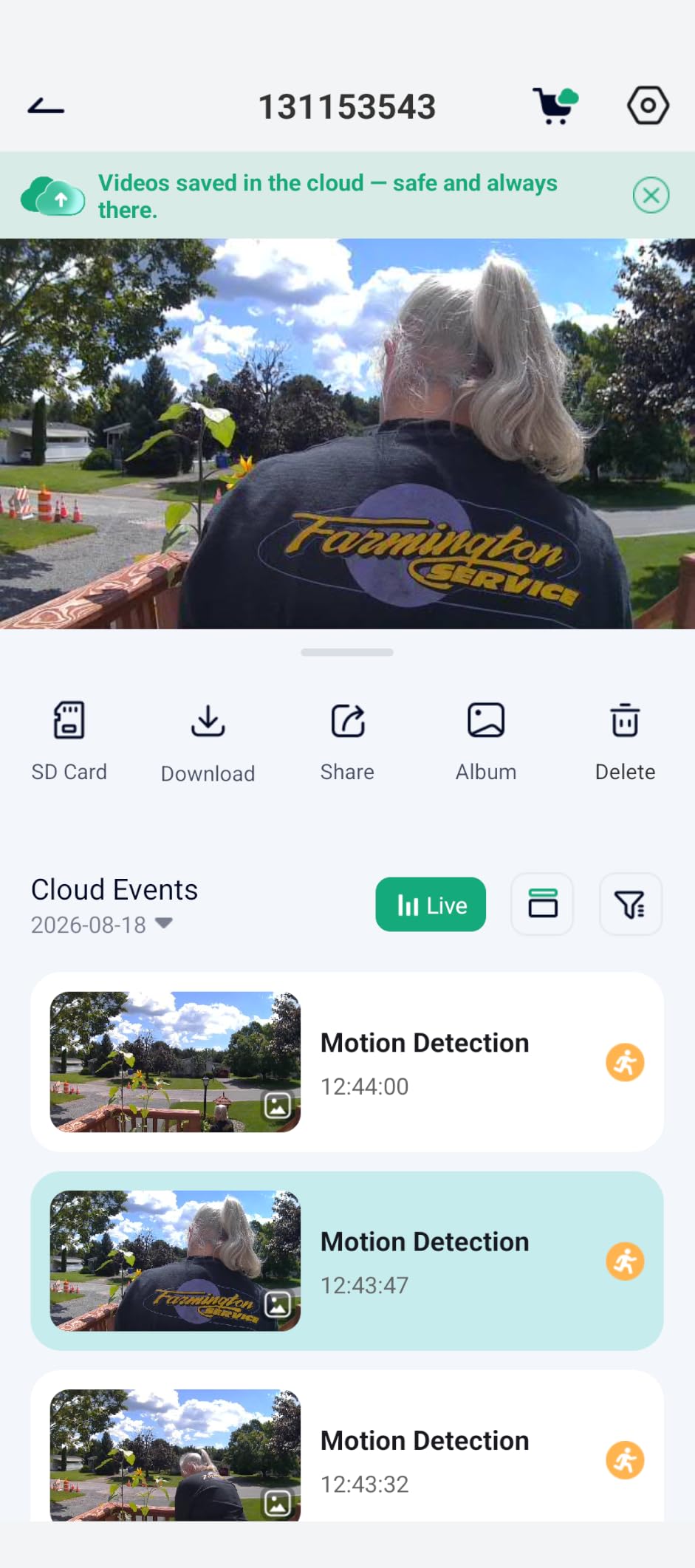
Owners report 70 to 75% charge remaining after two to three weeks, which is a realistic interval for a busy corridor. Adjustable motion sensitivity helps with passing traffic and preserves battery at the same time.
The physical tamper feature needs tempering with expectations. The ejector is a small, simple pin, so it slows an opportunist rather than stopping a determined thief. It also cannot be mounted in direct sun, since the lithium cell is sealed in and dislikes the heat.
Best apartment scenario
A ground-floor or street-facing flat where the door opens straight onto a semi-public space, and a renter who wants the core features at no recurring cost. The portable chime is a genuine convenience in a small flat.
What to check before ordering
The battery is built in and non-removable, which means a USB cable to the unit itself rather than a swap, and the supplied screws have heads only marginally wider than the mounting slots. It is also 2.4GHz only. A few owners report detection gaps for people approaching at a fast pace.
7. ieGeek Doorbell Camera – Best Free Cloud Backup
ieGeek Doorbell Camera Wireless No Subscription, 2K 3MP HD View PIR Motion Detection, Wireless Video Doorbell with Chime 2-Way Talk, Only Supports 2.4GHz WiFi, Local & Cloud Storage, White
- 2K 3MP sensor with a 166-degree angle
- Lifetime free basic cloud plus 128GB microSD
- PIR motion detection to 16 feet
Pros
- Free basic cloud storage for life alongside a microSD option
- Starlight night vision readable to 32 feet
- Built-in battery charges over USB-C without disassembly
- Anti-theft bracket and indoor chime in the box
Cons
- Battery drains faster than claimed in cold weather
- Motion detection triggers on insects or misses people
- No wedge mount included for angled installs
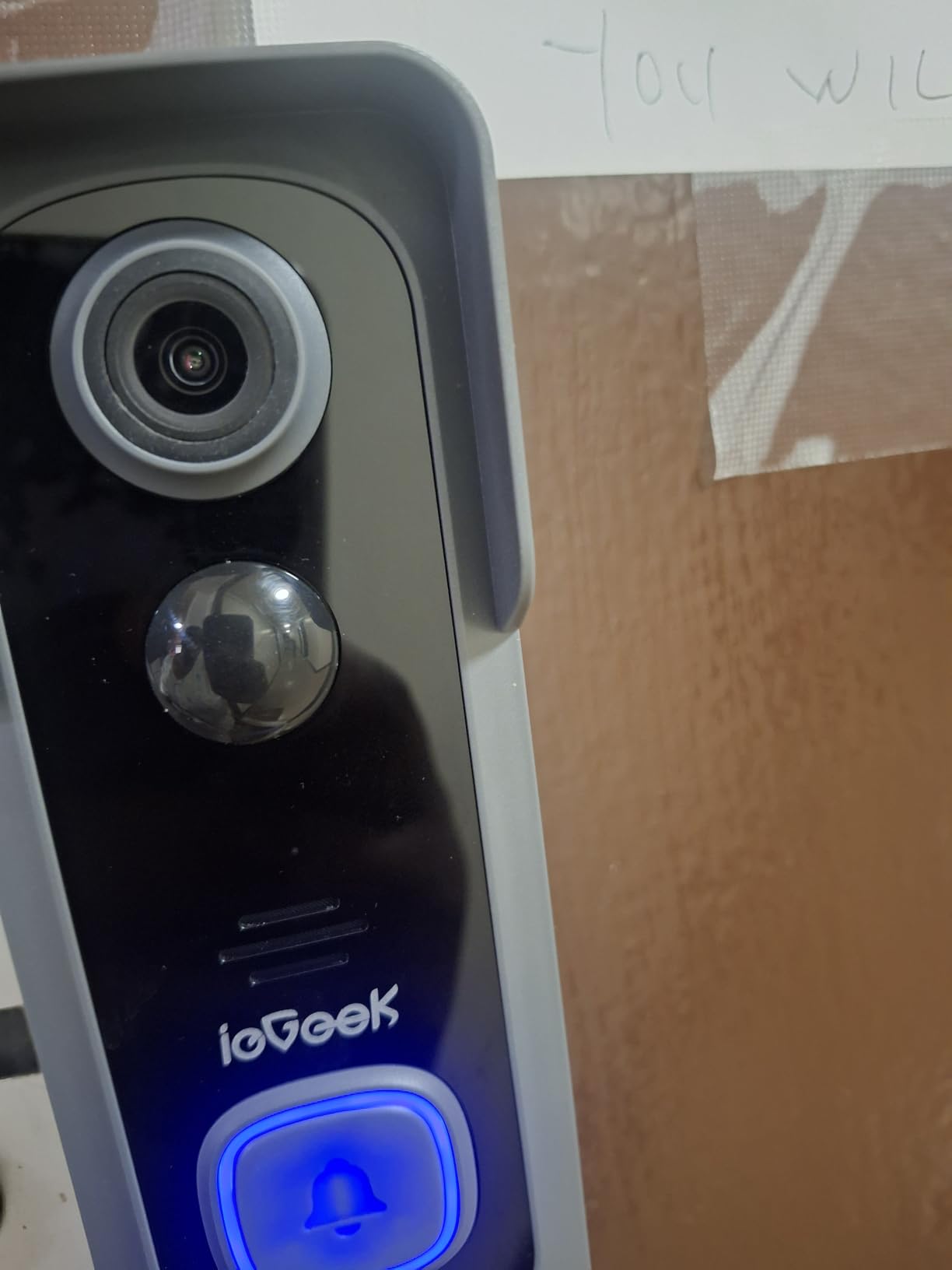
The ieGeek is the pick if you want footage recoverable without a card in the door. Lifetime free basic cloud storage comes with the unit, and a 128GB microSD card is supported if you would rather keep everything local. Both options at once is unusual at this level.
Video is 2K 3MP on a 166-degree angle with starlight night vision out to 32 feet and automatic infrared switching. PIR motion detection reaches about 16 feet and alerts in roughly three seconds. The built-in 5200mAh battery is non-removable but charges over USB-C without taking the unit apart.
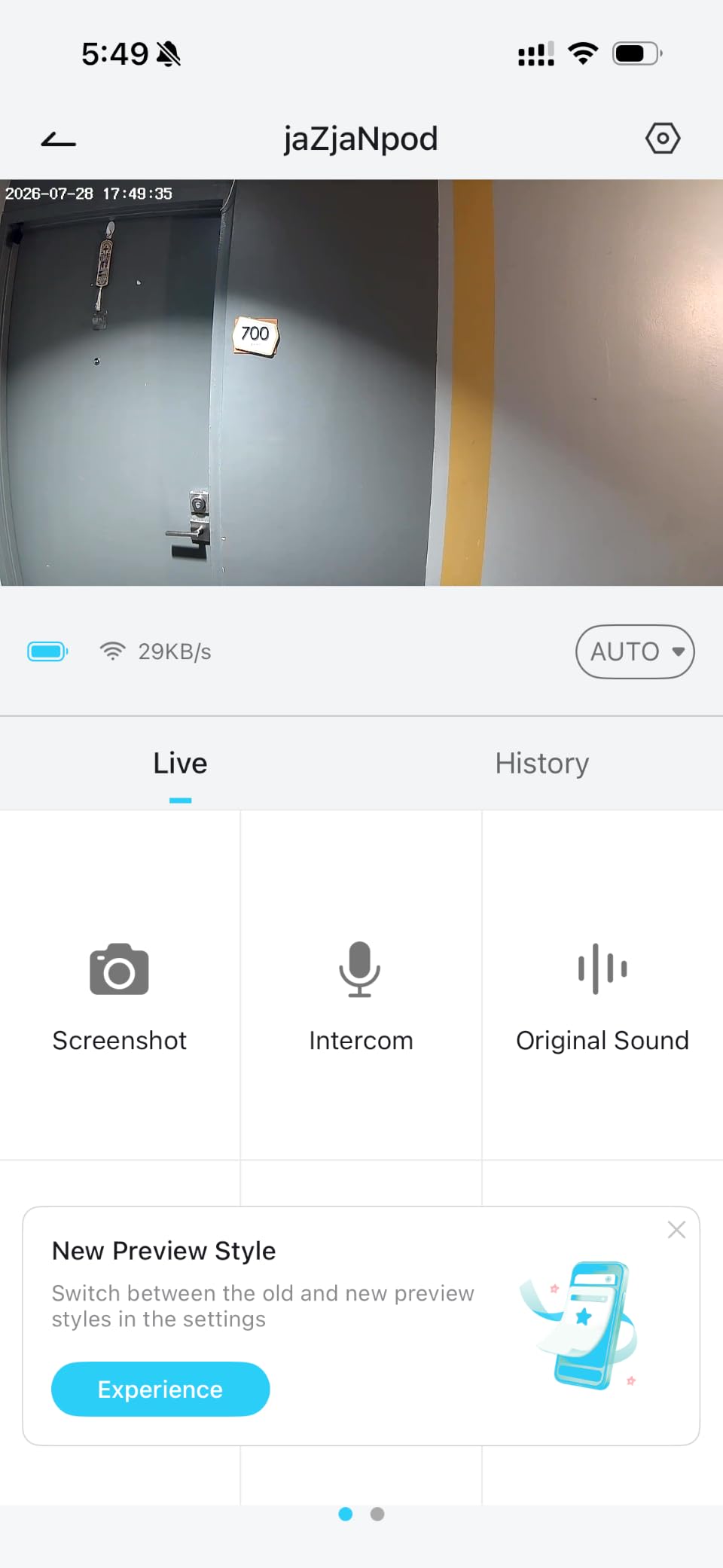
The box includes an indoor chime that runs about 60 days on three AAA batteries, plus an anti-theft bracket and a tool kit. Two-way audio has an adjustable voice changer and three pre-recorded replies, and multiple-account sharing works through a QR code.
Battery is the recurring theme in reviews. Owners report two to three weeks rather than the claimed one to two months in cold weather, and after about a year some find themselves charging weekly. Motion detection also has a mixed record, triggering on bugs and birds at one setting and missing people at another.
Best apartment scenario
A flat where a stolen memory card would be a real loss, or a building where you cannot easily get to the door to swap a card. The free cloud history gives you somewhere to check a clip after the fact.
What to check before ordering
There is no wedge mount in the box, so an angled install needs an accessory. App notifications sometimes open an older clip rather than the one that triggered them, which is disorienting when you are trying to see who is standing there. The chime takes replaceable AAA cells while the camera does not, which is an odd asymmetry.
8. XTU 2K Wireless Doorbell Camera – Best for Angled Doors
XTU 2K Wireless Doorbell Camera with Chime, No Subscription, Alexa
- 2K sensor on a 120-degree wide-angle lens
- microSD up to 128GB with no subscription
- Multi-angle bracket and wireless chime included
Pros
- No subscription needed once a microSD card is fitted
- Bluetooth-assisted pairing usually under three minutes
- Multi-angle bracket helps on proud or angled doors
- Customer service repeatedly praised
Cons
- Motion detection can stop working after under a year
- Condensation fogs the lens in humid conditions
- Adhesive strips supplied did not hold
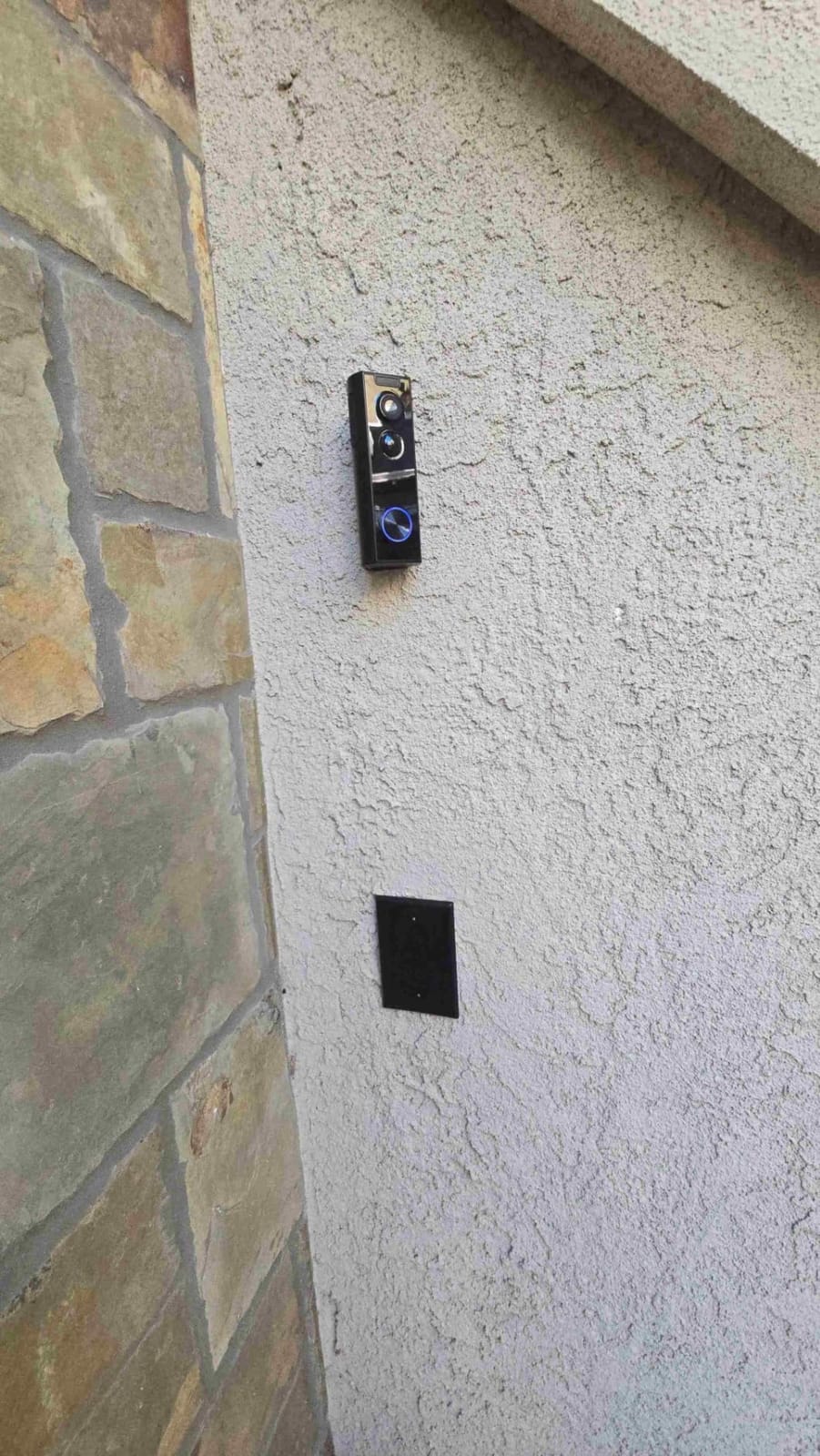
On many apartment doors the frame sits proud of the wall and the camera points into the stairwell rather than the corridor. The multi-angle bracket is the reason this one makes the list: you can reposition the lens without drilling a second set of holes, and the sensitivity can be tuned to kill street alerts.
Video is 2K on a 120-degree lens, which is narrower than most of the field here, with night vision to about 33 feet. Local microSD storage up to 128GB means no subscription, and Bluetooth-assisted pairing gets it online in under three minutes in most homes.
Two-way audio comes with a siren and a 10-second custom voice message, which is useful for telling a courier where to leave something. AI detection prioritises humans, pets and vehicles with custom zones, and a wireless indoor chime is included.
Durability is the concern. Owners report motion detection failing outright in under a year, condensation fogging the lens in humid flats, and degraded behaviour near freezing. The 120-degree view also means a parcel tight against the door can sit outside the frame.
Best apartment scenario
A door that does not face straight out, or a renter who wants to point the camera at the landing without a wedge bracket. Setup speed and free storage make it a low-friction first doorbell camera.
What to check before ordering
Read the battery and detection complaints carefully. Intervals of about a month are common and some owners charge weekly after a year, and the supplied adhesive strips reportedly failed to hold, so plan on screws or a better mount. Two-way audio quality is mediocre for some people, and the app is functional rather than friendly.
9. Wyze Battery Video Doorbell – Best Full-Height View
Wyze Battery Video Doorbell Wireless Camera, 1536×1536 HD+ with Color Night Vision, 2-Way Audio, 1:1 Head-to-Toe View, Person/Vehicle/Package Monitor, Wire-Free/Wired Option, 1 Minute Easy Setup
- 1536 by 1536 HD+ with colour night vision
- 150 by 150 degree 1:1 head-to-toe frame
- Up to 6 months battery or hardwired continuous power
Pros
- True square 1:1 view catches parcels against the door
- Colour night vision from a starlight sensor
- No mandatory monthly fee with 256GB microSD
- Wire-free or hardwired for 24/7 local recording
Cons
- Battery far shorter than the 6 to 9 month claim
- No chime included
- No sound detection
- Alexa chime integration does not work
The Wyze solves a specific apartment problem: the frame. A 150 by 150 degree square field of view is genuinely 1:1, so it holds a visitor from head to shoes and a package placed directly against the door without cropping. Most rivals in a landscape frame lose one or the other.
Colour night vision comes from a starlight sensor, and person, vehicle and package monitoring sends instant notifications that cut down on leaf and debris alerts. Storage is local on a microSD up to 256GB with no required monthly fee, or optional Cam Plus for 14 days of cloud history.
Setup is about a minute over Bluetooth with no drilling, and the box includes a corner back plate, a flat back plate, a jump wire, wire nuts and a detaching pin. If your door has usable bell wiring, hardwiring gives continuous power and 24/7 local recording.
Two features are worth knowing about. A voice deterrence prompt plays to visitors when they are being recorded, and tap-to-use auto-responses cover the times you cannot answer. It also fits Alexa, Google Assistant and IFTTT.
Best apartment scenario
A narrow hall where you need both the person and the parcel in one frame, especially at night. If your building has an old transformer, hardwiring turns a finite battery into a permanent camera.
What to check before ordering
Battery endurance is well short of the marketing figure, with many owners charging every two to four weeks. There is no chime in the box, no sound detection, and Alexa doorbell chime integration does not work, with Google Home limited to basic camera viewing. Colour night vision is inconsistent and sometimes reverts to monochrome.
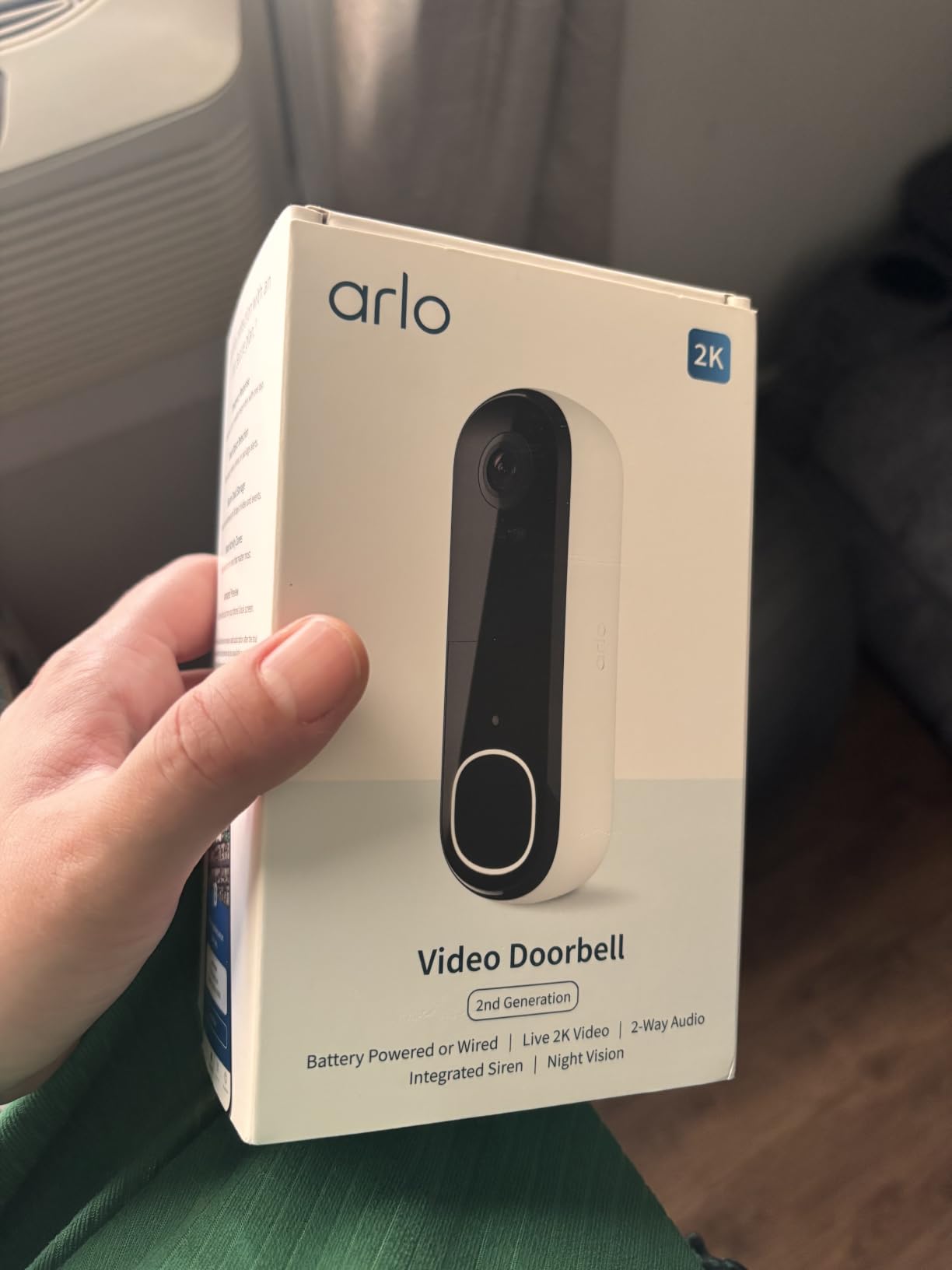
10. Arlo Video Doorbell 2K – Best for Apple Home
Arlo Video Doorbell 2K (2nd Gen) Wireless or Wired – 1-Cam
- 2K HDR at 1440p with a 180-degree field of view
- Custom activity zones and privacy zones
- Integrated siren and phone video calls
Pros
- Widest field of view in the group at 180 degrees
- Excellent colour night vision and clear two-way audio
- Widest smart home support including Apple Home
- Live streaming and basic alerts work with no plan
Cons
- 60-day history and AI detection need a paid Arlo Secure plan
- Battery is not user-replaceable
- Lowest average rating here at 4.0
Arlo has the widest lens here at 180 degrees with 2K HDR capture, and image quality is among the best in the group in daylight and after dark. Colour night vision and two-way audio are both rated clearly by owners, and alerts arrive quickly with written descriptions of what was detected.
It is also the broadest ecosystem support in this roundup: Alexa, Apple Home, Google Home, Samsung SmartThings and IFTTT. Custom activity zones and privacy zones are useful in a shared corridor, and there is an integrated remote siren plus phone video calls for a proper conversation with a visitor.
Installation is wire-free on a rechargeable battery or hardwired for trickle charging, and live streaming plus basic alerts work with no subscription at all. Battery life on the wireless setting is commonly around six weeks to a month and a half.
The catch is the same one that drives the Ring criticism, only sharper. Sixty-day video history and the AI detection features sit behind the Arlo Secure paid plan. The battery is not user-replaceable either, so the whole unit comes off the door to charge.
Best apartment scenario
An Apple Home household, or a shared entrance where you want the widest possible coverage from a single unit and are willing to run the Arlo Secure plan for history. The privacy zones let you mask a neighbour’s doorway.
What to check before ordering
This is the lowest-rated doorbell here at 4.0, and it is renter-unfriendly without wiring, since the hardwired option needs a transformer and an outlet. Recording is not continuous, so some events cannot be reviewed later, and sensitive motion settings can flood the phone. Some buyers also hit regional compatibility problems outside the US.
Renter Installation: Mounting Without Drilling
Most apartment leases prohibit drilling into the door itself, and a few doors are fire-rated, so adhesive and clamp mounts are the realistic options. Here is the order I would work in.
First, check whether the door already has a working bell transformer. If a two-wire transformer sits behind the panel, a wired unit removes every battery compromise and gives you continuous power or 24/7 local recording. This is the single biggest upgrade available to a tenant and plenty of renters never look for it.
Second, pick the mount before the camera. An adhesive pad rated for the weight is fine on a flat door face, but a door-edge clamp or a wedge that hangs off the frame is far stronger and leaves the paint alone. The Tapo D210 includes a 15-degree vertical wedge; the XTU ships a multi-angle bracket; the Blink box includes a corner mount.
Third, aim before you stick it down. Stand outside and check what the lens actually frames. On a door that opens inward at an angle, the default position often points at the stairwell wall rather than the landing.
Fourth, plan the charge. If the battery is removable, pop it out and charge over USB indoors. If it is sealed in, the unit itself needs a cable to a socket, which is awkward on an internal wall and a good reason to pick a removable pack.
Finally, before you move out, remove the mount, clear any adhesive residue with a plastic card and warm water, and factory-reset the doorbell so your footage leaves with you. Delete the app account as well. This five-step routine is the difference between a clean handover and a deduction from your deposit.
Landlord Permission and Neighbor Privacy
You can use a video doorbell in an apartment, but you do not automatically have the right to drill one into a door. Check your lease for clauses about modifications, cameras in common areas and alterations to the entry door before you buy anything.
If the wording is unclear, the approach that works is a written request with a specific, reversible proposal. Say you intend to use a battery unit on a no-drill mount, that it sits inside your private entrance, that it records your door only, and that you will remove it and make good any residue at the end of the lease. A specific reversible request gets a much better response than a general question about cameras.
Note that some property managers install their own video doorbell or intercom at unit doors, and some apartment buildings run a shared entry system rather than a private one. Look at your door first, because a doorbell camera on a communal entrance may already be covered by the building’s rules and duplicate a system you are paying for.
Do video doorbells record neighbours? Yes, if you point one into a hallway, and that is the issue most likely to cause friction in a flat. Most units here ship with motion zones, and the Arlo and Tapo both add dedicated privacy zones or customisable activity zones, which is exactly what you use to mask a neighbour’s doorway and any window across the landing.
Etiquette helps as much as settings. Keep the field of view tight on the inside of your own door, avoid long-term recording of common areas, and if someone objects, adjust the zones rather than arguing about the law. A friendly hallway conversation resolves this far more often than a rights letter.
Buying Guide: What Actually Matters in an Apartment
The right video doorbell for an apartment is decided by four things: how it mounts, how it is powered, where the footage lives, and how the frame lines up with your door. Everything else is preference.
Battery or wired
Battery is the only realistic default in a rental. Mains-powered doorbells need a transformer behind the panel, and asking a landlord to have one installed is a conversation most tenants lose. Within the battery group, removable packs are better than sealed cells because you can charge indoors without taking the unit off the door.
Expect the real interval to be a fraction of the advertised figure. A busy corridor drains a battery several times faster than a quiet front porch, and cold weather makes it worse again. Treat one month as a good outcome in an active hallway and two to three weeks as a realistic worst case.
Storage and subscription costs
This is the axis that decides most renter purchases, and it is worth thinking of as a three-year total rather than a sticker price. The Ring, the Blink and the Arlo all gate meaningful clip history, AI detection or extended storage behind a monthly plan. Over three years those fees dwarf the difference in hardware cost between the models in this list.
The Tapo, aosu, BOIFUN, ieGeek, XTU and Wyze all store locally, and the ieGeek adds lifetime free basic cloud as a backup. The Nest sits in between: person, package, animal and vehicle detection work with no plan, and you get three hours of history free, but longer retention needs Nest Aware.
This is also the honest answer to why people are moving away from Ring. The hardware is excellent and the ecosystem is enormous, but the parts of it renters actually rely on, which are history and smart alerts, are the parts held back. If you want to avoid a recurring fee entirely, the Tapo and the aosu are the two I would put in front of anyone.
Field of view and hallway framing
Apartment doors are tall and narrow, and the thing you want in frame is both a face and a parcel. Arlo has the widest view at 180 degrees, the aosu, BOIFUN and ieGeek sit at 166 degrees, the Tapo is 160 degrees, the Wyze is a true 150 by 150 degree square, the Nest is 145 degrees and the XTU is narrowest at 120 degrees.
Aspect ratio matters as much as the number. A square 1:1 frame or a head-to-toe design holds a person from head to toe and a package at ground level in the same frame, which is what you want when a courier puts a box directly against your door. The Ring, Blink and Tapo all advertise head-to-toe coverage, and the Ring claims 66% more vertical coverage than its previous generation.
Smart home ecosystem
Every unit here works with Alexa. The Tapo, aosu, Wyze, XTU and Nest also work with Google Assistant, and the Nest is the natural pick for a Google Home household because the detection runs on the device. The Arlo is the broadest by some distance, covering Apple Home, Google Home, SmartThings and IFTTT, which makes it the one to buy if your building door is already wired into a HomeKit or SmartThings setup.
If you run Home Assistant and want local control, treat that as a specific research task rather than an assumption. Several of these brands rely on their own servers even when footage is stored on a card, so a cloud outage can take your alerts with it.
Chime and alerts
In a flat, a chime matters more than in a house. The Tapo, BOIFUN, ieGeek, XTU and aosu all include an indoor chime, and the Tapo and BOIFUN units are portable enough to move between rooms. The Ring, Blink, Nest, Wyze and Arlo do not include one, so budget for an extra accessory or use an existing connected speaker.
Then tune the alerts. In a corridor, motion sensitivity set to maximum will bury you in neighbour and stairwell traffic. Set motion frequency high enough to catch people but use activity zones to exclude the lift lobby or the opposite landing, and turn person detection on so cars and pets do not generate notifications.
Frequently Asked Questions
Can you use a video doorbell in an apartment?
Yes, and most renters use a battery-powered unit that mounts with adhesive or a clamp instead of drilling. Check your lease for modification clauses first, and ask your landlord for written permission describing a reversible install you will remove at move-out. Avoid a wired model unless the building already has a bell transformer behind the door panel.
Which video doorbell is best for apartments with no wiring?
The Tapo D210 and the Ring Battery Doorbell are the strongest no-wiring options. The Tapo stores clips on a microSD card with no subscription and mounts with the supplied 3M adhesive, while the Ring has the easiest install and the largest support base but gates video history behind a paid plan.
Why are people moving away from Ring doorbells?
The most common reason is that video history and smart person and package alerts require a Ring Protect subscription, so the free tier gives you live view without usable history. Renters also cite the routine of removing the battery to charge indoors and, in busy corridors, short real-world intervals.
Do video doorbells record neighbours?
They can, if the lens covers a shared hallway. Use motion zones or the dedicated privacy zones on the Arlo and Tapo to mask a neighbour’s doorway, and aim the camera at the inside of your own door rather than down the corridor. Keeping the field of view tight is the simplest way to avoid hallway friction.
How do I install a video doorbell without drilling?
Use the supplied adhesive pad, a door-edge clamp, or a wedge that hangs off the frame rather than screws into the door. Check whether the door already has a bell transformer first, because wiring removes every battery compromise. Charge the battery indoors before you mount, aim the lens from outside the door, and plan where the cable goes before you stick it down.
Conclusion
For most apartment doors, the Ring Battery Doorbell is the one I would put in front of a friend: a five-minute no-drill install, head-to-toe video that frames a face and a parcel in the same shot, and the deepest support base of any unit in this guide. The trade is that clip history and the smarter person or package alerts sit behind a Ring Protect plan, and you should weigh that honestly before you buy.
If a recurring fee is the dealbreaker, the Tapo D210 takes the top spot for you instead: 2K head-to-toe video, colour night vision, a bundled chime and local storage up to 512GB with no monthly fee. For a weak-signal corridor, add the aosu 2K Wireless Doorbell Camera and its indoor base, which solves reach and gives you a chime at the same time. The Nest suits Google Home, the Wyze wins on square framing, the Arlo on ecosystem reach, and the BOIFUN on a tamper alarm. Whatever you choose, check the lease, tighten the motion zones, and take the mount off before you hand the keys back.