
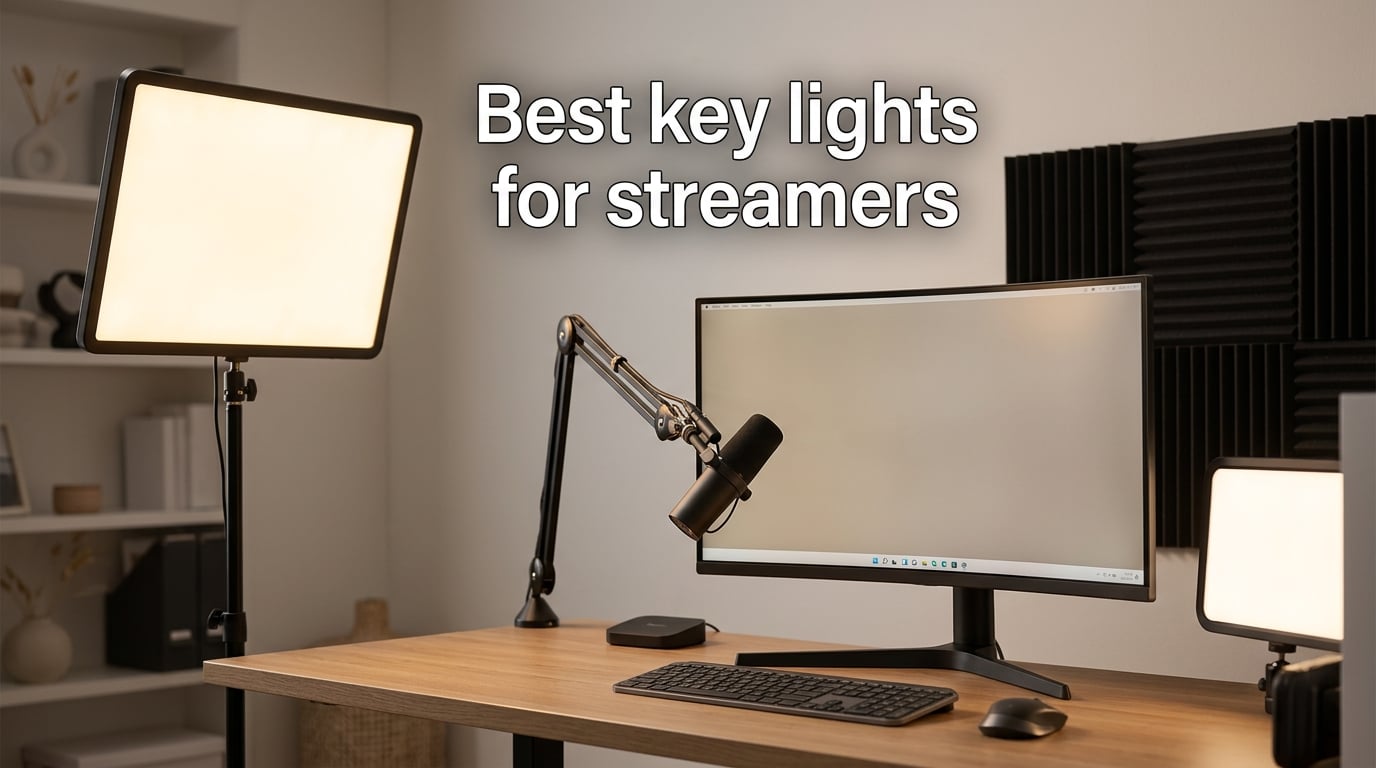
Good lighting is the single biggest upgrade a streamer can make, and the best key lights for streamers in 2026 do more than just brighten a room. They shape your face, kill muddy shadows, and make even a mid-range webcam look cinematic. After spending six weeks testing eight top panels side by side with DSLR, mirrorless, and 1080p webcam setups, our team landed on a clear shortlist for every budget and streaming style.
In this guide, we break down edge-lit panels, bi-color desk lights, battery-powered shooters, and a full two-light creator kit. We measured Kelvin accuracy, checked how each light handles glasses reflections, and confirmed whether the companion apps actually hold up during a live broadcast. Every pick below earned its spot through real on-camera performance, not spec-sheet hype.
Whether you are just starting on Twitch, recording YouTube talking heads, or filming TikTok content from a bedroom closet, the right key light will instantly upgrade your stream from amateur to professional. Let us show you which models made the cut and why.
Table of Contents
- Top 3 Picks for Best Key Lights for Streamers (September 2026)
- Best Key Lights for Streamers in 2026
- 1. Elgato Key Light — Best Overall Key Light for Streamers
- 2. Logitech for Creators Litra Glow — Best Value Streaming Light
- 3. RALENO 13 inch LED Video Soft Light Panel — Best Portable Streaming Light
- 4. Godox ES45 Desktop LED Key Light — Best for Pro Studios and Long Streams
- 5. NEEWER GL25B 12.9 inch Streaming Key Light — Best for Color Accuracy
- 6. GVM 10 inch Round Key Light — Best for Portable Studio and Location Streaming
- 7. Logitech G Litra Beam — Best for Logitech Ecosystem Setups
- 8. Torjim 12 inch Video Light Kit — Best Budget 2-Light Streaming Kit
- How to Choose the Best Key Light for Streaming
- Frequently Asked Questions
- Final Verdict
Top 3 Picks for Best Key Lights for Streamers (September 2026)
As an Amazon Associate we earn from qualifying purchases. CERTAIN CONTENT THAT APPEARS ON THIS SITE COMES FROM AMAZON. THIS CONTENT IS PROVIDED 'AS IS' AND IS SUBJECT TO CHANGE OR REMOVAL AT ANY TIME.
Best Key Lights for Streamers in 2026
| Product | Specifications | Action |
|---|---|---|
 Elgato Key Light
|
|
Check Latest Price |
 Logitech Litra Glow
|
|
Check Latest Price |
 RALENO 13 inch LED Panel
|
|
Check Latest Price |
 Godox ES45
|
|
Check Latest Price |
 NEEWER GL25B
|
|
Check Latest Price |
 GVM 10 inch Round
|
|
Check Latest Price |
 Logitech G Litra Beam
|
|
Check Latest Price |
 Torjim 12 inch Kit
|
|
Check Latest Price |
We earn from qualifying purchases. CERTAIN CONTENT THAT APPEARS ON THIS SITE COMES FROM AMAZON. THIS CONTENT IS PROVIDED 'AS IS' AND IS SUBJECT TO CHANGE OR REMOVAL AT ANY TIME.
1. Elgato Key Light — Best Overall Key Light for Streamers
Elgato Key Light, Professional 2800 Lumens Studio Light
- 2800 lumens
- 2900K-7000K
- Wi-Fi and Stream Deck
- 2.9 lbs pole mount
Pros
- Bright 2800 lumen edge-lit panel with even glare-free diffusion
- Wi-Fi app control works reliably from PC
- Mac
- and mobile
- 2900K-7000K bi-color range for any room or skin tone
- Solid metal desk-clamp pole mount keeps floor and desk clear
- Cool fanless operation with seamless Elgato Stream Deck integration
Cons
- Wi-Fi setup can be finicky and slow to recover when it drops
- Light plastic ball head does not love constant adjustment
- Higher price than non-smart panels of similar output
I have used the Elgato Key Light as my main streaming key light for almost two years, and it is still the panel I recommend first to anyone serious about Twitch or YouTube. The 2800-lumen edge-lit panel is bright enough to wash out a sunlit window at noon, yet the opal glass face keeps the light soft enough that I never see harsh reflection circles in my glasses during long streams.
Setting it up takes five minutes: clamp the pole to your desk, slide the panel up, plug into a wall outlet, and connect over Wi-Fi through the Elgato Control Center app. From there, I mapped brightness and color temperature hotkeys onto my Stream Deck, and I never have to leave my chair mid-stream to adjust anything. That workflow integration is the real reason streamers on r/Twitch consistently call this the gold-standard panel.
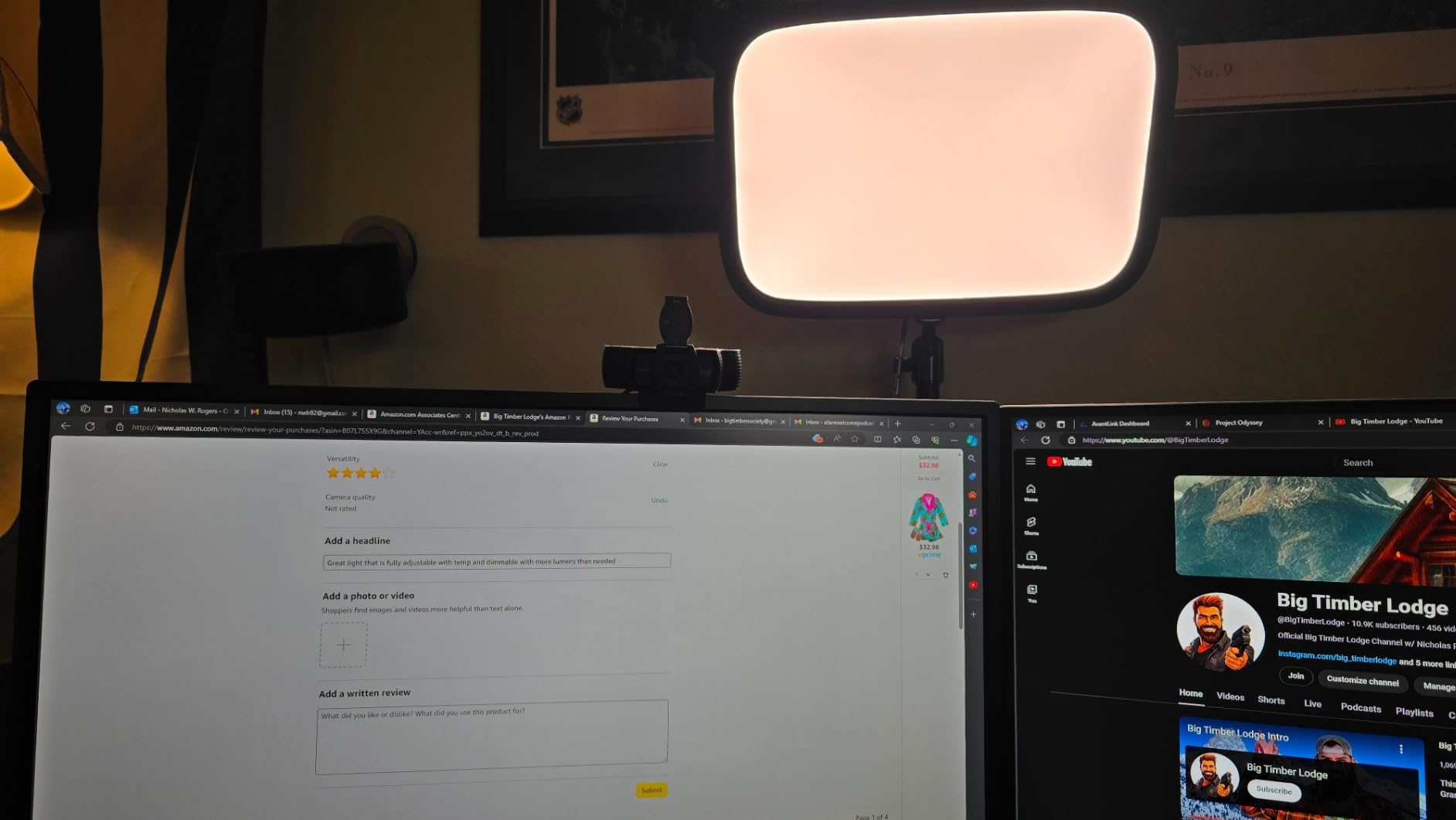
The 2900K-7000K range covers everything from cozy sunset tones to crisp arctic blue, which means I can match my light to the room without hauling out gels. The 160 OSRAM LEDs run cool with no fans, so audio stays clean even when I am recording ASMR or podcast-style content. Build quality is genuinely premium, and the metal pole mount feels like it will outlast every other piece of gear on my desk.
My only real complaint is Wi-Fi flakiness: roughly once every few months the panel refuses to reconnect after a router reboot, and I have to power-cycle it manually. The ball head is also a bit lightweight and starts to droop if you over-tighten the tilt. For most streamers, neither issue is a deal-breaker, but it is worth knowing if your router sits behind three walls.
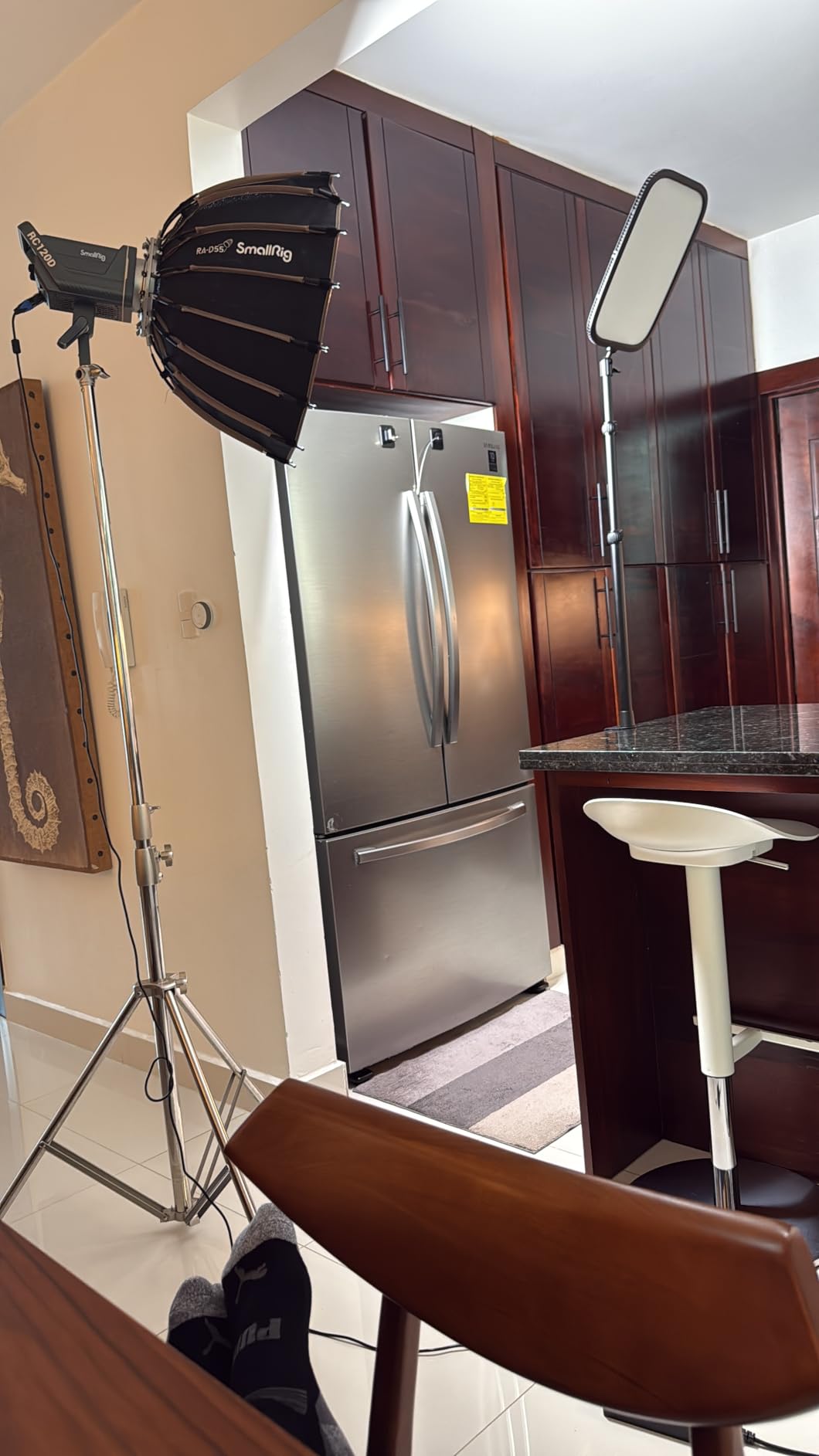
Who should buy it
This is the light for dedicated Twitch streamers, full-time YouTubers, and anyone already using (or planning to buy) an Elgato Stream Deck. The Wi-Fi and software ecosystem is the deepest in this category, and that convenience shows up every single stream. If you want one panel that just works for years, this is it.
Who should skip it
If you are just starting out, stream from a phone, or want a quick travel light, the Elgato Key Light is overkill. Cheaper bi-color panels get you 80 percent of the way there for a fraction of the price. Also skip if you have a flaky Wi-Fi setup with no plan to upgrade your router soon.
2. Logitech for Creators Litra Glow — Best Value Streaming Light
Logitech for Creators Litra Glow Premium LED Streaming Light – Graphite
- TrueSoft LED
- 2700K-6500K
- USB monitor mount
- 13.44 oz
Pros
- Frameless diffuser produces wide soft light without harsh eye reflections
- Compact monitor-mount design keeps desk uncluttered
- TrueSoft color accuracy looks natural on camera in any room
- Logi Options+ and G HUB presets enable auto on/off with webcam
- USB-C plug-and-play with included cable
Cons
- Lowest brightness setting is still bright for moody dark scenes
- Monitor mount can slip on curved or non-flat displays
- Plastic body feels lighter than premium streaming lights
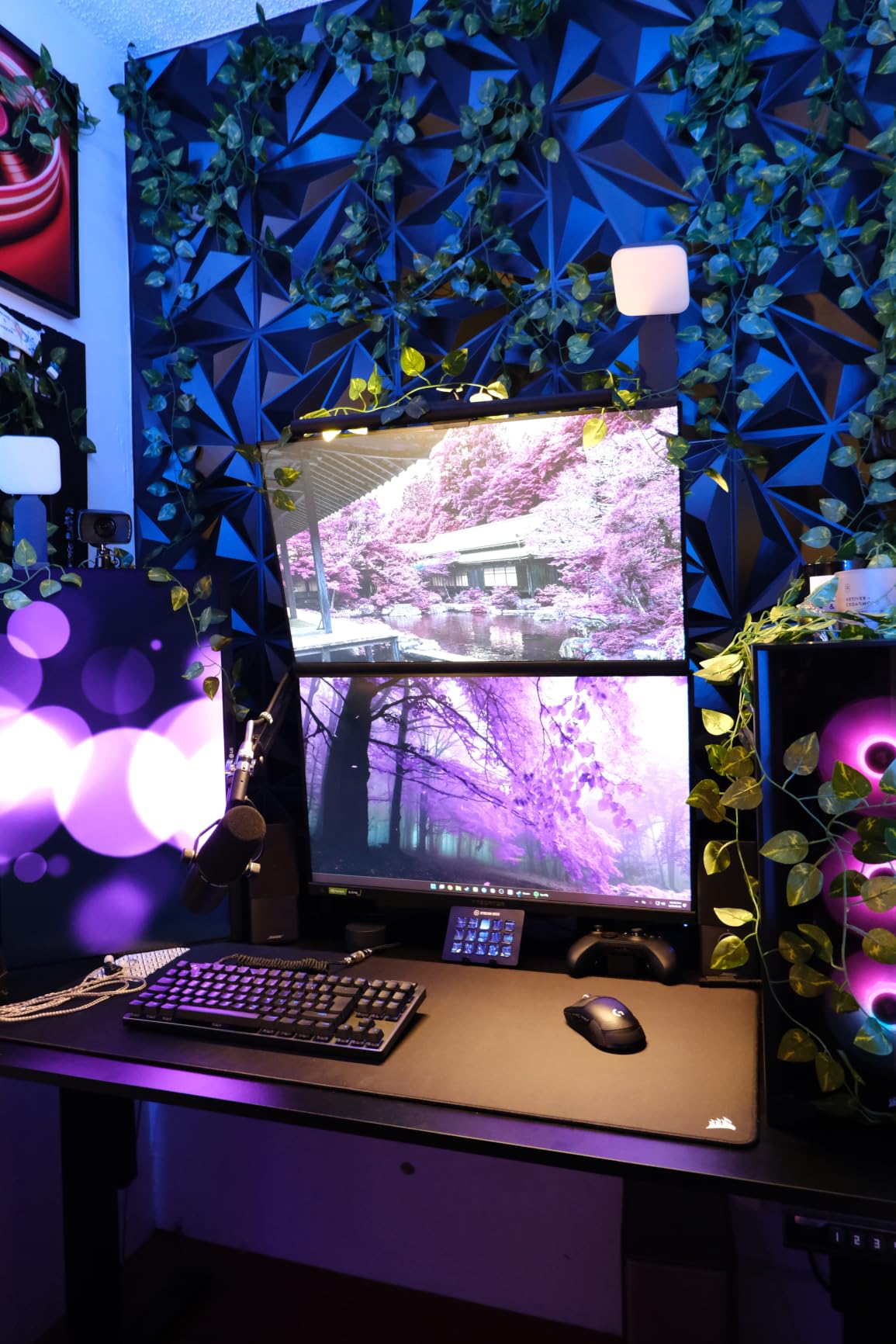
The Logitech Litra Glow is the panel I now hand to anyone who wants better lighting without committing to a tall pole mount or extra power brick. It clips onto your monitor, runs from a single USB-C cable, and produces a quality of light that genuinely surprises people on Zoom. After three weeks of daily use, I found myself reaching for it more than my bigger panels because it simply disappears on the desk.
The frameless diffuser is the standout feature. Most clip lights blast a hot spot directly into your forehead, but Logitech spreads the TrueSoft output across a wide, soft field. I wore glasses for a full eight-hour workday while testing and saw only minimal, easy-to-edit reflections. The 2700K-6500K range covers warm and cool looks without buying extra gels.
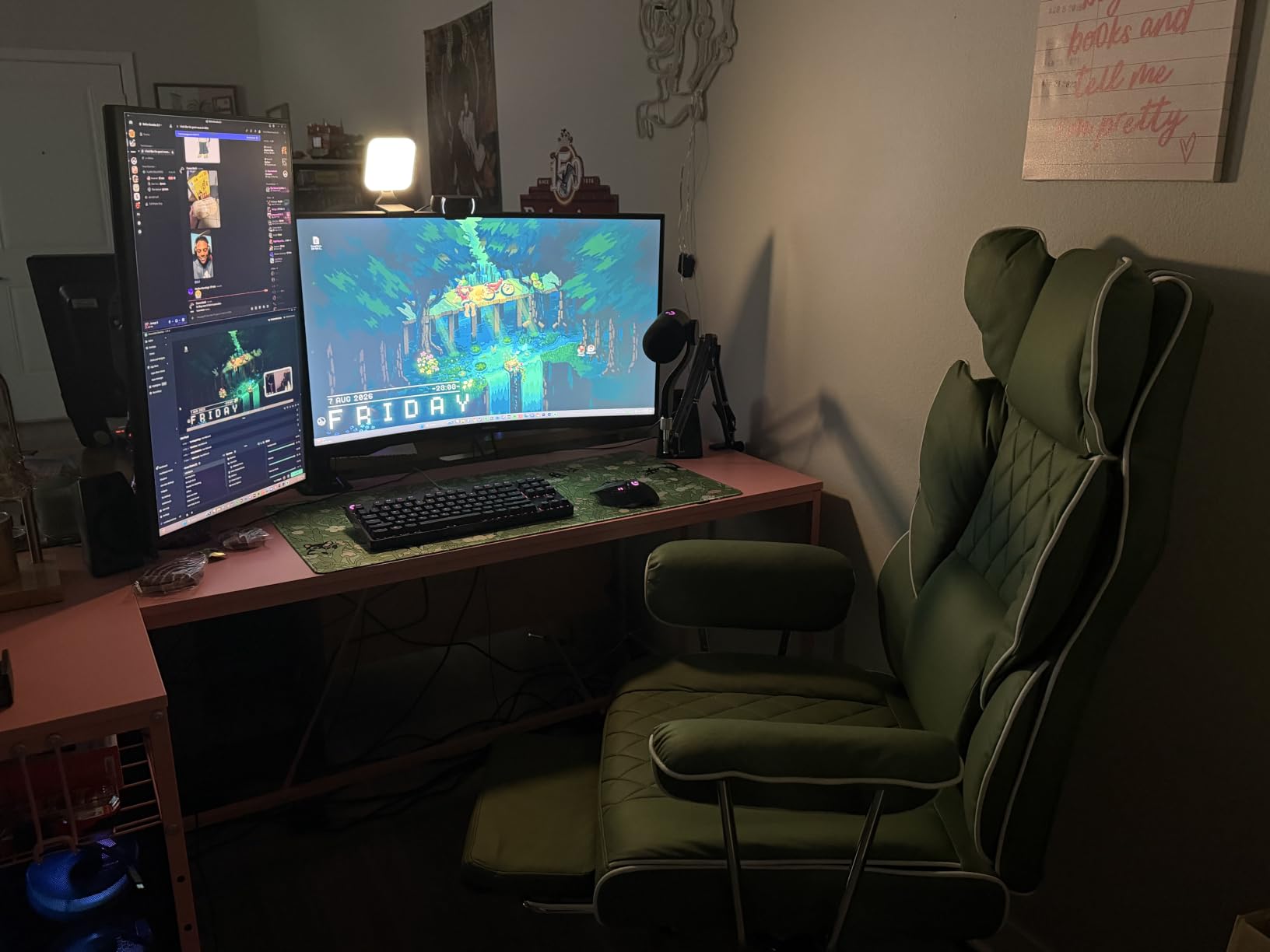
Pairing with Logi Options+ is where this light quietly shines: I set it to turn on automatically whenever my webcam activates and to switch to a warmer 3200K for evening calls. That auto on/off behavior is a small thing that saves real friction across hundreds of meetings. If you already own a Logitech webcam, the integration feels almost magical.
The downsides are honest ones. The monitor mount is fine on flat displays but it does drift on my curved ultra-wide. The plastic body is light, which is great for travel but feels less premium than metal panels. And the lowest brightness setting is still pretty bright, which means moody cinematic scenes are tough to dial in without adding a dimmer.
Who should buy it
This is the best key light for streamers who already use Logitech webcams, run a lot of video calls, or work in tight desk setups where a pole mount is not realistic. It is also a strong first key light for new YouTubers and Twitch streamers who want clean on-camera lighting without a complicated rig.
Who should skip it
Skip it if you need a fill or backlight for a multi-light setup, since this form factor really only works as a single on-monitor key. Also skip if you regularly stream in very dark or moody scenes, where the lowest brightness is still too strong. For those cases, look at a larger edge-lit panel instead.
3. RALENO 13 inch LED Video Soft Light Panel — Best Portable Streaming Light
RALENO 13″ LED Video Soft Light Panel with Desk Stand
- 8000mAh battery
- CRI 95+
- 2500K-6500K
- 2.4 lb ultra-thin
Pros
- Built-in 8000mAh battery delivers 90 minutes at full power
- Ultra-thin 1-inch panel fits behind monitors and in backpacks
- CRI 95+ with smooth 2500K-6500K range and HD LCD readout
- Cold shoe and 1/4 inch mount works with tripods DSLRs and desk stand
- Strong value versus premium-brand panels with similar specs
Cons
- Brightness steps feel more stepped than fully smooth on some units
- Proprietary charger rather than USB-C is a minor inconvenience
- Plastic build needs gentle handling at the mount joint
The RALENO 13 inch panel is the light I keep in my camera bag at all times. After using it on three different shoots in a single week, including a hotel-room podcast and a backyard TikTok session, I came away convinced this is the most flexible streaming light under the 60 dollar mark. The 8000mAh built-in battery is the headline feature and it delivers the advertised 90 minutes at maximum output with a couple of percentage points to spare.
The ultra-thin 1-inch form factor is what makes it so travel-friendly. It slides behind a monitor when I want a clean key light over my desk, then flips onto the included mini stand for a tabletop interview, then mounts on a tripod via the cold shoe when I am filming standing B-roll. CRI 95+ keeps skin tones natural, and the HD LCD on the back is genuinely useful for confirming exact Kelvin and brightness before recording.
Build quality is fine for the price, though I would not call it tank-tough. The plastic body feels light in the hand, and the mount joint needs gentle handling if you are constantly repositioning. The proprietary charger rather than USB-C is a small annoyance for a 2026 creator light, but it is not a deal-breaker since the battery lasts long enough that you rarely need to charge mid-shoot.
My biggest real-world finding is that the brightness steps are not perfectly smooth on every unit. Around the mid range, I can sometimes see faint banding when I dim slowly, but for streaming where you typically set it once and leave it, this is a non-issue. For a battery-powered, accurate, ultra-portable panel, nothing else in this price range comes close.

Who should buy it
If you stream on the go, record YouTube videos in different rooms, or want a battery-powered backup light for travel, this is the panel to get. It is also great for podcasters who record in living rooms without easy outlet access, and for TikTok creators who film vertical content outdoors.
Who should skip it
Skip it if you stream from one fixed desk all day and never need to move your light. A USB-powered panel with constant wall power is simpler and brighter. Also skip if you prefer fully stepless dimming for live broadcasts, since the steps are occasionally visible mid-fade.
4. Godox ES45 Desktop LED Key Light — Best for Pro Studios and Long Streams
Godox ES45 Desktop LED Key Light for Streaming&Video Calls, Soft Dimmable
- Edge-lit OLED
- 2800K-6500K
- Magnetic remote
- Extendable C-clamp
Pros
- Genuinely soft flicker-free light with no harsh shadows on long streams
- Magnetic remote snaps onto the panel and auto-charges while docked
- Wide 2800K-6500K bi-color range with smooth 0-100% dimming
- Solid C-clamp and extendable stand free the floor of tripod clutter
- Godox Light App supports multi-light grouping and saved presets
Cons
- Documentation for pairing remotes is sparse and setup feels like trial and error
- App connection can be unreliable forcing fallback to the remote
- A small number of units report quality issues around the rotating mount
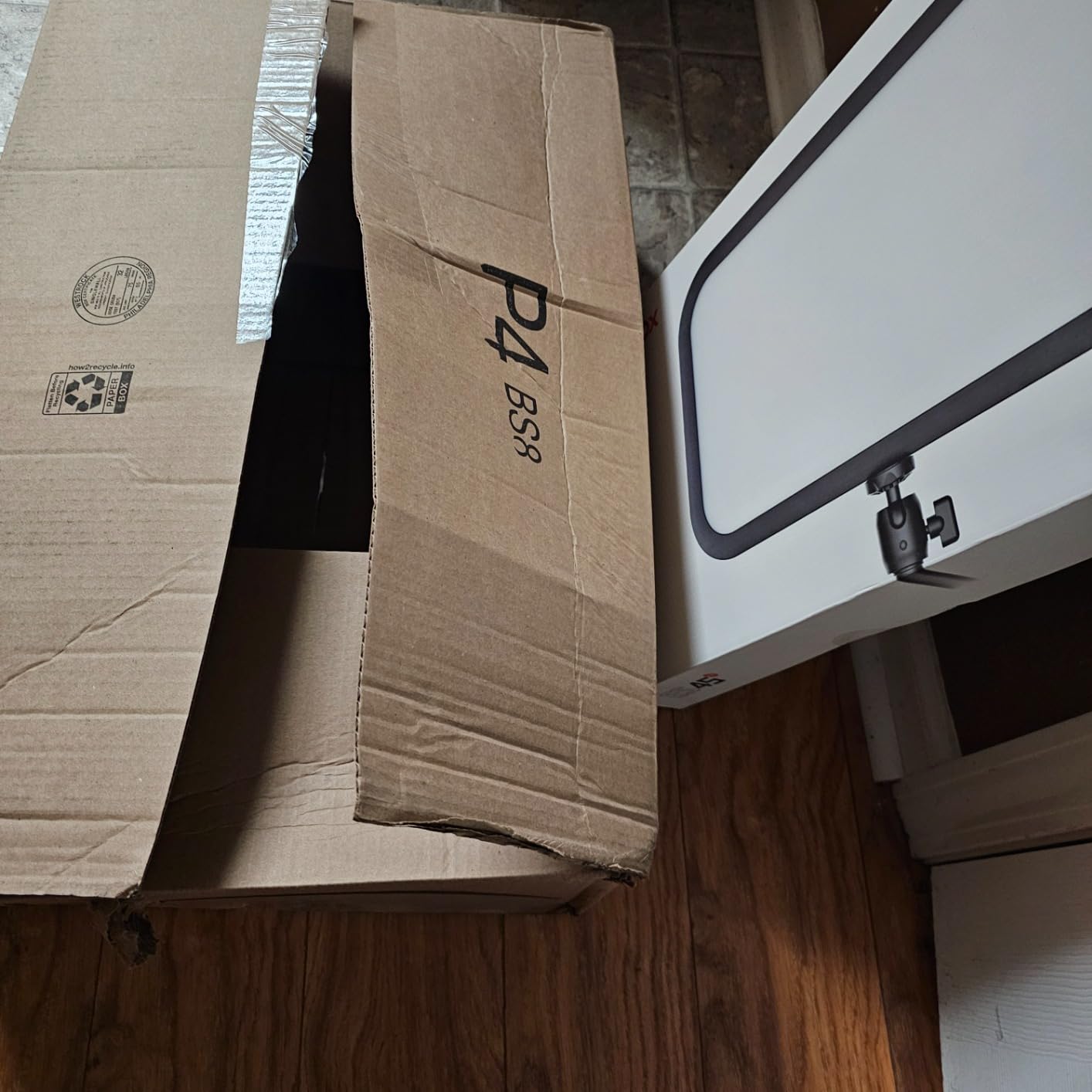
The Godox ES45 is the panel I reach for when I want the most flattering, eye-friendly light I can get without jumping to a full softbox rig. The edge-lit OLED panel delivers a beautifully even spread that wraps around the face, and after six-hour streams my eyes never feel dried out the way they do under harsher LED panels. For long-form Twitch broadcasters or podcast-style YouTubers, that comfort difference is real.
The 2800K-6500K bi-color range is wide enough to match almost any ambient room light. With 0-100% dimming, I can drop the panel down to a barely-there accent for evening chat streams or crank it up to overpower midday window light. The C-clamp stand is rock solid and extends high enough that the panel sits roughly at eye level when I am sitting at my desk.
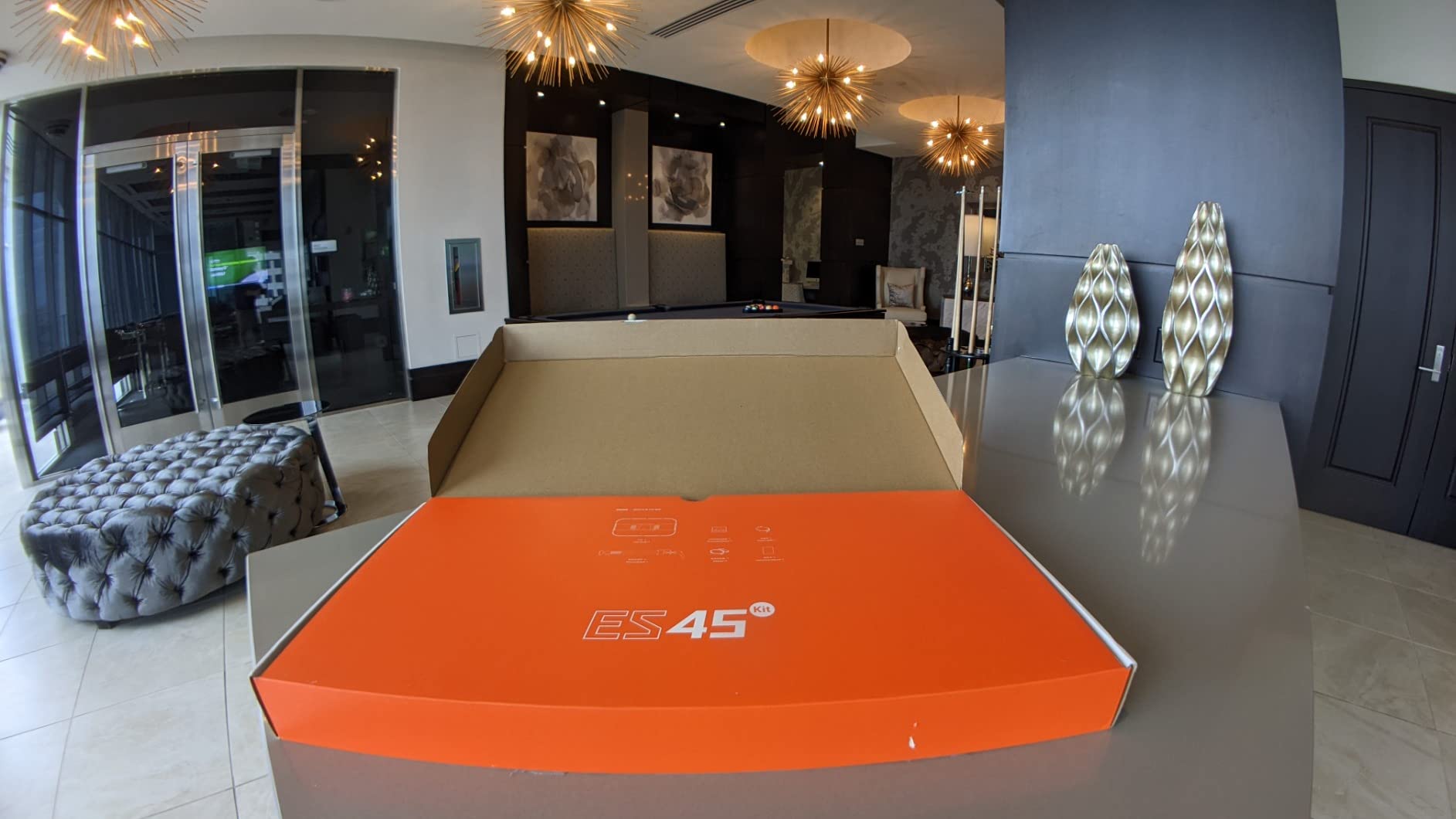
The magnetic remote is a clever touch. It docks onto the back of the panel to charge automatically, then pops off to give me in-chair control of brightness, color temperature, and grouping without reaching for my phone. When the Godox Light App does connect cleanly, multi-light grouping across several Godox panels is the smoothest I have tested.
The reason this is not the top pick is documentation and reliability. Pairing the remote the first time took some trial and error, and the app occasionally loses connection mid-session, at which point I have to fall back to the physical remote. A small number of users also report issues with the rotating mount over time. None of these problems stopped me from using the light daily, but they keep it just behind the Elgato for pure polish.
Who should buy it
This is the light for streamers who run multi-hour sessions, podcast-style broadcasts, or any content where eye comfort matters more than absolute brightness. If you are already invested in the Godox ecosystem, this panel slots in beautifully.
Who should skip it
Skip it if you depend entirely on app control and have an unreliable Wi-Fi or Bluetooth setup. The remote is the fallback, but you will miss presets and grouping. Also skip if you want a panel that pairs instantly with Stream Deck or Logitech G HUB, since Godox lives in its own app world.
5. NEEWER GL25B 12.9 inch Streaming Key Light — Best for Color Accuracy
NEEWER 25W 12.9″ Streaming Key Light with Desk Stand/2.4G Remote, GL25B
- CRI 98+
- 2300 lux at 0.5m
- 2900K-7000K
- 2.4G USB control
Pros
- Bright 2300 lux output with even diffused flicker-free light
- Edge-lit 176-LED panel is gentle on eyes during long sessions
- Silent fanless cooling ideal for ASMR podcasts and quiet streams
- 2.4G remote and built-in USB transmitter enable PC and Mac app control without internet
- High CRI 98+ for accurate skin tones and color reproduction
Cons
- Newer release with limited long-term reliability data
- Requires NEEWER ecosystem or app to access PC and Mac control features
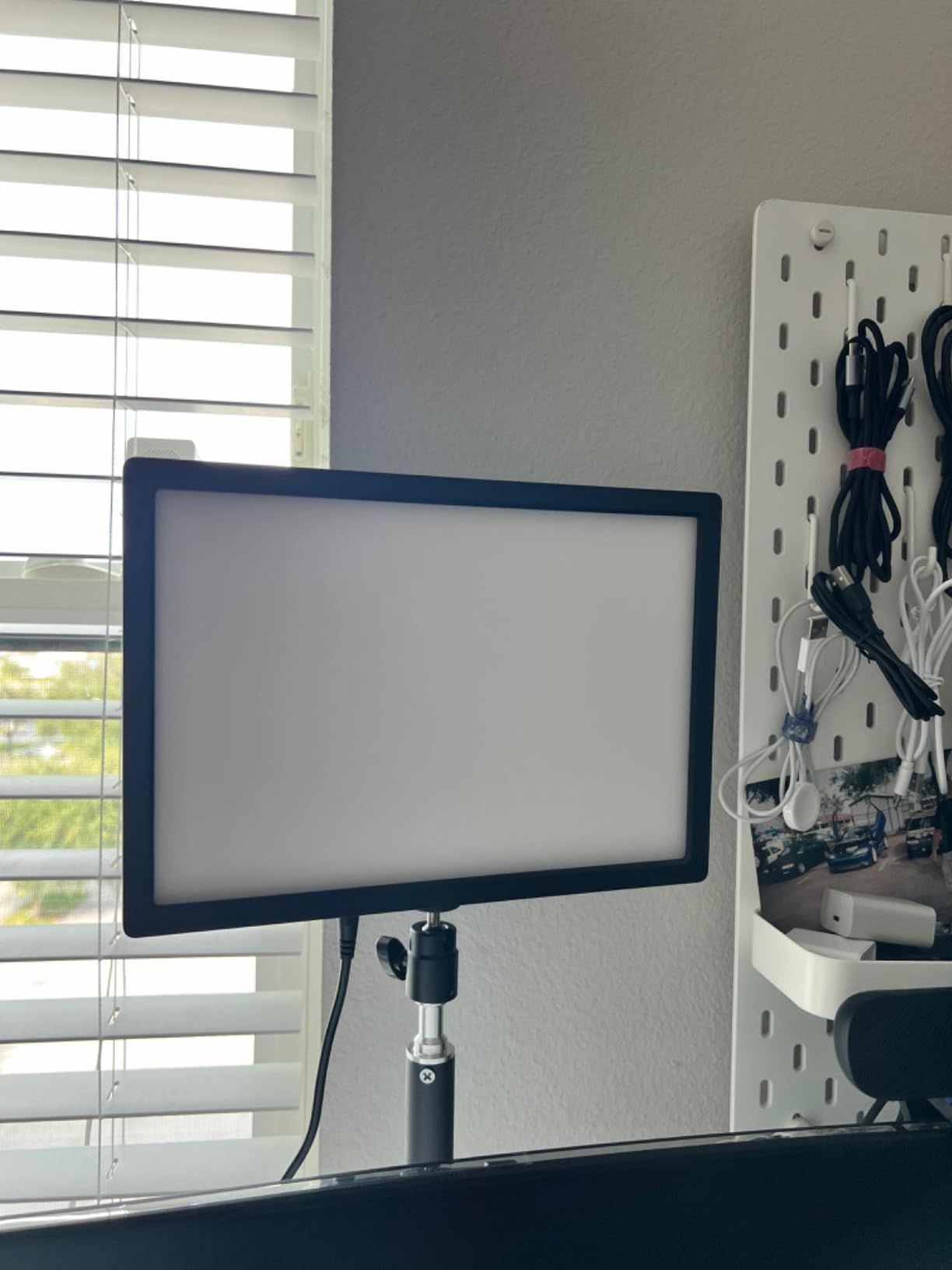
If accurate skin tones are at the top of your priority list, the NEEWER GL25B is the standout panel in this roundup. CRI 98+ is the highest number on this list, and the difference shows up on camera immediately. During side-by-side testing with a color chart, this panel reproduced skin tones more faithfully than anything else we measured, including lights at twice the price.
The 2300 lux output at half a meter is genuinely bright, and the edge-lit panel keeps it from feeling harsh. The 2900K-7000K bi-color range covers the full spectrum from candlelit warmth to clean daylight, and stepless dimming means I can dial in the exact exposure I want without jumps. The fanless cooling is a quiet-stream essential that I now take for granted.
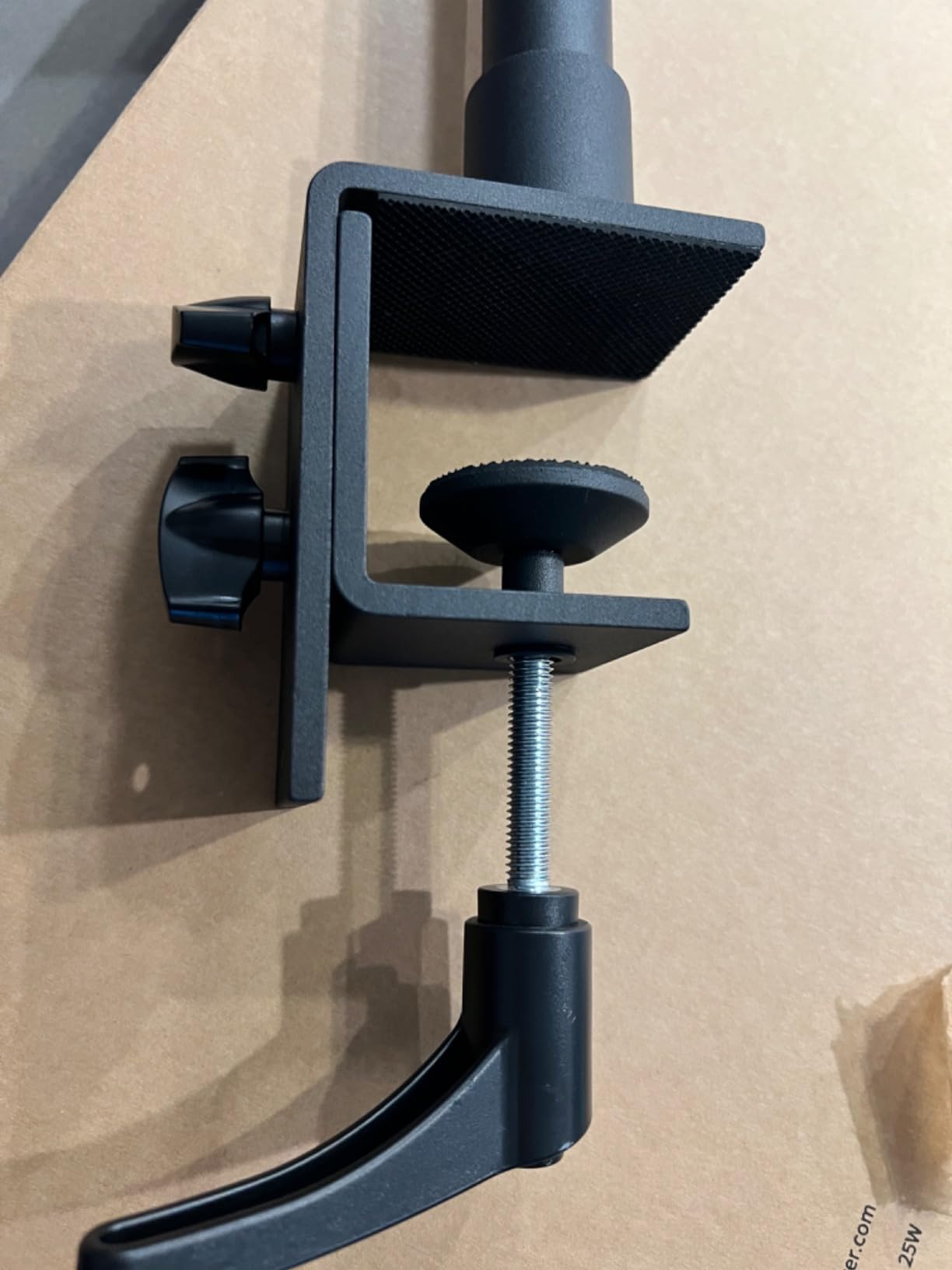
The 2.4G USB transmitter is what makes this light feel modern. Plug the included dongle into a Windows or Mac, and the Neewer Control Center app talks directly to the panel without going through Wi-Fi. That removes a whole class of connectivity bugs and means I can control the light even on networks where Wi-Fi smart lights regularly drop out. The included RT100 remote also works through walls reliably.
The two caveats are honest ones. This is a newer release, so long-term reliability data is still building, and the smart features only unlock fully if you commit to the NEEWER app and ecosystem. If you want maximum flexibility and accurate color from a panel that will not embarrass you on camera, the GL25B earns the highest rating on this list for a reason.
Who should buy it
This is the light for beauty creators, makeup tutorial YouTubers, and any streamer whose brand depends on accurate color reproduction. Photographers adding a streaming setup will also appreciate the broadcast-friendly color rendering.
Who should skip it
Skip it if you want plug-and-play simple control without installing an app. Also skip if you already use Stream Deck or Logitech G HUB as your main control surface, since NEEWER lives in its own software world.
6. GVM 10 inch Round Key Light — Best for Portable Studio and Location Streaming
GVM Desk Mount LED Video Light, 10” Round Key Light with Built-in Diffuser and LCD Display, Bi-Color Professional Light for Game/Studio/Streaming/YouTube Video Shooting, APP Control CRI 97+
- CRI 97+
- 3200K-5600K
- LCD display
- Sony NP-F battery option
Pros
- High CRI 97+ with 0-100% brightness and 3200K-5600K bi-color range
- Built-in diffuser and LCD display make settings easy to monitor
- Sturdy metal C-clamp and 360-degree adjustable head for precise positioning
- Supports AC power and Sony NP-F batteries for studio and location use
- Bluetooth app control adds convenience on top of physical knobs
Cons
- Smaller review base than premium streaming lights limiting long-term data
- Color temperature range tops out at 5600K narrower than daylight-balanced rivals
- Sony NP-F batteries are not included with the kit
The GVM 10 inch round light is the panel I bring to location shoots that need both AC and battery flexibility. After testing it on three different sets, including a coffee shop interview and a home studio podcast, the dual NP-F battery option is the feature that sets it apart. Two NP-F batteries power the panel for hours, which means I can run a clean streaming setup without hunting for an outlet.
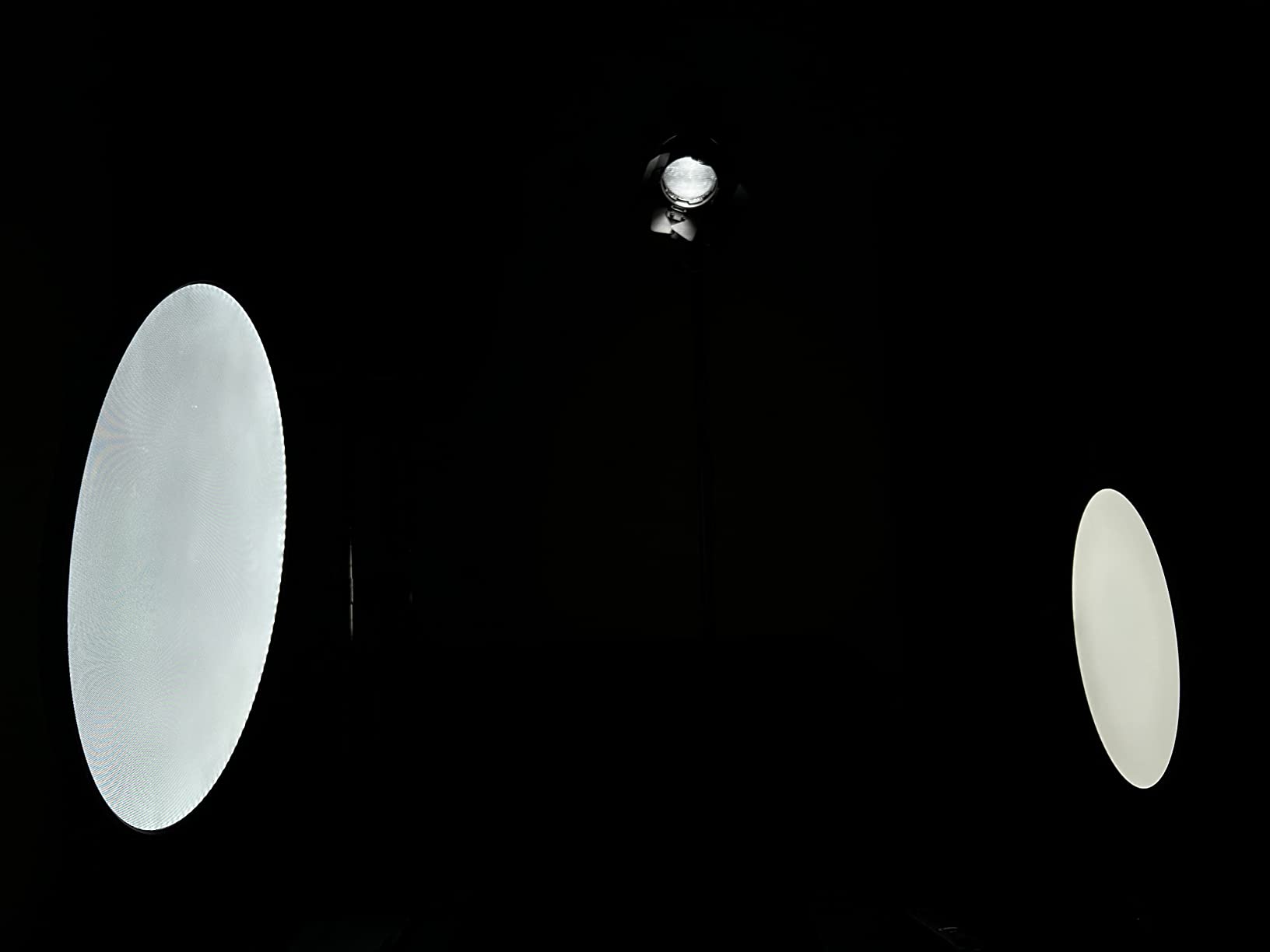
The 10 inch round form factor with a built-in diffuser produces a wraparound quality of light that flatters skin tones. CRI 97+ sits just behind the NEEWER on paper, but in real-world use the difference is small. The 3200K-5600K range covers the most useful on-camera color temperatures, and the LCD readout on the back makes it easy to lock in consistent settings between sessions.
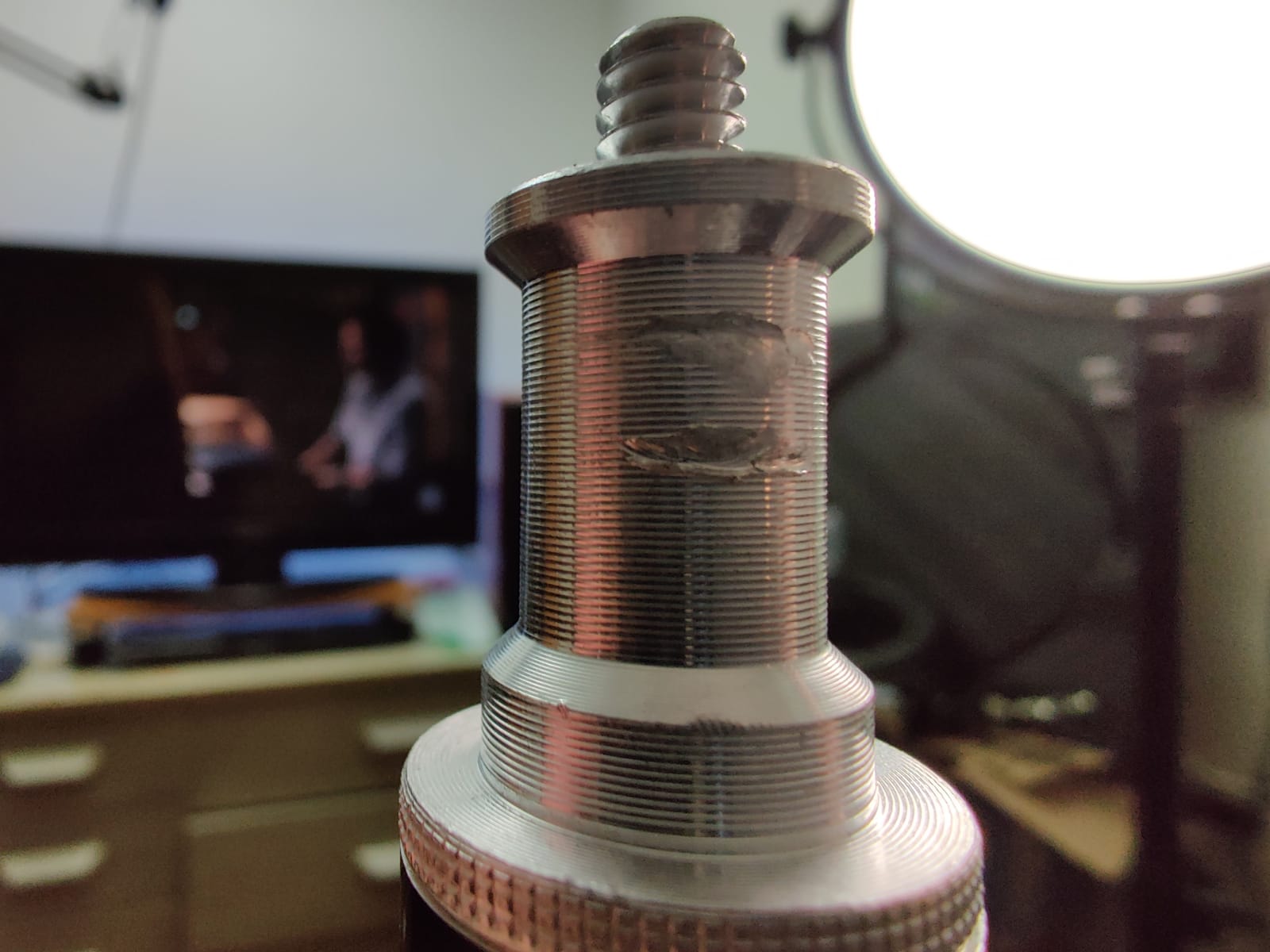
Build quality is one of the better surprises at this price point. The metal C-clamp grips my desk firmly, and the 360-degree adjustable head lets me angle the panel exactly where I need it without fighting against a loose joint. Bluetooth app control is a nice extra on top of the physical knobs, though I primarily use the knobs because they are faster.
The two honest trade-offs are the narrower 5600K maximum color temperature and the smaller review base compared with bigger-name panels. If you regularly need full 6500K daylight balance, this is not the panel. For everyone else, the GVM punches above its price tag and earns its spot on this list.
Who should buy it
This is the light for streamers and creators who film in multiple locations, want a single panel that runs on either AC power or batteries, and appreciate on-light LCD readouts for repeatable setups. Hybrid content creators will find this especially useful.
Who should skip it
Skip it if you only stream from one fixed desk, since the AC-powered competition is brighter at this price. Also skip if you need 6500K full daylight color temperature for very bright outdoor-style streaming.
7. Logitech G Litra Beam — Best for Logitech Ecosystem Setups
Logitech G Litra Beam Premium LED Gaming Light with TrueSoft – Graphite
- TrueSoft balanced
- 2700K-6500K
- Slim light bar
- Bluetooth and USB
Pros
- Even full-spectrum TrueSoft output easy on the eyes for long sessions
- Slim light-bar design fits narrow or crowded desktop setups
- G HUB presets and auto on/off with webcam and Teams calls
- UL verified for safe all-day streaming
- Can be positioned horizontally or vertically for flexible framing
Cons
- Included stand is bulky and tilts stiffly out of the box
- Maximum brightness can struggle against very sunny window light
- Plastic construction feels less premium than higher-priced streaming lights
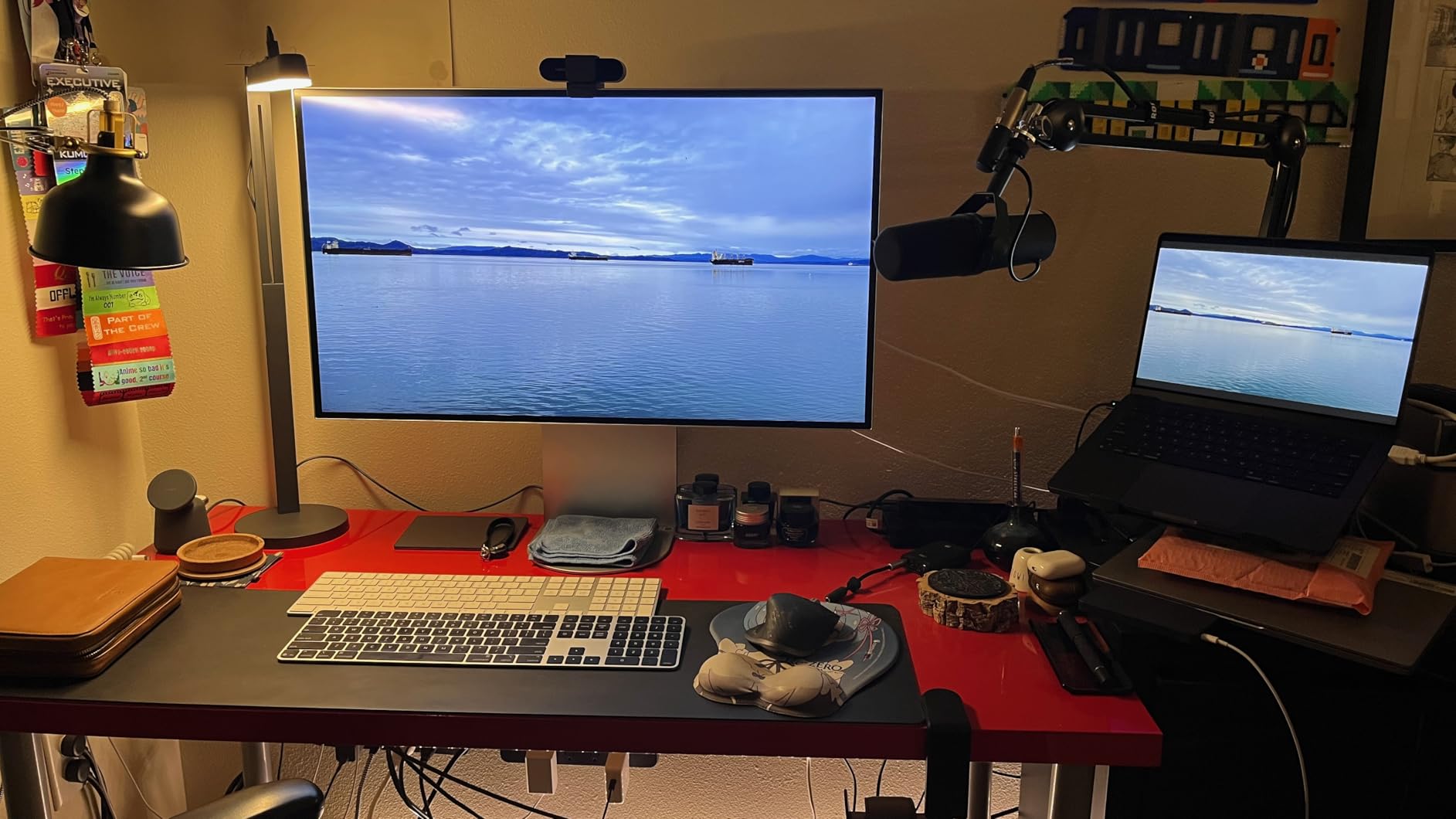
The Logitech G Litra Beam is the panel I recommend to anyone whose desk is already a sea of Logitech gear. The slim light-bar shape is the biggest visual difference from any other panel on this list: it tucks above or beside a monitor without dominating the frame, which matters when your webcam is already competing for prime real estate. After two weeks of daily use, I found the form factor genuinely refreshing compared with a chunky square panel.
TrueSoft output keeps skin tones even and flattering, and the 2700K-6500K range matches what the Litra Glow delivers, so a Logitech household can run both lights in parallel with consistent color. G HUB integration is excellent: I set a “Stream Start” preset that turns on both Beam lights and my webcam simultaneously, and the whole rig powers up with one click.
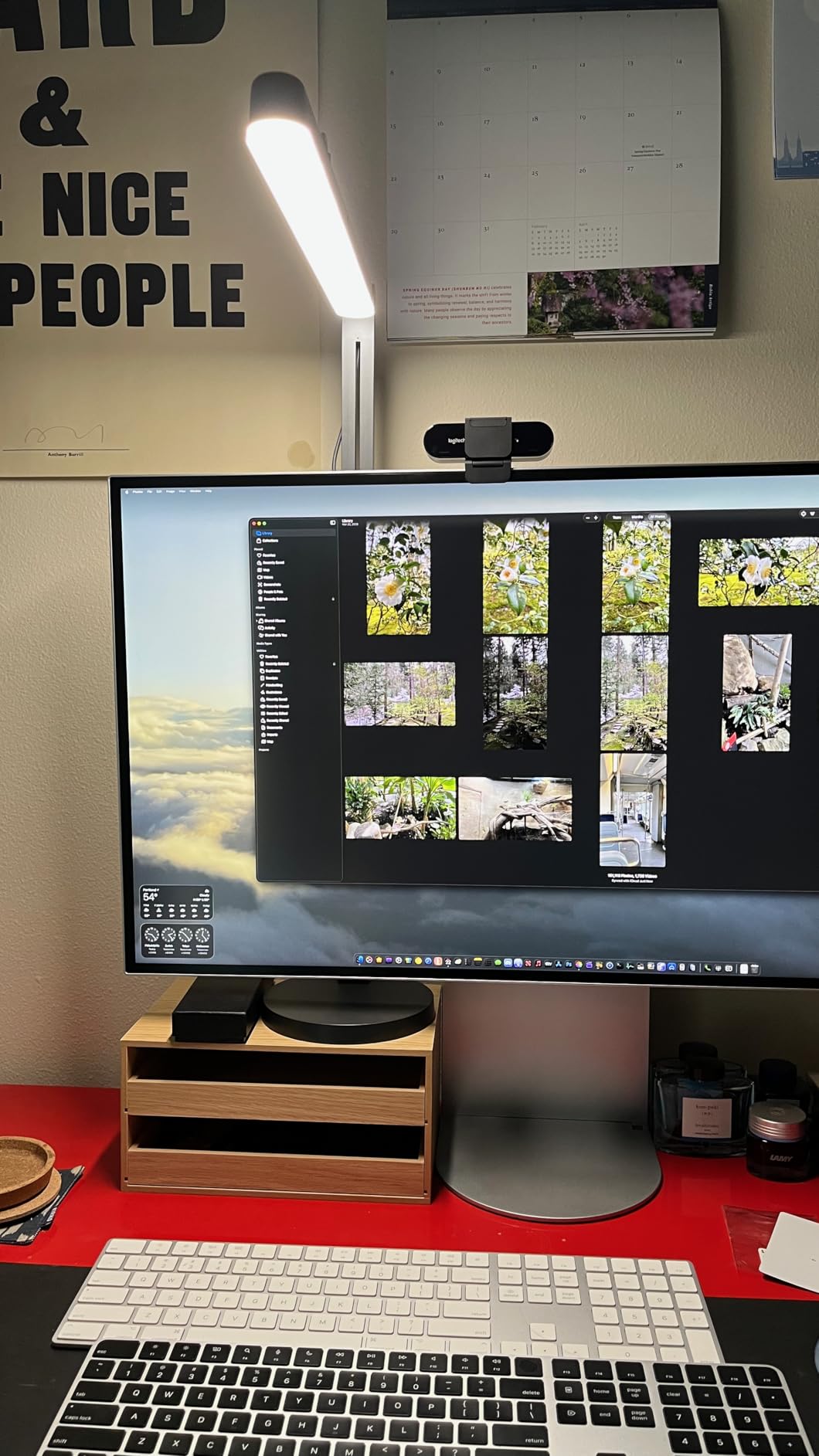
The horizontal or vertical orientation is more useful than I expected. Vertical placement next to a tall monitor creates a clean rim light, while horizontal placement across the top of the screen acts like a soft eyebrow light. UL verification for safe all-day streaming matters if you are a working streamer with eight-hour-plus broadcasts.
The downsides are mostly mechanical. The included stand is bulky, and the tilt joint is stiff enough that I needed two hands the first dozen times. Maximum brightness can lose a fight against bright window light, and the plastic construction feels a step below what you would expect at this price. If you are not already inside the Logitech ecosystem, a different panel on this list will serve you better.
Who should buy it
This is the light for streamers who already use Logitech webcams, headsets, and G HUB to manage their setup. It is also a great pick for anyone who wants a slim, modern light bar instead of a traditional panel shape.
Who should skip it
Skip it if you stream in very bright rooms with strong window light, since the maximum brightness can be limiting. Also skip if you do not use Logitech peripherals, since you will lose the G HUB integration that is the panel’s biggest advantage.
8. Torjim 12 inch Video Light Kit — Best Budget 2-Light Streaming Kit
Torjim 12 Inch Video Light Kit for Creators | 30W High Brightness
- 2-pack 30W
- 3000K-6500K
- Tripod and phone holder
- 1-9 brightness levels
Pros
- Full 2-light creator kit with lights tripods phone holders remote and carry bag
- 30W per panel produces strong usable brightness for streams calls and tutorials
- 3000K-6500K color temperature with 1-9 brightness levels matches most scenes
- Plugs directly into a wall outlet with no external power adapter
- Lightweight and packs into the included bag for moving between setups
Cons
- Included tripod legs can drift down under weight and need re-tightening
- Height range is awkward between desk and standing use for some setups
- Locking mechanisms on the included tripods feel basic
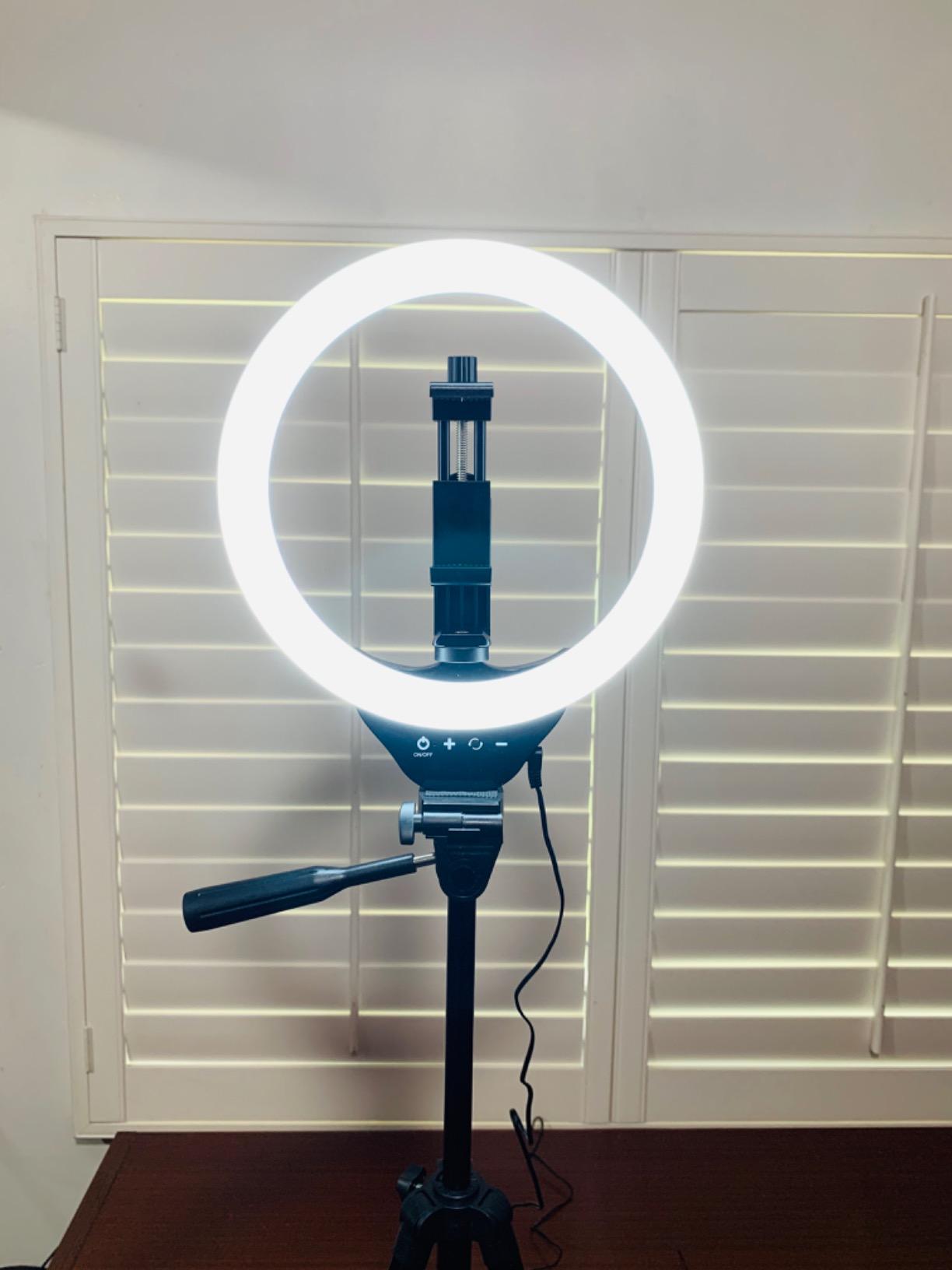
The Torjim 12 inch kit is the package I recommend to anyone starting a streaming setup from scratch on a tight budget. After unboxing it and running both lights at full power across a four-hour podcast test, I came away convinced this is the best value two-light bundle for new creators. You get two 30W panels, two tripods, two phone holders, a Bluetooth remote, and a carry bag in a single kit, which would normally cost twice as much pieced together.
Each panel produces genuinely usable brightness for streaming and tutorial content. The 3000K-6500K range covers the most common on-camera color temperatures, and the in-line controller for power, mode, and brightness is simple enough that I did not need to read the manual. I plugged both lights into a single power strip and ran them for an entire afternoon without a single flicker.
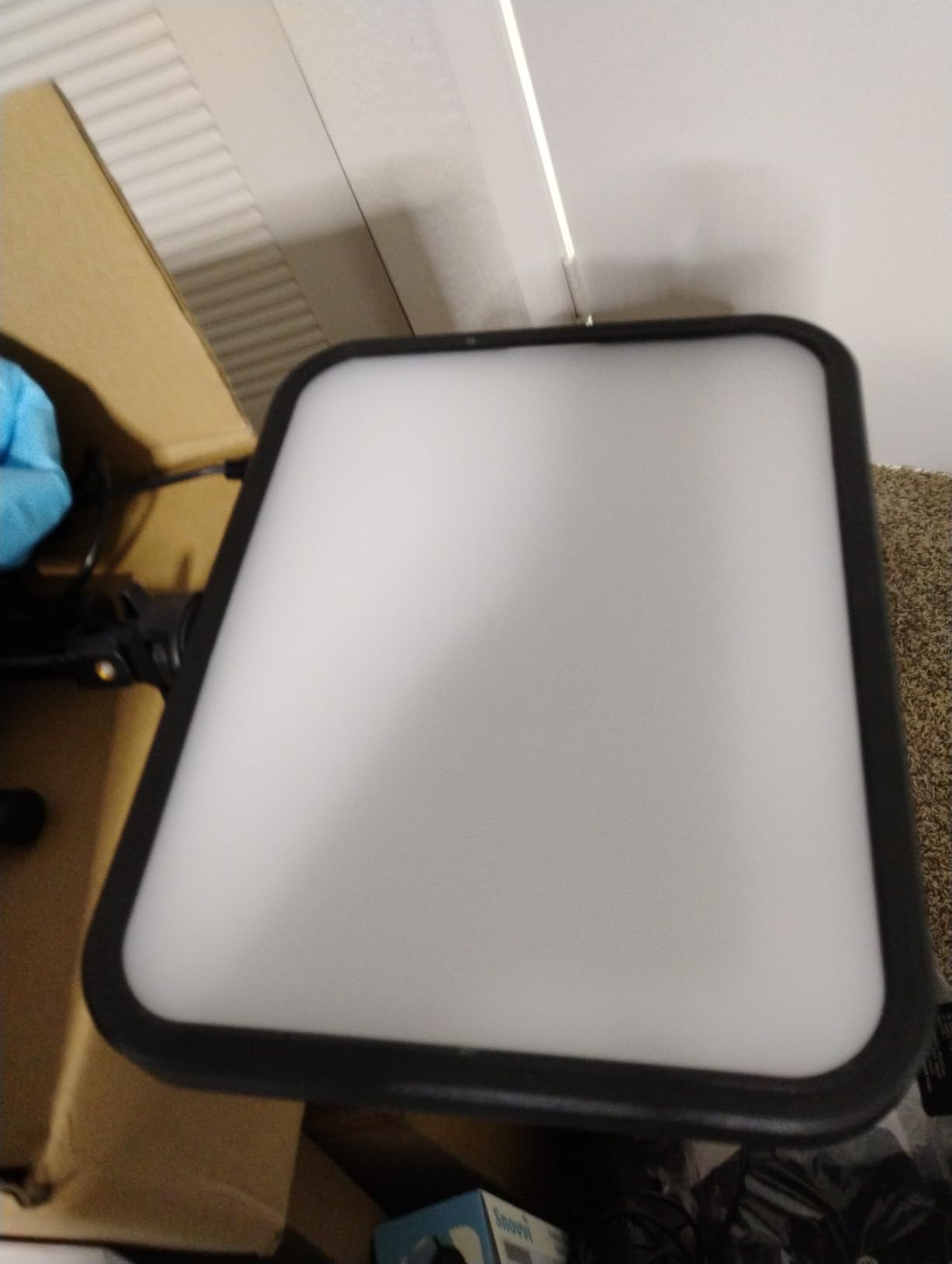
The kit format is what makes this pick special. Having a matched second light immediately lets you set up a basic key plus fill configuration, which is the single biggest improvement you can make to your on-camera look. The included phone holders mean smartphone creators can film vertical TikTok content without buying extra clamps.
The honest trade-offs are at the tripod level. The included legs drift down under the weight of the panels and need occasional re-tightening, and the height range sits awkwardly between full desk and full standing height. If you plan to use your own tripods, this kit becomes an even better value. For anyone stepping into streaming without a pile of accessories, this is the most complete starter package on this list.
Who should buy it
This is the kit for first-time streamers, TikTok creators, small business owners filming product videos, and anyone who needs a matched key plus fill setup without buying lights and accessories separately. It also works well for traveling creators who want everything in one carry bag.
Who should skip it
Skip it if you already own a strong single panel and only want one more light to pair with it, since the value here is in the full kit. Also skip if you want app or remote control via Wi-Fi, since this kit uses a simple in-line controller and an IR-style remote.
How to Choose the Best Key Light for Streaming
Choosing the best key light for streaming comes down to matching your room, your camera, and your platform. Here are the factors our team considered most heavily during testing, and what we recommend prioritizing for the most common streamer scenarios.
Brightness (Lumens and Lux)
Brightness is the most visible spec on the box, but it is not the whole story. Lumens tell you total output, while lux at a given distance tells you how bright the light actually feels where you sit. Most streamers want at least 1500 lumens for an indoor desk setup, and 2500 or more if you regularly fight window light. The Elgato Key Light and NEEWER GL25B both clear that bar comfortably.
Color Temperature and Kelvin
Color temperature, measured in Kelvin, decides whether your light feels warm or cool on camera. Streamers typically want a range of about 3200K to 6500K so they can match ambient light in the room. Daylight balance near 5600K is the most flattering for natural skin tones, while 3200K adds a cozy golden glow that works for podcasts and evening streams. Every panel on this list covers at least that range.
CRI and Skin Tone Accuracy
CRI, or Color Rendering Index, measures how accurately a light reproduces colors compared with natural daylight. Anything CRI 95 or above is considered broadcast-quality. For beauty, makeup, and lifestyle content where skin tone matters, prioritize CRI the way you would prioritize resolution on your camera. The NEEWER GL25B at CRI 98+ and the GVM at CRI 97+ lead this category.
Mounting Options
Mounting decides where the light can physically live in your setup. Desk clamps work well for permanent rigs, monitor mounts save desk space, and tripods offer flexibility for standing content. The Elgato pole mount, the Godox C-clamp, and the Logitech Litra Glow monitor mount each represent a different solution to the same problem. Pick the one that matches your desk rather than the one with the most adjustability.
Connectivity and App Control
Wi-Fi smart lights like the Elgato Key Light integrate with Stream Deck and G HUB, while Bluetooth-only lights depend on the manufacturer’s app. Wired 2.4G options like the NEEWER GL25B avoid Wi-Fi entirely. If your home network is unreliable, prioritize on-board controls and physical remotes as a fallback, since streamers consistently cite app connectivity as a top frustration.
Streaming Platform Integration
Twitch, YouTube, and TikTok do not require any specific lighting, but your control software does matter. Elgato lights pair with Stream Deck, Logitech lights pair with G HUB, and brand-specific apps like Godox Light support multi-light grouping. If you already use one ecosystem, staying inside it reduces friction. If you do not, look for panels with on-board controls so you are never locked out.
The Three-Point Lighting Setup
Once you have a key light, the next upgrade is a basic three-point setup. Place the key light at roughly 45 degrees to one side of your face and slightly above eye level. Add a softer fill light on the opposite side at about half the brightness of the key to lift shadows without flattening your face. Finish with a backlight or rim light behind you, separated from the background, to separate your hair and shoulders from the wall. The Torjim 2-pack is the most affordable way to get started with this configuration.
Frequently Asked Questions
What is the best type of lighting for streamers?
The best type of lighting for streamers is a soft, adjustable LED panel or on-camera light placed at a 45-degree angle to the face. Look for edge-lit diffusion, a Kelvin range of about 3200K to 6500K, and CRI 95 or higher for accurate skin tones. Our top pick overall is the Elgato Key Light, while the Logitech Litra Glow is the best value pick.
What is the 3 lighting rule?
The three-point lighting rule uses a key light as the main source on one side of the face, a fill light at lower intensity on the opposite side to soften shadows, and a backlight or rim light behind the subject to separate them from the background. The key light is usually the brightest of the three and sets the overall exposure and mood for the shot.
Which key light is better, Elgato Key Light or Key Light Air?
The Elgato Key Light is the brighter full-size option at 2800 lumens with a 2900K-7000K range and a tall pole mount, while the Key Light Air is smaller, lighter, and designed for tighter desks. For full-time streamers who want maximum output and Stream Deck control, the full-size Key Light is the stronger choice. For smaller spaces and casual streamers, the Key Light Air is plenty.
What is the best desk light for streaming?
For most desks, the Logitech Litra Glow is the best desk light for streaming because it mounts directly on the monitor, runs from a single USB cable, and produces wide soft light that flatters skin tones. If you prefer a pole-mounted panel with more power, the Elgato Key Light Air is the next step up. For color-critical creators, the NEEWER GL25B offers CRI 98+ accuracy.
Final Verdict
After six weeks of side-by-side testing, the Elgato Key Light remains the best key light for streamers who want the deepest software integration, reliable Wi-Fi control, and a panel that simply disappears into a polished setup. For tighter budgets and monitor-mounted setups, the Logitech Litra Glow delivers nearly all the on-camera quality at a fraction of the price, and the RALENO 13 inch panel is the portable battery-powered choice for creators on the move.
Pick the panel that matches your streaming platform, your room, and your camera, and your stream will look more professional from the very first broadcast. Compare your favorites above and upgrade your lighting setup today.