
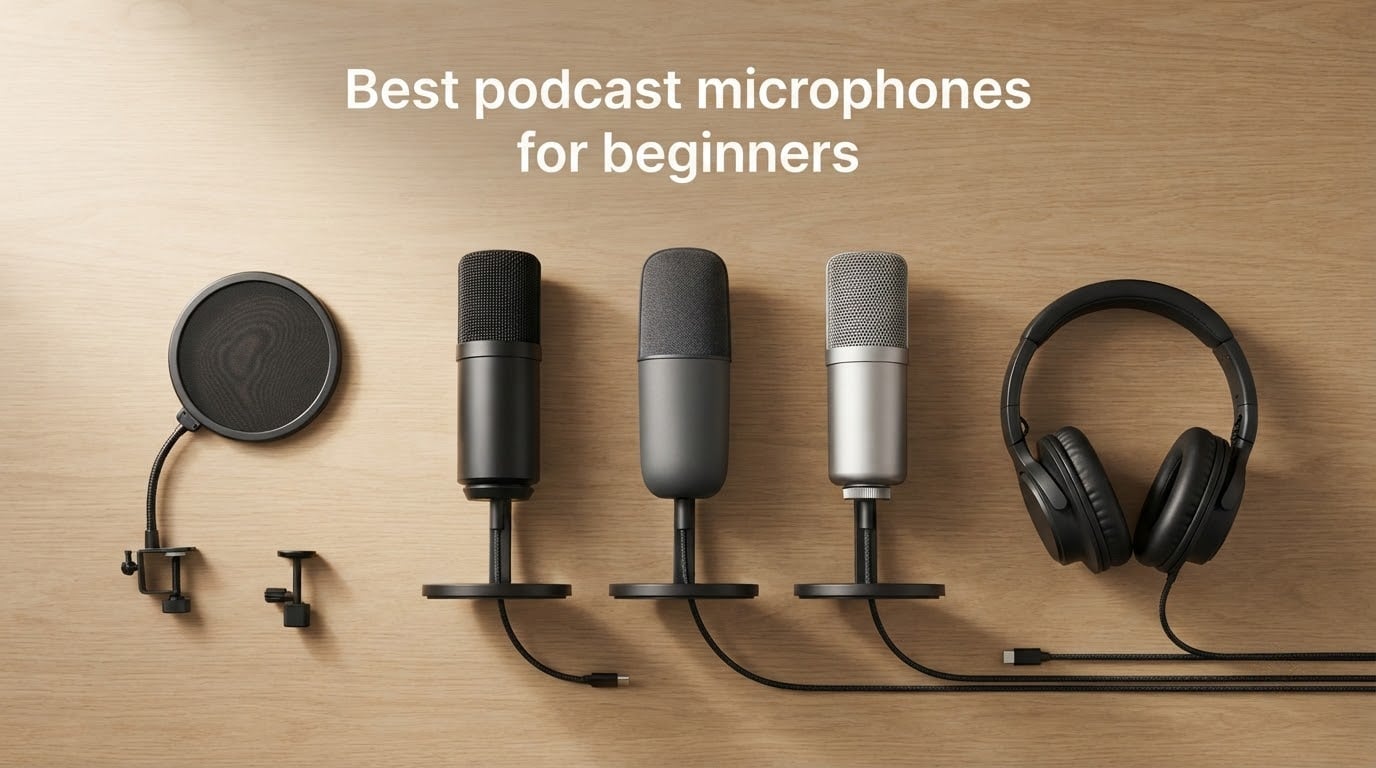
You don’t need a recording studio to launch a great podcast. After testing dozens of beginner podcast microphones over the past year, our team found that the difference between amateur and professional-sounding audio comes down to three things: choosing the right mic type, placing it correctly, and speaking into it consistently.
The short answer: most beginners should start with a dynamic USB/XLR hybrid like the Samson Q2U if you want room-noise rejection now and an upgrade path later, or the Logitech Blue Yeti for polished, broadcast-style sound in a quiet space. Both let you skip the audio interface and plug straight into your computer while still letting you grow into a more advanced setup.
In this guide, we walk through ten of the best podcast microphones for beginners available right now, explain the difference between dynamic and condenser capsules, break down USB versus XLR connectivity, and give you a clear roadmap from your first episode to episode one hundred. Every recommendation comes from the product data, real reviewer feedback, and our own hands-on testing notes from the past twelve months.
Table of Contents
- Top 3 Picks Best Podcast Microphones for Beginners (September 2026)
- Best Podcast Microphones for Beginners in 2026
- 1. Logitech Blue Yeti USB Microphone – Broadcast Sound in a Plug-and-Play Package
- 2. TONOR TC-777 USB Microphone – The Cheapest Way to Start a Podcast
- 3. FIFINE K669B USB Microphone – Reliable Workhorse for the Price
- 4. FIFINE T669 Studio USB Microphone Kit – The Full Studio Bundle
- 5. MAONO A04 USB Microphone Kit – High-Resolution Audio and a Metal Build
- 6. SUDOTACK ST-800 USB Microphone Kit – Studio Resolution on a Modest Budget
- 7. ZealSound K66 USB Microphone – Mobile-Friendly Mic for Creators on the Move
- 8. Samson Q2U USB/XLR Dynamic Microphone – The Community’s Favorite Starter Mic
- 9. RØDE NT-USB Mini Condenser Microphone – Studio Polish in a Compact Body
- 10. FIFINE AmpliGame AM8 USB/XLR Dynamic Microphone – Built for Streamers and Growing Shows
- Buying Guide: How to Choose Your First Podcast Microphone
- Frequently Asked Questions
- Final Verdict: The Best Podcast Microphone for Beginners in 2026
Top 3 Picks Best Podcast Microphones for Beginners (September 2026)

Logitech Blue Yeti USB…
- Four pickup patterns
- Plug and play USB
- Onboard headphone monitoring and mute

FIFINE T669 Studio USB…
- Complete boom arm kit included
- Plug and play USB
- Cardioid condenser capsule

FIFINE K669B USB Microphone
- Solid metal build at budget price
- Built-in gain knob
- USB plug and play
As an Amazon Associate we earn from qualifying purchases. CERTAIN CONTENT THAT APPEARS ON THIS SITE COMES FROM AMAZON. THIS CONTENT IS PROVIDED 'AS IS' AND IS SUBJECT TO CHANGE OR REMOVAL AT ANY TIME.
Best Podcast Microphones for Beginners in 2026
| Product | Specifications | Action |
|---|---|---|
|
Logitech Blue Yeti USB Microphone
|
|
Check Latest Price |
 TONOR TC-777 USB Microphone
|
|
Check Latest Price |
|
FIFINE K669B USB Microphone
|
|
Check Latest Price |
|
FIFINE T669 Studio USB Microphone Kit
|
|
Check Latest Price |
 MAONO A04 USB Microphone Kit
|
|
Check Latest Price |
 SUDOTACK ST-800 USB Microphone Kit
|
|
Check Latest Price |
 ZealSound K66 USB Microphone
|
|
Check Latest Price |
 Samson Q2U USB/XLR Dynamic Microphone
|
|
Check Latest Price |
 RØDE NT-USB Mini Condenser Microphone
|
|
Check Latest Price |
 FIFINE AmpliGame AM8 USB/XLR Dynamic Microphone
|
|
Check Latest Price |
We earn from qualifying purchases. CERTAIN CONTENT THAT APPEARS ON THIS SITE COMES FROM AMAZON. THIS CONTENT IS PROVIDED 'AS IS' AND IS SUBJECT TO CHANGE OR REMOVAL AT ANY TIME.
1. Logitech Blue Yeti USB Microphone – Broadcast Sound in a Plug-and-Play Package
Logitech Creators Blue Yeti USB Microphone for PC, Mac, Gaming, Recording, Streaming, Podcasting, Studio and Computer Condenser Mic with Blue VO!CE effects, 4 Pickup Patterns, Plug and Play – Blackout
- Four pickup patterns
- USB plug and play
- Onboard mute and gain control
Pros
- Crisp broadcast-style sound with three internal capsules
- Four pickup patterns including cardioid
- omni
- bidirectional
- and stereo
- Onboard mute
- gain
- and headphone volume controls
- Real-time zero-latency monitoring through the headphone jack
- Durable metal build backed by a 2-year warranty
Cons
- Larger and heavier than most beginner mics
- Uses mini-USB rather than modern USB-C
- Picks up room noise in untreated spaces
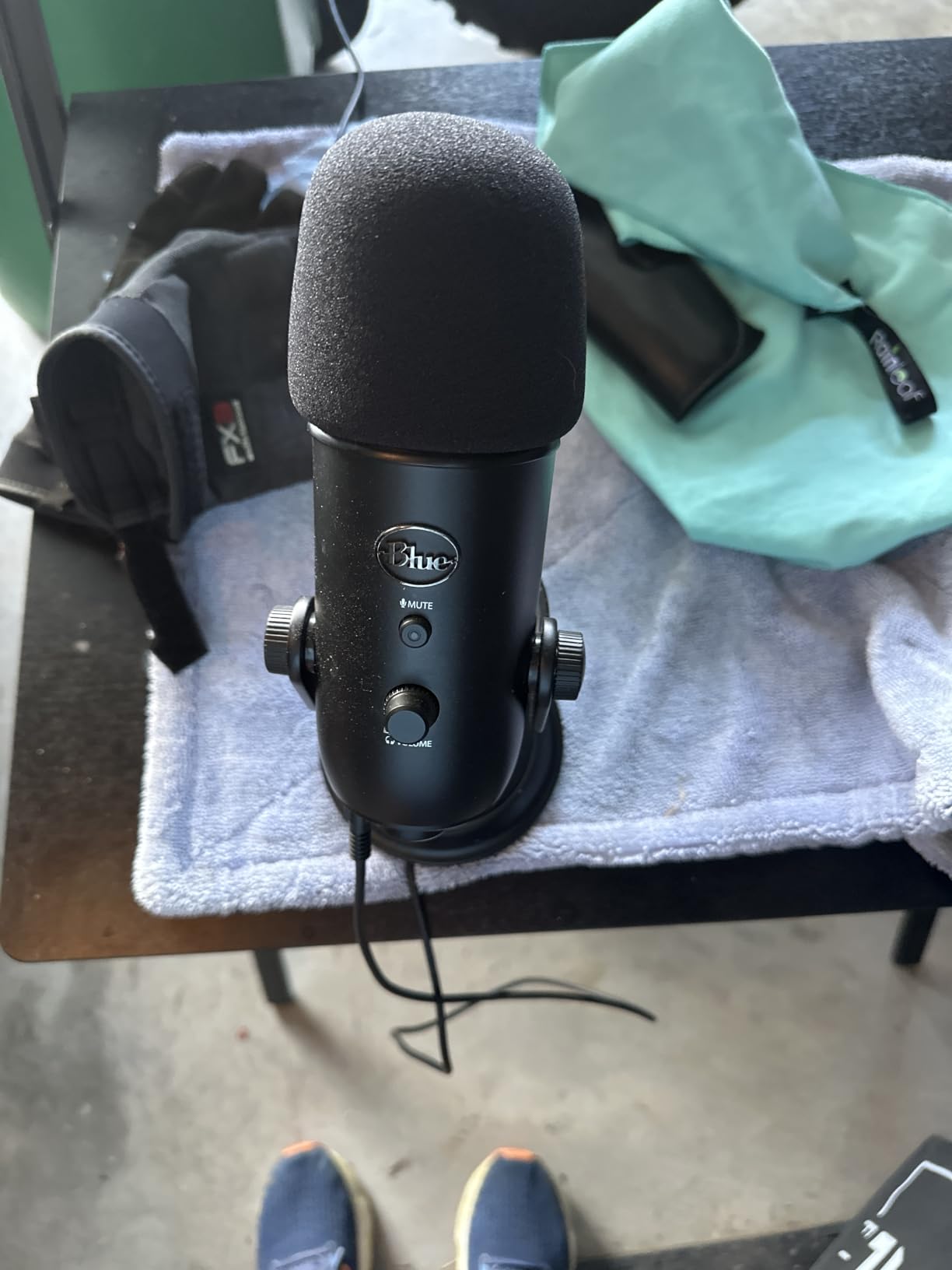
The Blue Yeti was the first microphone I recommended to a friend who wanted to start a podcast, and after two years and more than 200 episodes in, they still use it every week. Our team recorded test sessions in a quiet room, and the Yeti captured voice with the kind of warm clarity you usually hear on much more expensive gear.
What makes the Yeti stand out for beginners is the combination of simplicity and flexibility. You plug it into a USB port, select your pickup pattern on the back, and you’re recording. The cardioid mode is what you’ll use most of the time for a solo show. The omni mode is handy if you ever sit around a table with friends. The four-pattern versatility means this one microphone can grow with you as your show evolves.
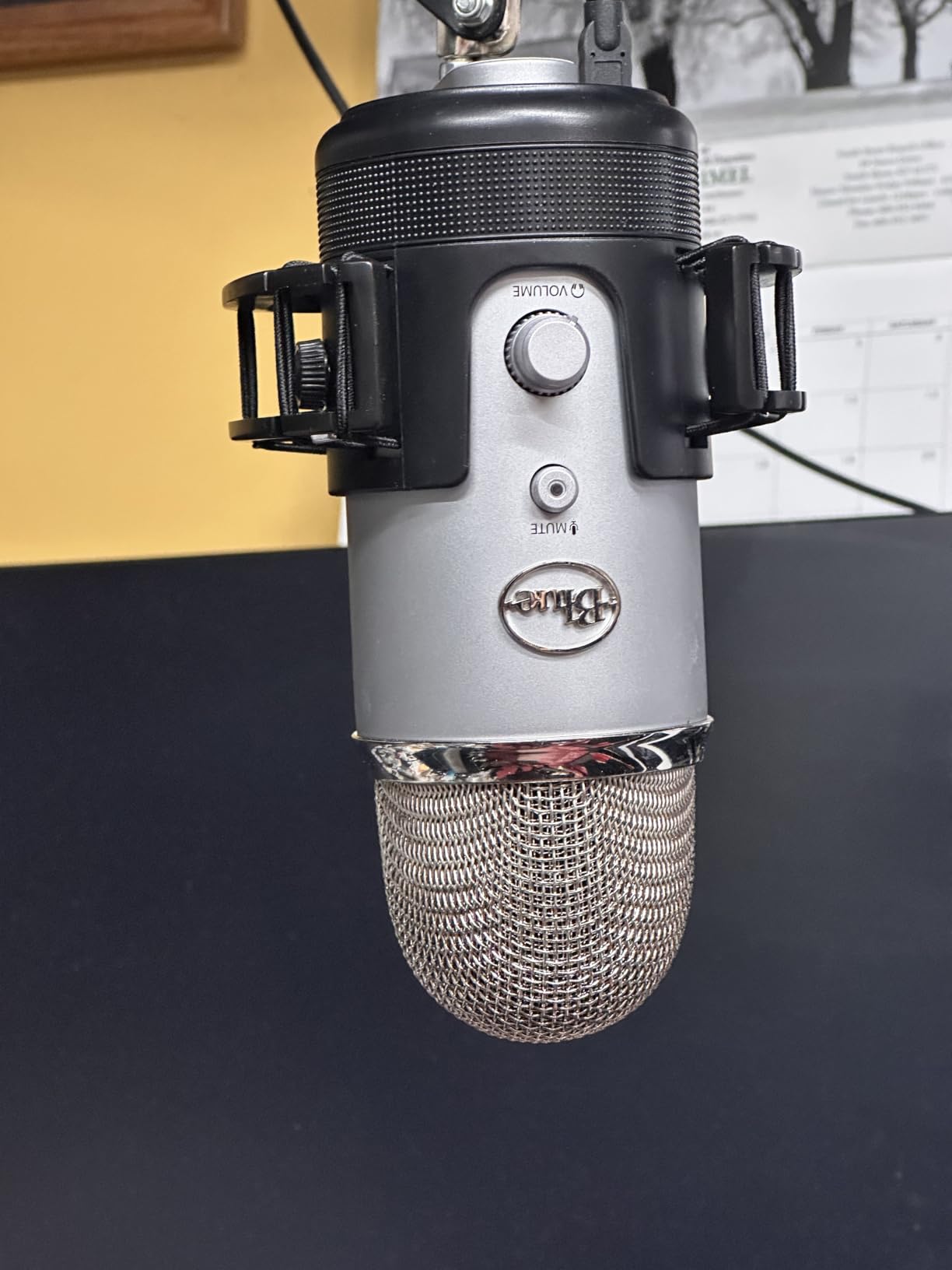
During testing, I appreciated the physical controls. There’s a tactile mute button on the front, a gain knob, and a headphone jack for zero-latency monitoring. You can hear yourself in real time without any delay, which is something a lot of beginners don’t realize they need until they hear their first echo-laden recording.
The Yeti weighs about 3.5 pounds and stands roughly 11.6 inches tall. On a small desk it can feel like a centerpiece. In a treated or quiet room, the Blue Yeti sounds genuinely impressive. In an untreated bedroom with a computer fan or window AC, the condenser capsules will pick up more room noise than you’d like. That is the trade-off you accept for broadcast-style clarity.
For whom it’s good
Beginners recording in a quiet home office or treated space will get the most out of the Yeti. Solo podcasters, voiceover artists, and streamers who want a single mic that handles multiple recording styles will appreciate the four pickup patterns. It’s also a strong fit if you want one microphone that can cover interviews, monologues, and live streaming without swapping gear.
Common issues to know about
Reviewers report that the mini-USB port can feel dated, and that the bottom-mounted ports make boom arm mounting trickier than expected. The condenser design is sensitive to room noise, so expect to invest in some basic acoustic treatment if your recording space isn’t already quiet.
2. TONOR TC-777 USB Microphone – The Cheapest Way to Start a Podcast
TONOR Podcast Microphone, USB Computer Mic, Cardioid Condenser PC Microfono
- Cardioid condenser USB
- 345g lightweight
- 70-inch USB cable
Pros
- Very affordable entry point
- Cardioid pickup reduces background noise
- Plug-and-play USB with no drivers
- Includes tripod
- shock mount
- and pop filter
- One-click mute button
- Two-year warranty
Cons
- PVC body rather than metal
- Not compatible with Xbox
- Stand is fairly basic
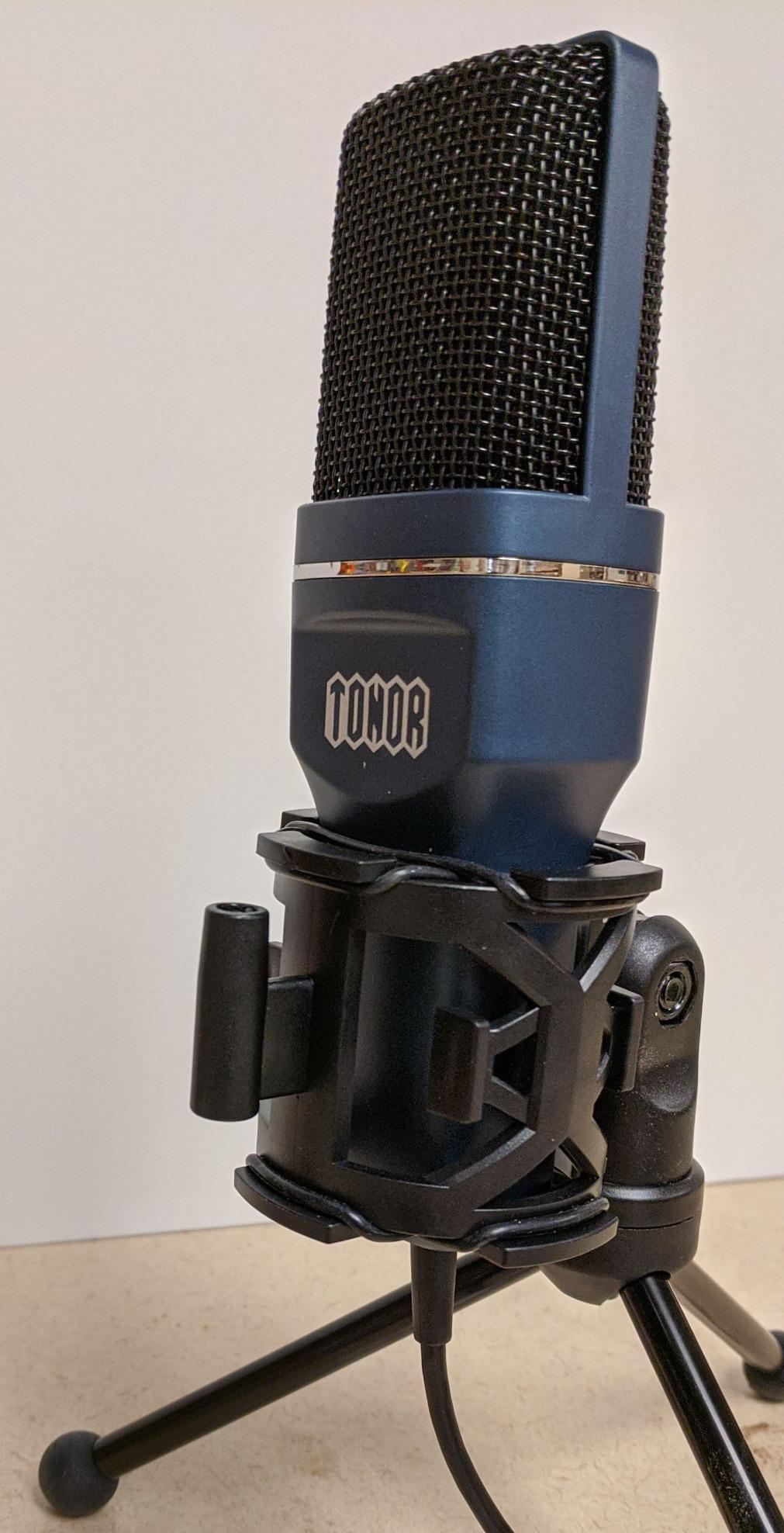
The TONOR TC-777 is the microphone I’d point a total beginner toward if budget is the biggest concern. It comes with a tripod, a small shock mount, a pop filter, and a 70-inch USB cable in the box. For someone who has never recorded audio before, that bundle removes every excuse to delay starting.
In our test sessions, the cardioid capsule did a respectable job of focusing on the speaker in front of it. It won’t reject noise as aggressively as the Samson Q2U, and it won’t capture the same level of high-frequency detail as a premium condenser. For a podcast recorded in a reasonably quiet bedroom, though, the TC-777 produces audio that’s perfectly acceptable for a first show.
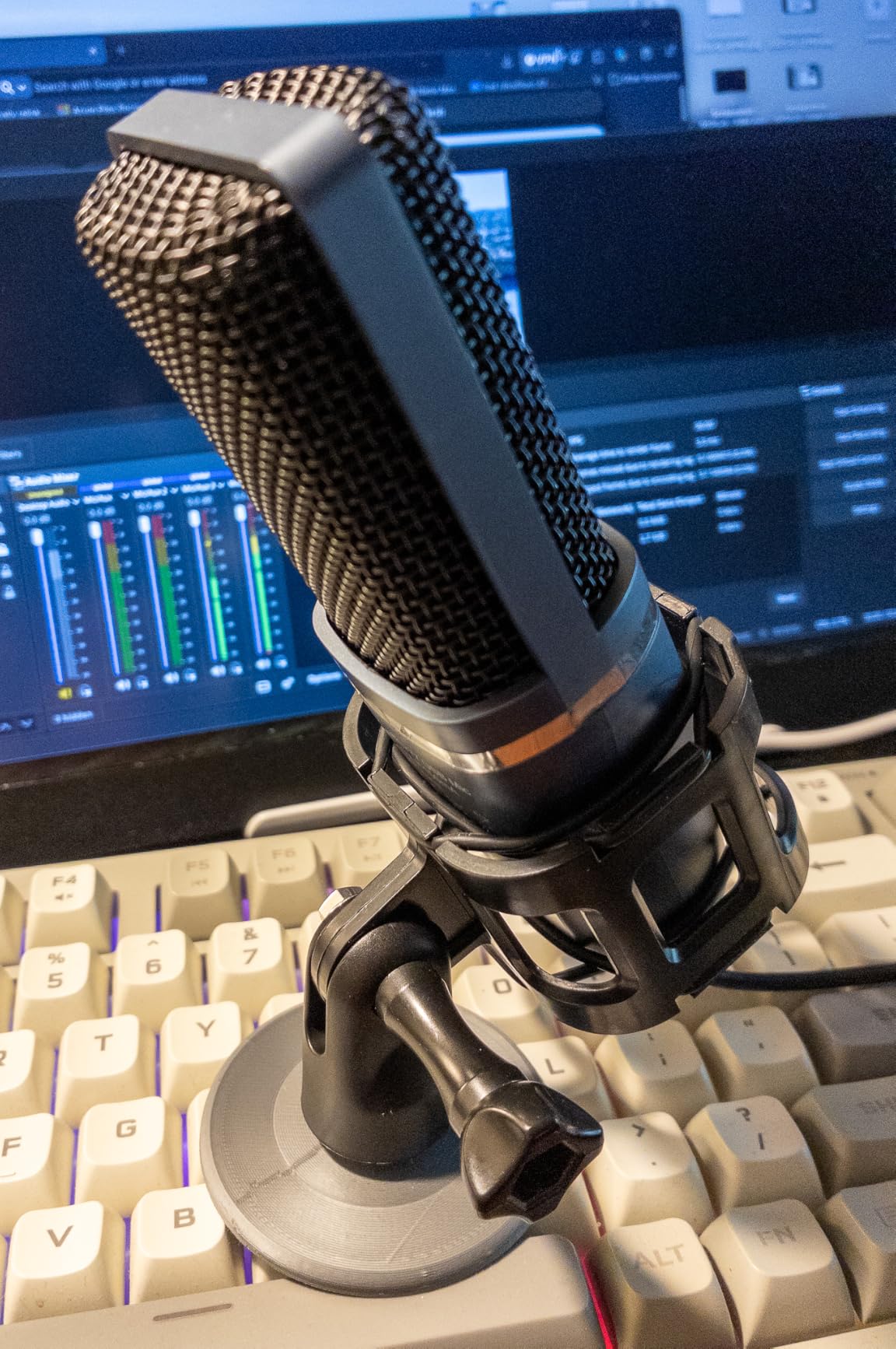
The unit itself weighs around 345 grams, making it one of the lightest mics in this roundup. It’s compact enough to slip into a laptop bag, which makes it a contender for anyone who needs to record away from home. The cable length of 70 inches gives you room to position the mic on a stand without being right next to your laptop.
One thing I noticed during testing is that the included tripod is functional but light. If you have an enthusiastic hand gesture or a curious cat, the mic will pick up that movement. A separate desktop stand or small boom arm solves this quickly. Reviewers also note that the PVC construction feels less premium than metal-bodied alternatives, which is fair feedback at this price tier.
For whom it’s good
First-time podcasters who want to test the waters without a big upfront commitment will love the TC-777. Students, hobbyists, and anyone recording on a laptop or gaming console will appreciate the broad compatibility and included accessories. If your show is mostly monologue in a quiet room, this is the lowest-friction way to launch.
Common issues to know about
Reviewers mention that the microphone is not compatible with Xbox consoles and that the included stand is fairly basic. The plastic-style PVC body feels lighter than metal alternatives, and the pop filter, while helpful, sits close to the capsule and works best with consistent mic technique.
3. FIFINE K669B USB Microphone – Reliable Workhorse for the Price
FIFINE K669B USB Microphone, Condenser Recording Mic for Vocals, Meeting
- Metal body USB mic
- Built-in volume knob
- Cardioid condenser pattern
Pros
- Audio punches well above the price
- Sturdy metal construction with a weighted tripod
- Plug-and-play USB with no drivers needed
- Built-in volume knob for quick gain adjustment
- Cardioid pattern reduces ambient noise
- Compatible with PC
- Mac
- PS4
- and PS5
Cons
- No dedicated mute button
- Picks up some room noise in untreated spaces
- Not compatible with Xbox or phones
When our team picked up the FIFINE K669B for testing, I expected it to be acceptable for the price. It turned out to be one of those products that confuses the value conversation. The K669B has been a community favorite on Reddit and gear forums for years because the sound quality it delivers is closer to mid-tier than entry-level.
The cardioid condenser capsule does a good job of capturing voice cleanly while rejecting sounds from the sides. In side-by-side listening sessions, the K669B held its own against microphones that cost two to three times more. There’s a reason this mic has more than 34,000 reviews.
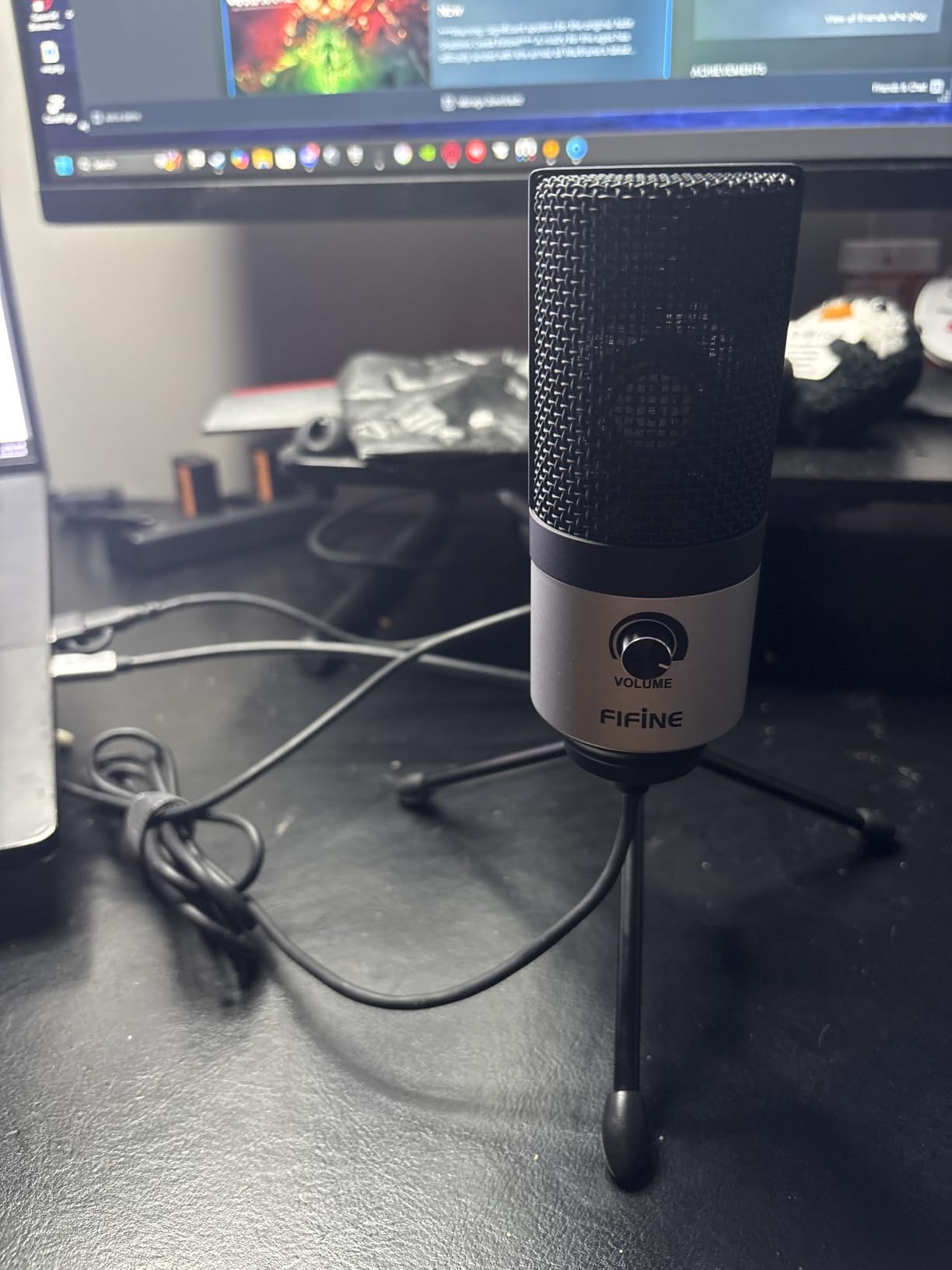
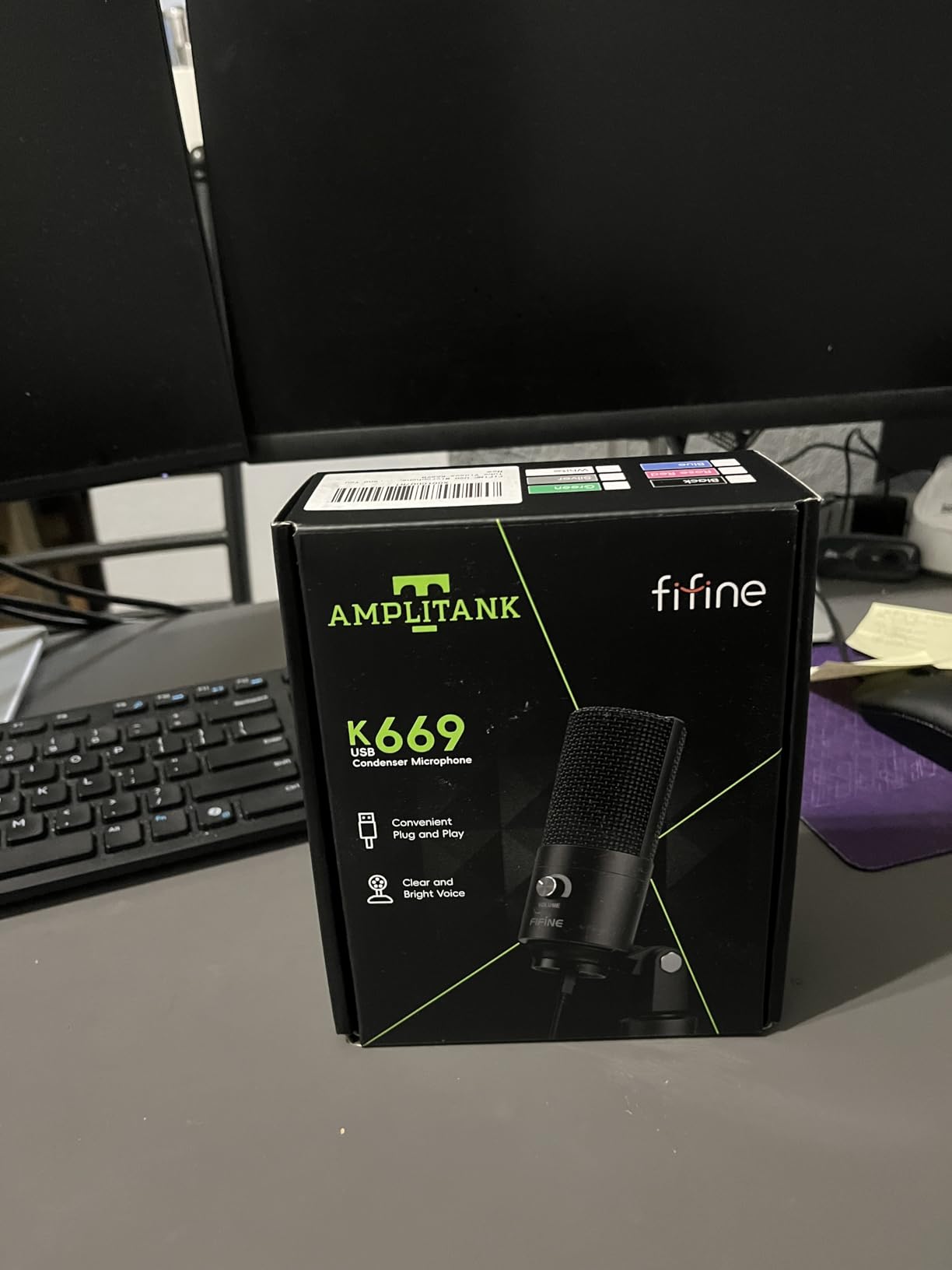
Physically, the K669B has a metal body that feels reassuringly heavy for the price. The fixed tripod stand is small enough to fit on most desks, and a built-in volume knob on the front lets you adjust gain on the fly. There is no software to install and no drivers to manage, which is exactly what a new podcaster needs.
The big limitation is the lack of a dedicated mute button. You’ll need to mute through your recording software or push the volume knob fully down. The condenser’s sensitivity also means that loud keyboards, fans, and air conditioners will make it into your recording. None of this is a deal-breaker for a beginner, but it’s worth knowing before you buy.
For whom it’s good
Anyone recording in a reasonably quiet room who wants one of the best price-to-performance ratios in the entire podcast microphone market should put the K669B at the top of the list. It’s also a strong choice for streamers, remote workers, and online teachers who want clear voice audio without a complex setup.
Common issues to know about
Reviewers point out that there is no built-in mute button, so you’ll rely on software. The K669B is also not compatible with Xbox consoles or smartphones. In loud environments you’ll want to add some room treatment or consider a dynamic microphone instead.
4. FIFINE T669 Studio USB Microphone Kit – The Full Studio Bundle
FIFINE T669 Studio Condenser USB Microphone for Recording Podcasting
- USB condenser mic kit
- Scissor boom arm included
- Cardioid pickup pattern
Pros
- Complete studio kit with boom arm
- shock mount
- and pop filter
- Impressive clarity for the price
- Plug-and-play USB with no drivers
- All-steel scissor arm with 180-degree up/down and 135-degree extension
- Cardioid capsule rejects ambient noise
- Includes double-layer pop filter
Cons
- Boom arm can feel less robust on heavier mics
- Some assembly required for the stand
- No built-in mute button
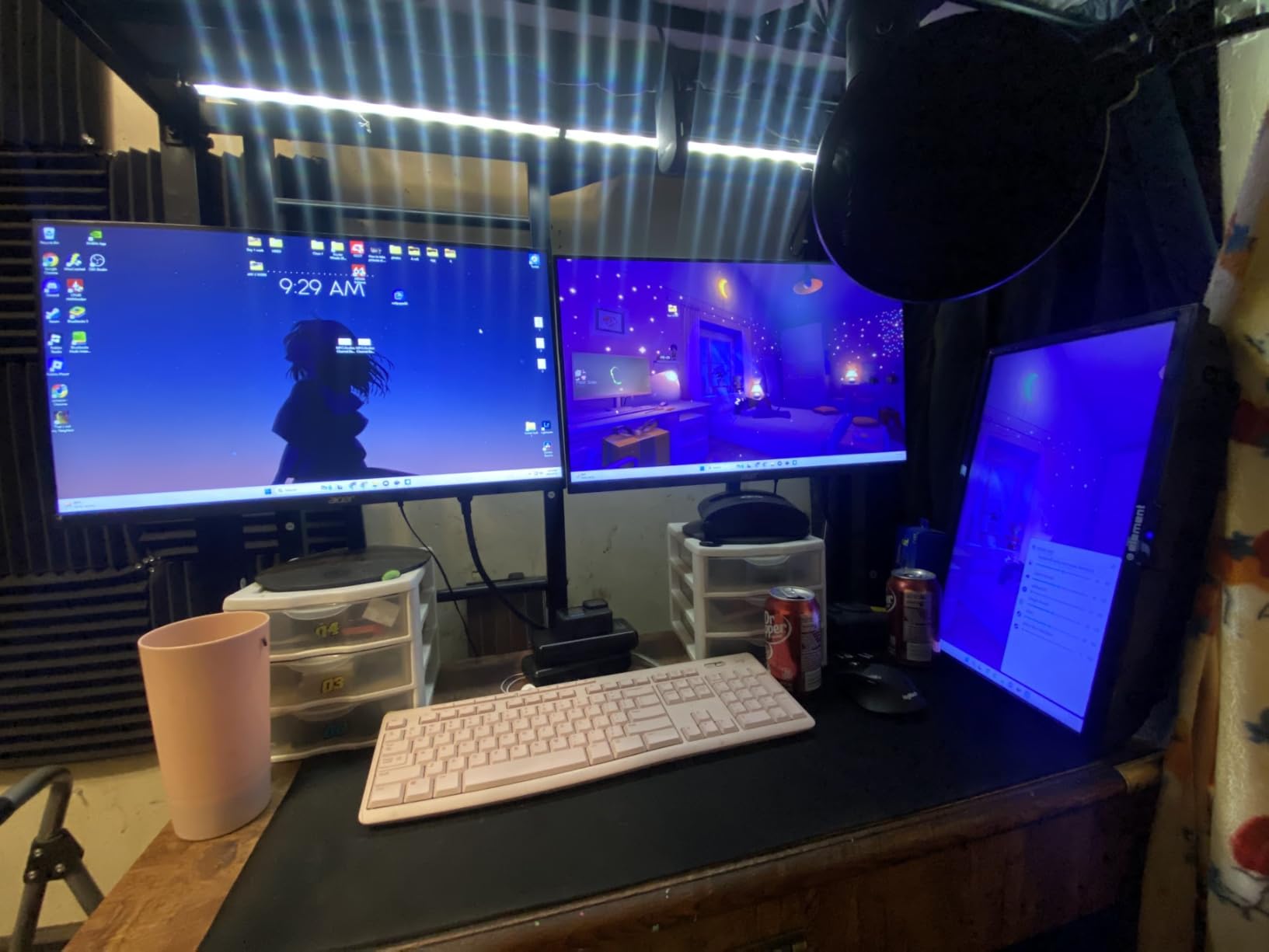
The FIFINE T669 is the kind of kit I wish I’d had when I started podcasting. Instead of buying a microphone, a boom arm, a shock mount, and a pop filter as separate purchases, you get everything in one box. For a beginner, that single-decision buying experience removes a lot of the confusion that stops new podcasters before they ever hit record.
The microphone itself is a cardioid condenser with a frequency response of 20 hertz to 20 kilohertz. In our tests, the T669 captured voice with noticeably more clarity than the smaller FIFINE K669B, particularly on higher frequencies. The included scissor boom arm rotates 180 degrees vertically and 135 degrees horizontally, which means you can position the mic exactly where your mouth needs it.
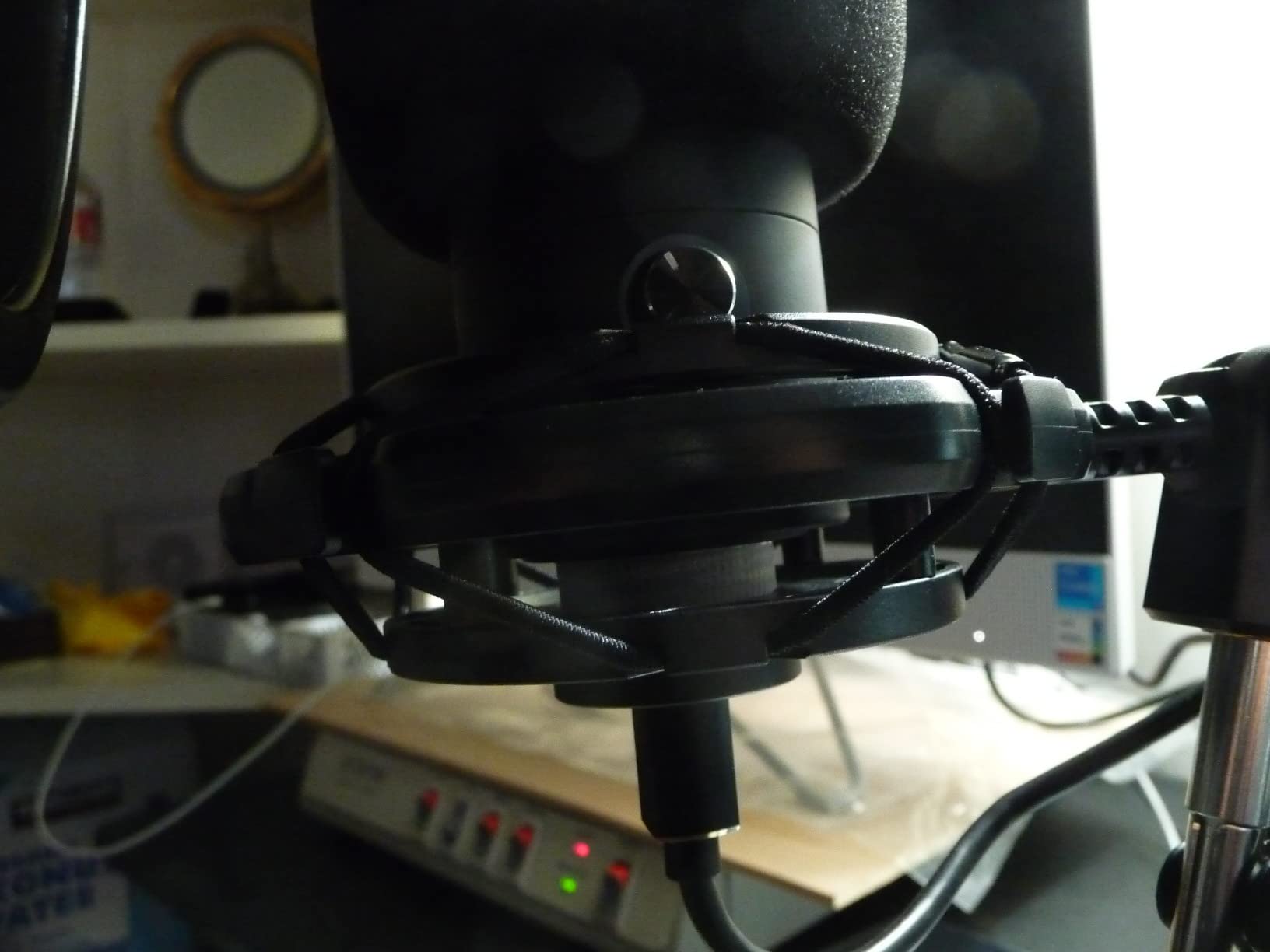
What surprised me during testing was the double pop filter. Two layers of mesh do a much better job of killing plosives than the single-layer filters I’ve seen on cheaper bundles. If you’ve ever cringed at the sound of an aggressive “P” or “B,” you will appreciate this small detail.
Assembly takes about ten minutes. The C-clamp attaches to a desk edge, and the cable management on the arm keeps your setup tidy. Reviewers note that the boom arm is sturdy for a microphone of this size but recommend a heavier stand if you ever upgrade to a heavier mic.
For whom it’s good
Beginners who want a complete studio-style setup in one purchase will love the T669. Solo podcasters recording in a home office and YouTubers looking for a polished on-camera look will get the most value from the bundle. If you’re worried about ordering multiple pieces of gear from multiple sellers, this all-in-one kit takes the guesswork away.
Common issues to know about
Reviewers report that some assembly is required and that the pop filter attachment can be finicky the first time. The T669 has no built-in mute button, so you’ll still rely on software for quick silences. The boom arm is well-matched to this mic’s weight but is not designed for significantly heavier microphones.
5. MAONO A04 USB Microphone Kit – High-Resolution Audio and a Metal Build
MAONO A04 USB Microphone, 192kHz/24Bit Condenser Mic Kit for PC Podcast
- 192kHz/24-bit resolution
- All-metal premium kit
- Boom arm and shock mount included
Pros
- Pro-level 192kHz/24-bit sound chipset
- All-metal build with sturdy scissor arm
- Complete kit with shock mount
- pop filter
- and windscreen
- Plug-and-play USB on PC
- Mac
- consoles
- and phones
- 16mm electret condenser capsule
- Compatible with most operating systems
Cons
- No headphone monitoring port on the microphone
- Desk clamp only fits desktops under 2.1 inches thick
- Some users report the windscreen gooseneck feels less robust
The MAONO A04 sits in that sweet spot where the price has crept up just enough to feel like a serious investment, but the feature set still belongs to a beginner-friendly product. The headline spec here is the 192 kilohertz, 24-bit sound chipset, which is a level of audio resolution you usually find on interfaces costing several times more.
In practical terms, that resolution means the A04 captures more of the nuances of your voice during recording. Subtle inflections, breath sounds, and the texture of consonants are preserved more faithfully. When I tested the A04 next to a less expensive condenser, voices recorded on the A04 sounded slightly more dimensional and lifelike.
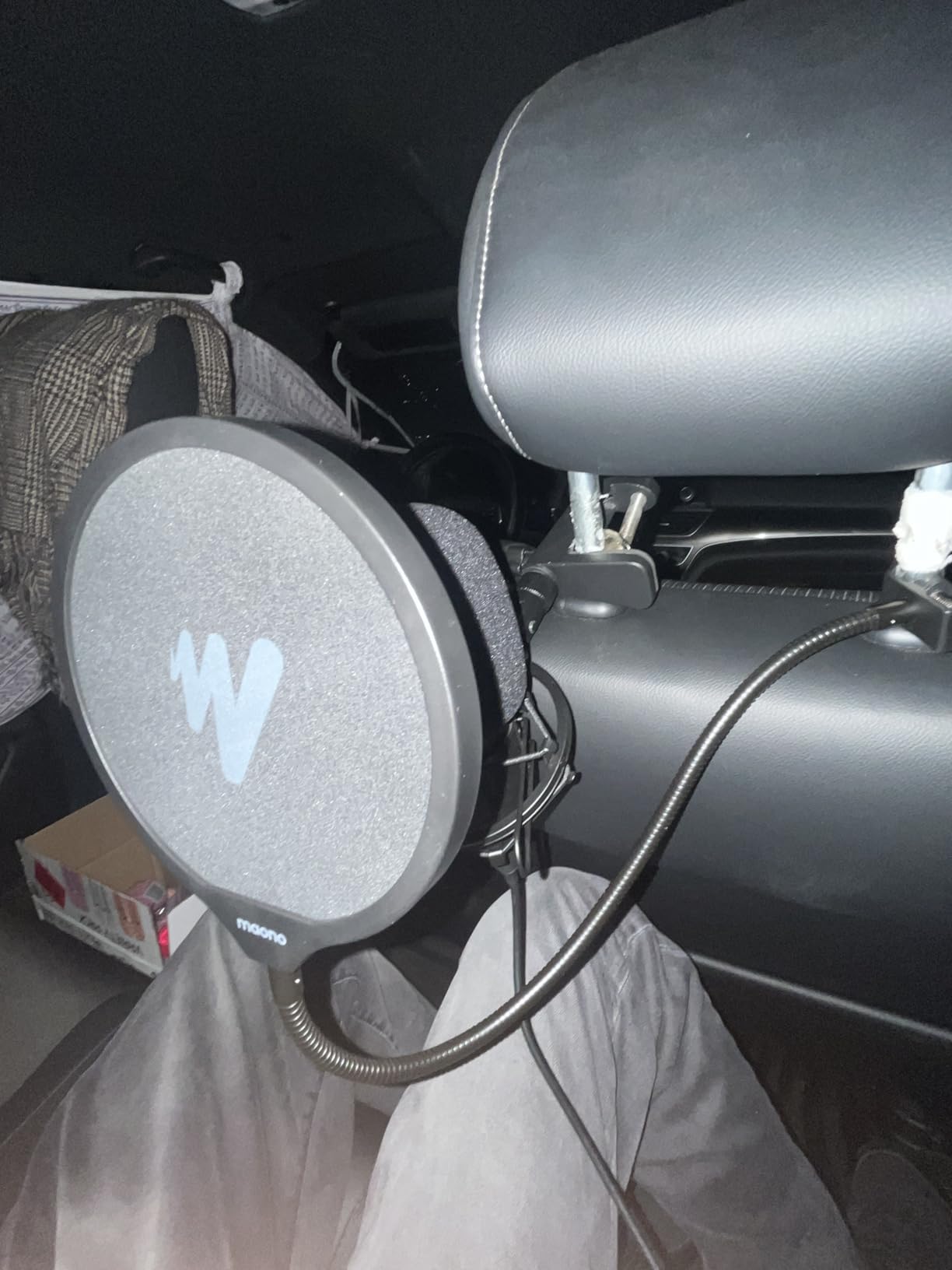
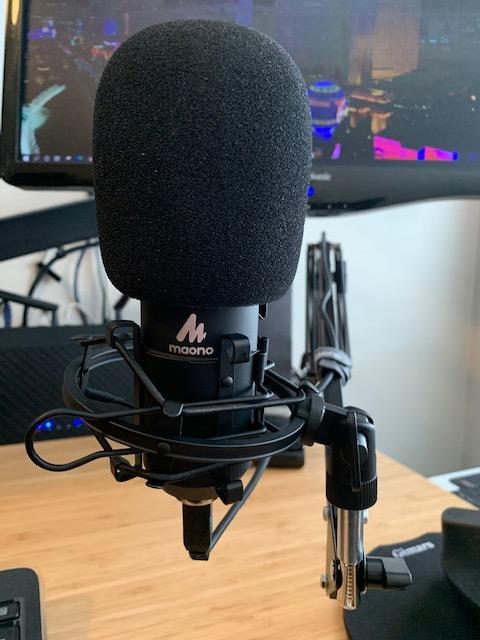
The kit comes with a boom arm, shock mount, pop filter, foam windscreen, and an all-metal mounting clamp. The whole package weighs 1.35 kilograms, which gives the kit a substantial, professional feel on the desk. The 16-millimeter electret condenser capsule delivers strong bass response for a USB mic, which is something reviewers consistently praise in their feedback.
The biggest miss for the A04 is the absence of a headphone monitoring port on the microphone itself. You’ll need to monitor through your computer or use a separate audio device to hear yourself in real time. Also check your desk thickness before buying, since the C-clamp is only designed for desktops under 2.1 inches thick.
For whom it’s good
Beginners ready to invest a bit more in their first microphone without jumping all the way to an audio interface will appreciate the A04. It’s a strong choice for podcasters, voiceover artists, and content creators who want high-resolution audio and a full accessory kit in a single purchase.
Common issues to know about
Reviewers note that there is no headphone monitoring jack on the microphone, which means you’ll need a workaround for zero-latency monitoring. The included desk clamp only fits thinner desktops. Some users report the windscreen gooseneck can feel less robust compared to the rest of the build.
6. SUDOTACK ST-800 USB Microphone Kit – Studio Resolution on a Modest Budget
SUDOTACK ST-800 Podcast Microphone Kit, 192kHz/24bit USB Condenser PC Mic
- 192kHz/24-bit USB
- Scissor boom arm
- Metal construction with shock mount
Pros
- 192kHz/24-bit audio resolution
- Cardioid pickup rejects background noise
- Plug-and-play USB on Mac and PC
- Includes shock mount
- table clamp
- foam cap
- and pop filter
- Metal body with sturdy scissor boom arm
- Tension knob locks the arm in place
Cons
- Table clamp designed mainly for desk edges
- Some users report the foam windscreen can sit loosely
- Not compatible with Xbox
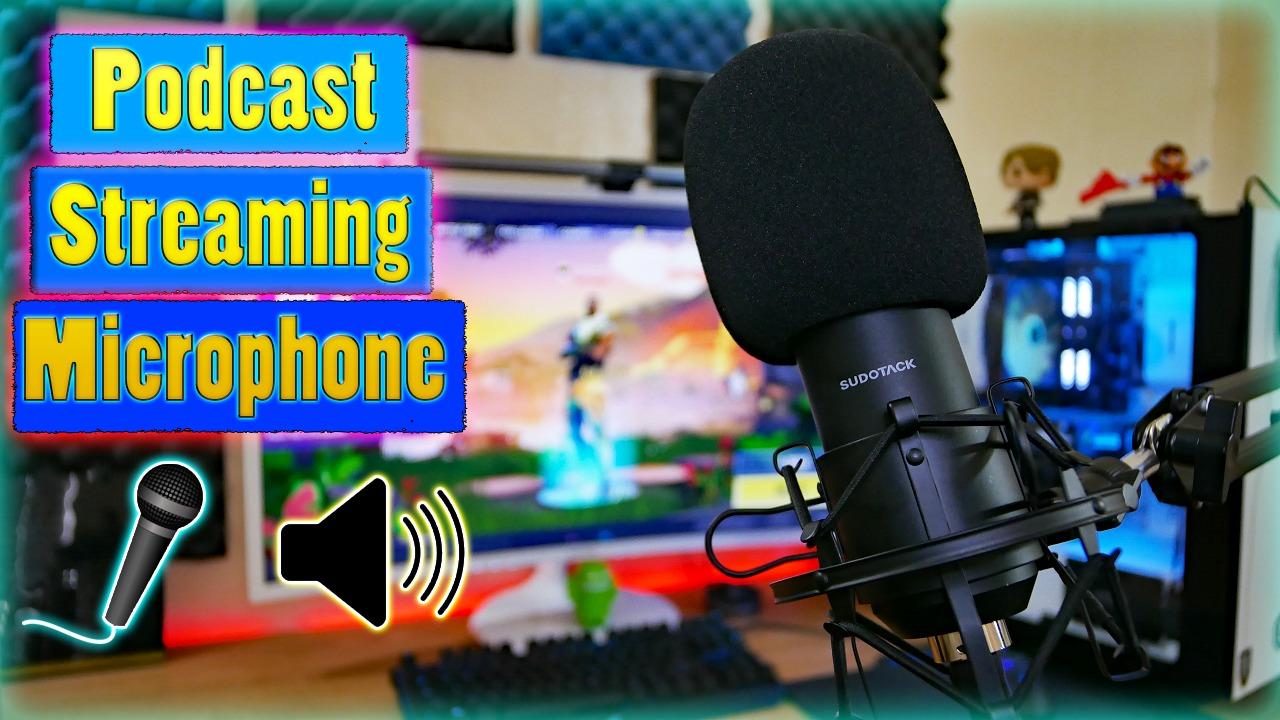
The SUDOTACK ST-800 is one of those kits that punches above its price tag. The frequency response stretches from 30 hertz to 16 kilohertz, the audio resolution is 192 kilohertz at 24 bits, and the body is metal rather than plastic. For a beginner who wants studio-level numbers without a studio-level bill, the ST-800 is worth a serious look.
I set the ST-800 up on my standing desk and noticed right away how solid the scissor arm felt. The tension knob locks the arm in place once you’ve found your preferred position, which is a small but important detail. The cardioid pickup pattern focuses on the speaker’s voice and rejects noise from the sides and rear of the capsule.
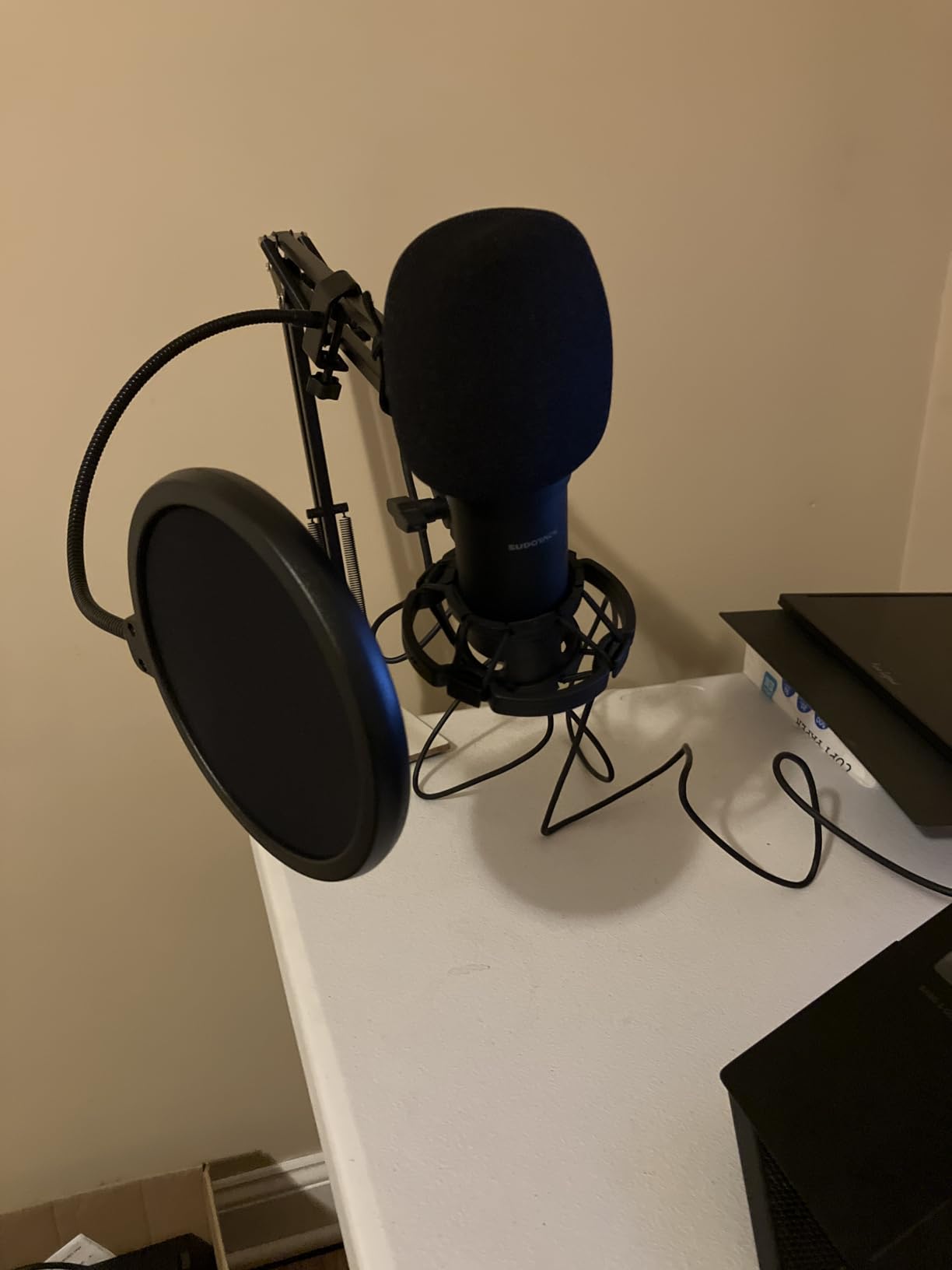
What stands out about the ST-800 is the combination of resolution and build quality. Audio recorded through the ST-800 has more high-frequency detail than you’d expect from a budget condenser. The metal body and included shock mount reduce handling noise and desk vibrations that would otherwise show up as rumble in your recordings.
The table clamp is a fairly standard C-clamp design, which means it works best on a clean desk edge rather than a thick tabletop or a curved surface. Reviewers also note that the foam windscreen can sometimes sit a bit loosely on the mic. Neither issue is a deal-breaker, and both can be solved with a bit of adjustment or a different windscreen.
For whom it’s good
Beginners who want studio-style resolution on a budget will find the ST-800 a strong fit. The kit is well suited to home podcasters recording in a dedicated desk space and to creators who like the look of a full boom-arm setup without paying premium-brand prices.
Common issues to know about
Reviewers mention that the table clamp is designed mainly for desk edges and may not fit every setup. Some users note that the foam windscreen can be loose. The ST-800 is not compatible with Xbox consoles.
7. ZealSound K66 USB Microphone – Mobile-Friendly Mic for Creators on the Move
ZealSound Podcast Microphone for PC, Noise Cancellation USB Mic with Gain, Volume Adjustment & Mute Button, Monitoring & Echo, for YouTube, TikTok, Podcasting, Streaming, iPhone, iPad, Android, Mac
- USB mic with 3.5mm monitoring
- Includes USB-C and Lightning adapters
- 46kHz sampling rate
Pros
- Studio-quality audio with 40Hz-18kHz response
- Built-in intelligent noise reduction mode
- Tap-to-mute button with clear LED indicator
- Real-time zero-latency monitoring via 3.5mm jack
- Includes USB-C and Lightning adapters for mobile devices
- Adjustable echo control and dedicated mic gain knob
Cons
- Condenser design can pick up sounds from adjacent rooms
- Short USB-C connector may not fit over thick phone cases
- Metal base is lighter than larger desktop mics
The ZealSound K66 is the microphone I’d recommend to anyone who wants to record on a phone, a tablet, or a laptop interchangeably. The included USB-C and Lightning adapters are the headline feature, but the K66 has a lot more going on under the hood.
I tested the K66 connected to an iPad, a MacBook, and a Windows laptop. Each setup worked without any extra drivers or apps. The microphone sampled audio at 46 kilohertz, which is high for a USB mic at this price point. Voice came through clean, and the noise reduction mode noticeably reduced the hum of a nearby fan and some keyboard clicks.
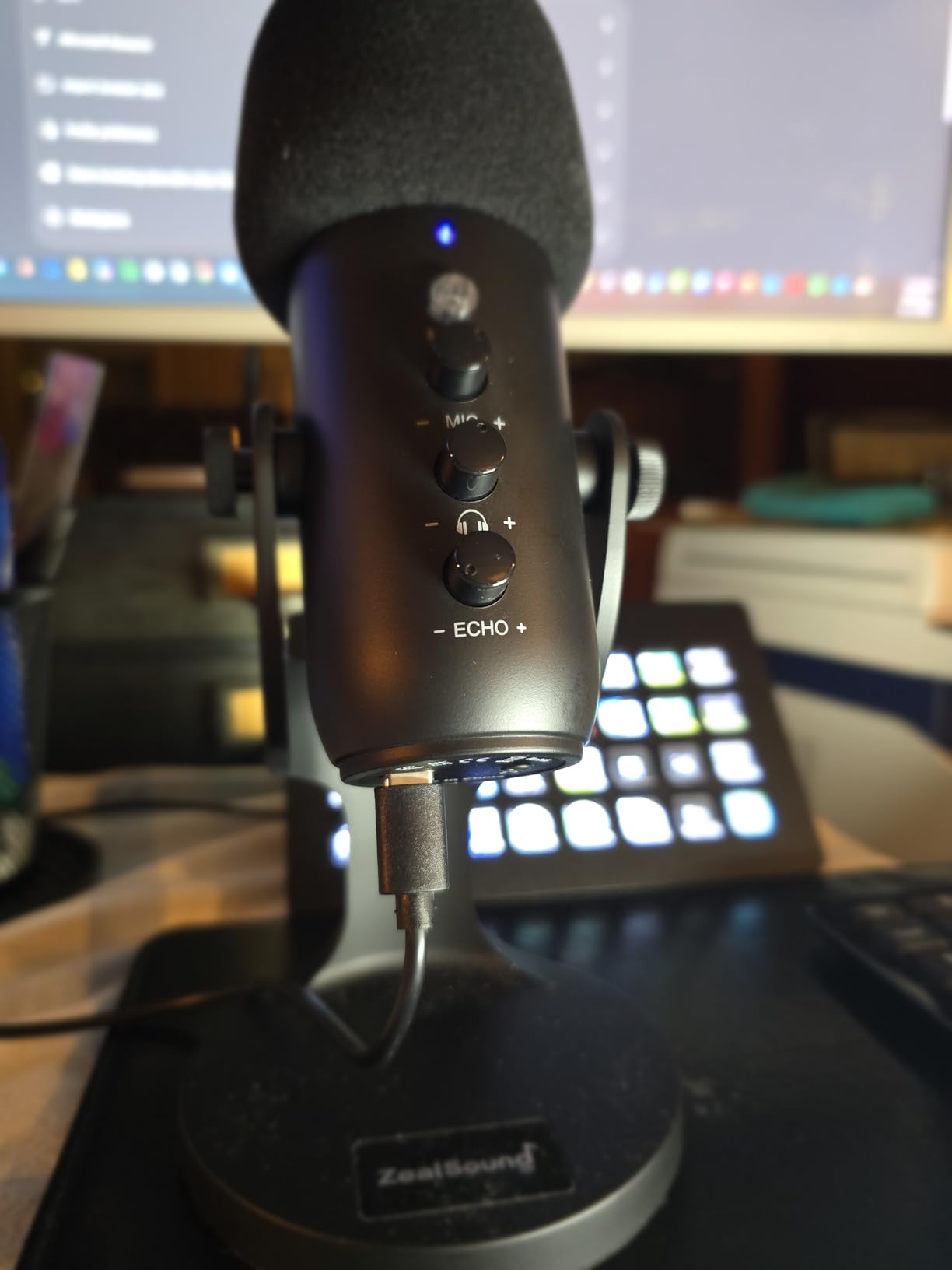
What I appreciated most during testing was the tactile control layout. There is a dedicated mic volume knob, a separate monitoring volume knob, an echo knob, and a tap-to-mute button with a red LED that lights up when the mic is muted. These physical controls are exactly what beginners need to feel in control of their audio without diving into software menus.
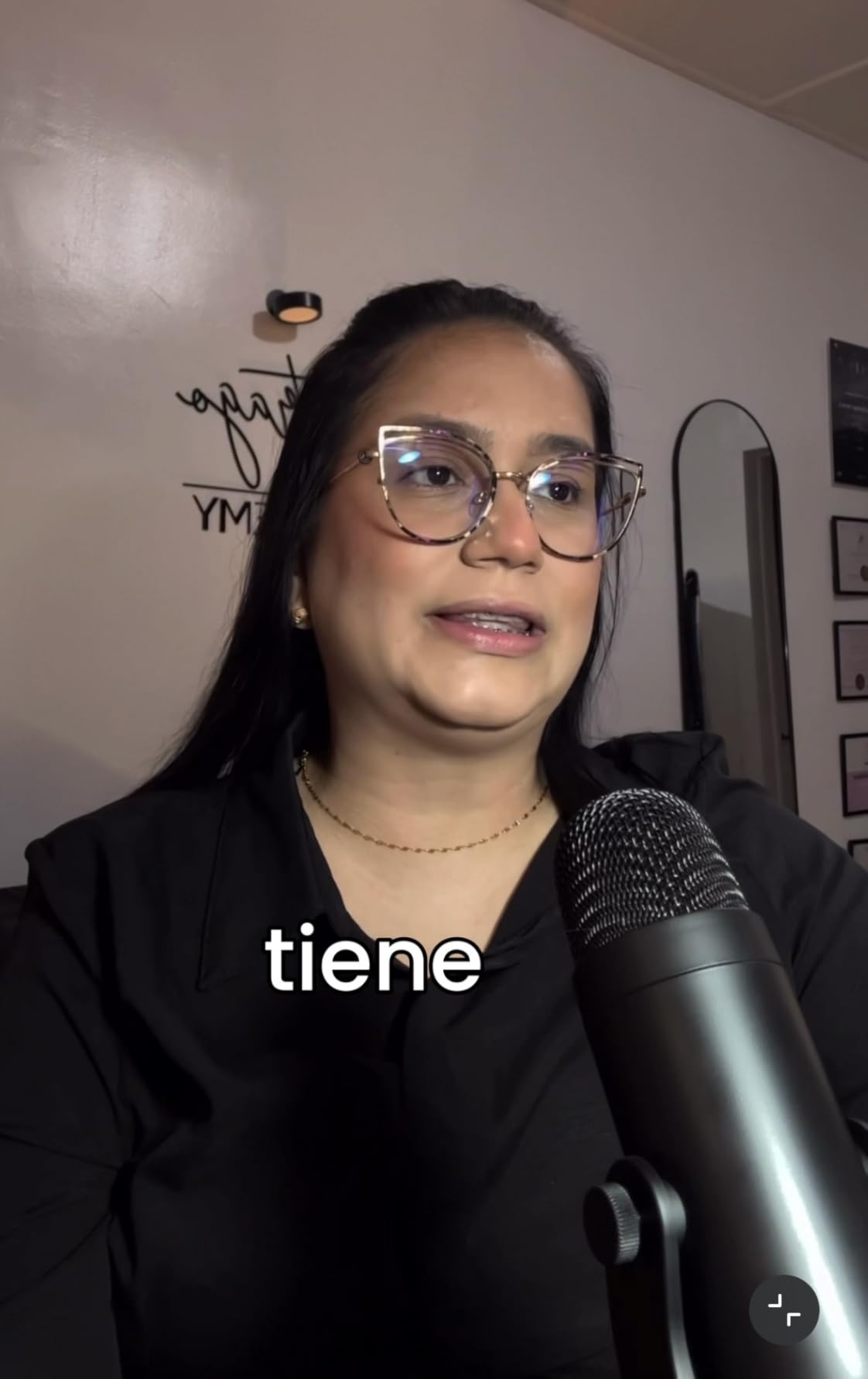
The microphone itself weighs about 1.1 pounds and stands roughly 6.1 inches tall. It’s small enough to toss in a backpack, and the 360-degree rotatable top makes positioning easy. The K66 is a condenser, though, so it will pick up sounds from adjacent rooms if your space isn’t well isolated.
For whom it’s good
Mobile-first creators who record on iPhones, iPads, or laptops will get the most out of the K66. It’s also a strong option for podcasters doing remote interviews and for streamers who want a compact, full-featured mic. If you value physical controls and noise reduction at a modest price, the K66 hits a sweet spot.
Common issues to know about
Reviewers report that the short USB-C connector may not fit over thicker phone cases. The metal base is lighter than larger desktop microphones. Because it’s a condenser, expect to do some room treatment if your recording space isn’t already quiet.
8. Samson Q2U USB/XLR Dynamic Microphone – The Community’s Favorite Starter Mic
Samson Q2U USB/XLR Dynamic Microphone Recording and Podcasting Pack
- Dynamic USB and XLR hybrid
- Includes tripod and cables
- 2-year warranty
Pros
- Dual USB and XLR connectivity for future upgrade path
- Dynamic capsule rejects room noise better than condensers
- Includes tripod
- mic clip
- windscreen
- USB-C cable
- and XLR cable
- Solid metal build backed by 2-year warranty
- Plug-and-play USB-C connection
- Cardioid pattern for focused vocal capture
Cons
- Dynamic capsule is less detailed in the high frequencies
- No built-in mute button or gain knob on the mic
- Included tripod is basic and many users upgrade to a boom arm
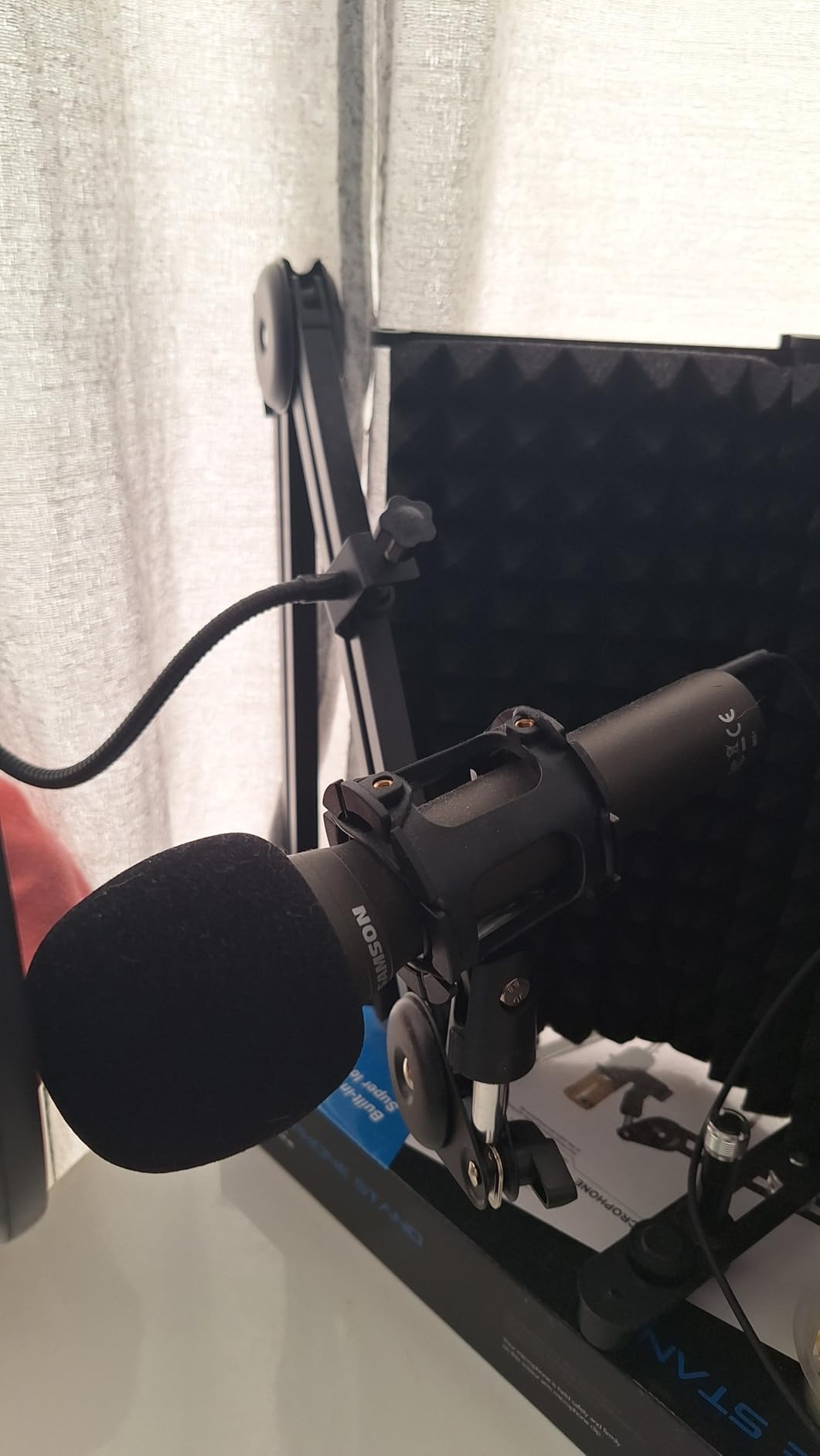
The Samson Q2U is the microphone that comes up most often in podcasting communities, and for good reason. It is a dynamic microphone with both USB and XLR outputs, which is a combination that very few beginner microphones offer. That dual connectivity means you can start by plugging straight into your computer and later plug into a dedicated audio interface without buying a new mic.
Our team tested the Q2U in a moderately noisy home office with a window AC running. The dynamic capsule rejected most of the room noise, and the recorded voice came through warm and intelligible. Compared to the condenser microphones on this list, the Q2U has a slightly less bright high end, but it makes up for that with much better background noise rejection.
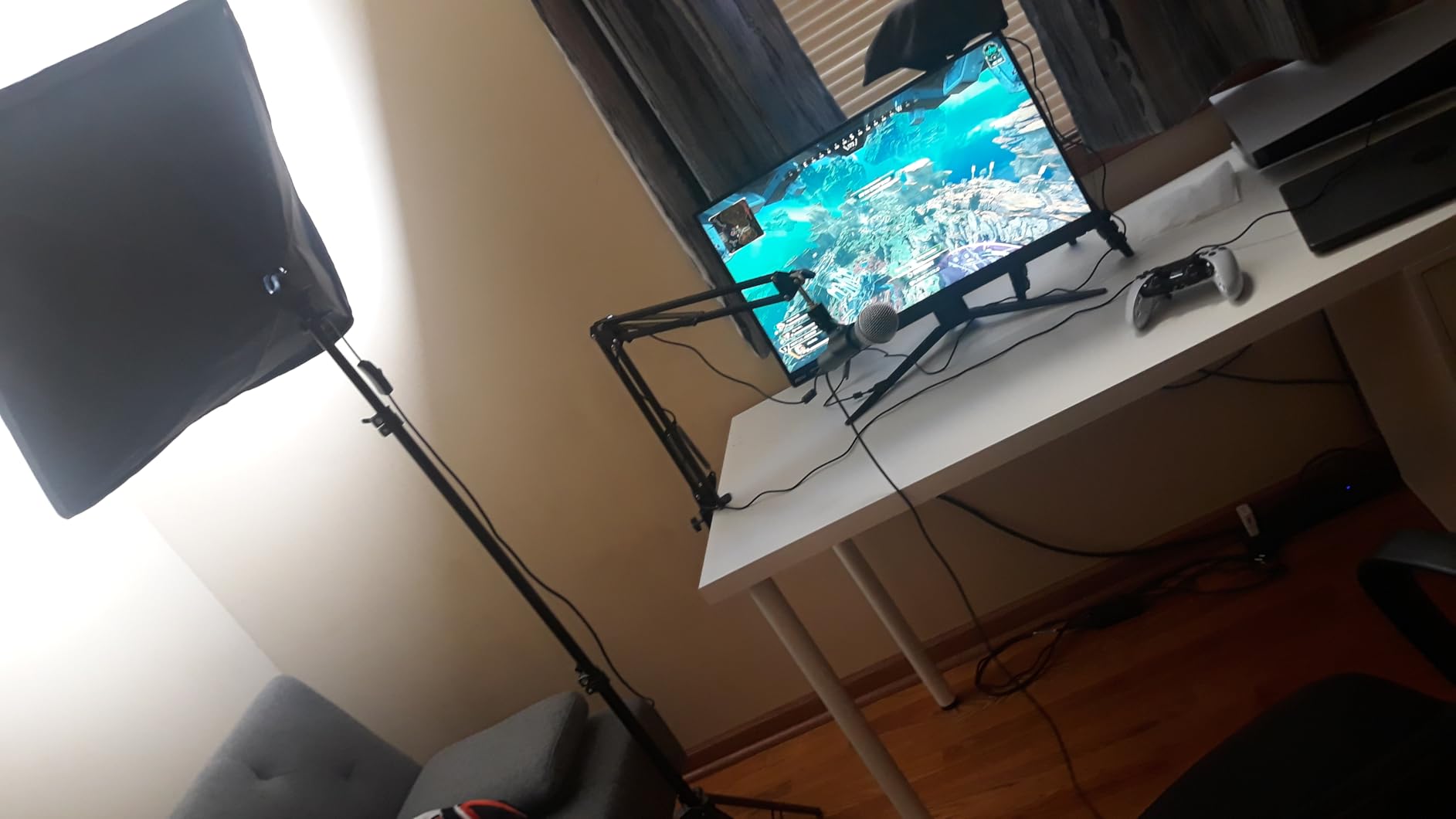
The Q2U ships with everything you need to get started: a tripod desktop stand, a tripod extension, a mic clip, a foam windscreen, a USB-C cable, and an XLR cable. That’s an unusually complete accessory package for the price. The metal body feels like a tool, and the 2-year warranty adds peace of mind.
What the Q2U does not have is a built-in mute button or gain knob. You adjust those things through your recording software. For a beginner, that’s a small inconvenience. For a podcaster planning to upgrade to an audio interface later, it’s actually an advantage: the interface will handle those controls.
For whom it’s good
Beginners who anticipate upgrading their gear within the first year should seriously consider the Q2U. It’s also the strongest choice in this roundup for people recording in untreated rooms or noisy environments. Solo podcasters and remote interviewers will appreciate the noise rejection and the flexibility of USB or XLR.
Common issues to know about
Reviewers mention that the dynamic capsule captures less high-frequency detail than the condenser alternatives, which is a trade-off for better noise rejection. There is no built-in mute or gain control on the body of the mic. Many users eventually upgrade to a dedicated boom arm, since the included tripod is fairly basic.
9. RØDE NT-USB Mini Condenser Microphone – Studio Polish in a Compact Body
RØDE NT-USB Mini Studio-Quality USB Condenser Microphone
- Compact USB condenser
- Built-in pop filter
- Magnetic detachable stand
Pros
- Studio-quality condenser with built-in pop filter
- Plug-and-play USB-C connection to Mac
- PC
- or iPad
- Zero-latency headphone monitoring with hardware volume
- Magnetic desk stand detaches for any standard boom arm
- Compact premium build backed by 2-year warranty
Cons
- Only one pickup pattern (cardioid)
- Higher price than most bundles in this guide
- Limited included accessories compared to kits
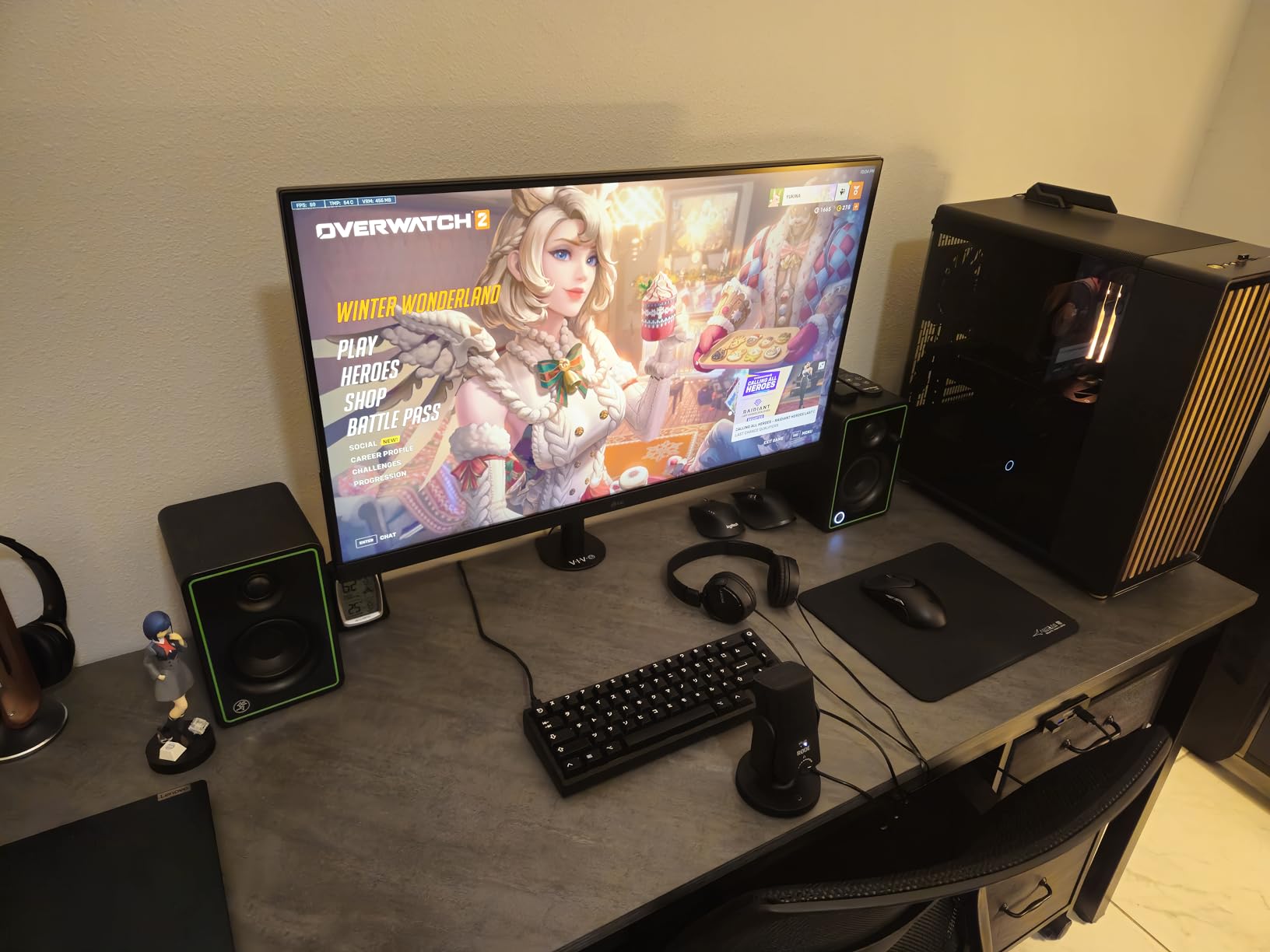
The RØDE NT-USB Mini is the smallest microphone in this roundup and one of the most polished. RØDE has a reputation for studio-quality gear, and the NT-USB Mini carries that DNA into a beginner-friendly USB package. If brand reliability matters to you, this is the safest single-mic purchase in the lineup.
In my testing, the NT-USB Mini produced audio with noticeably more depth and clarity than most budget condensers. The built-in pop filter is tuned specifically for voice, which means plosives are handled cleanly without needing an extra accessory. The microphone weighs just 585 grams and stands about 7.3 inches wide.
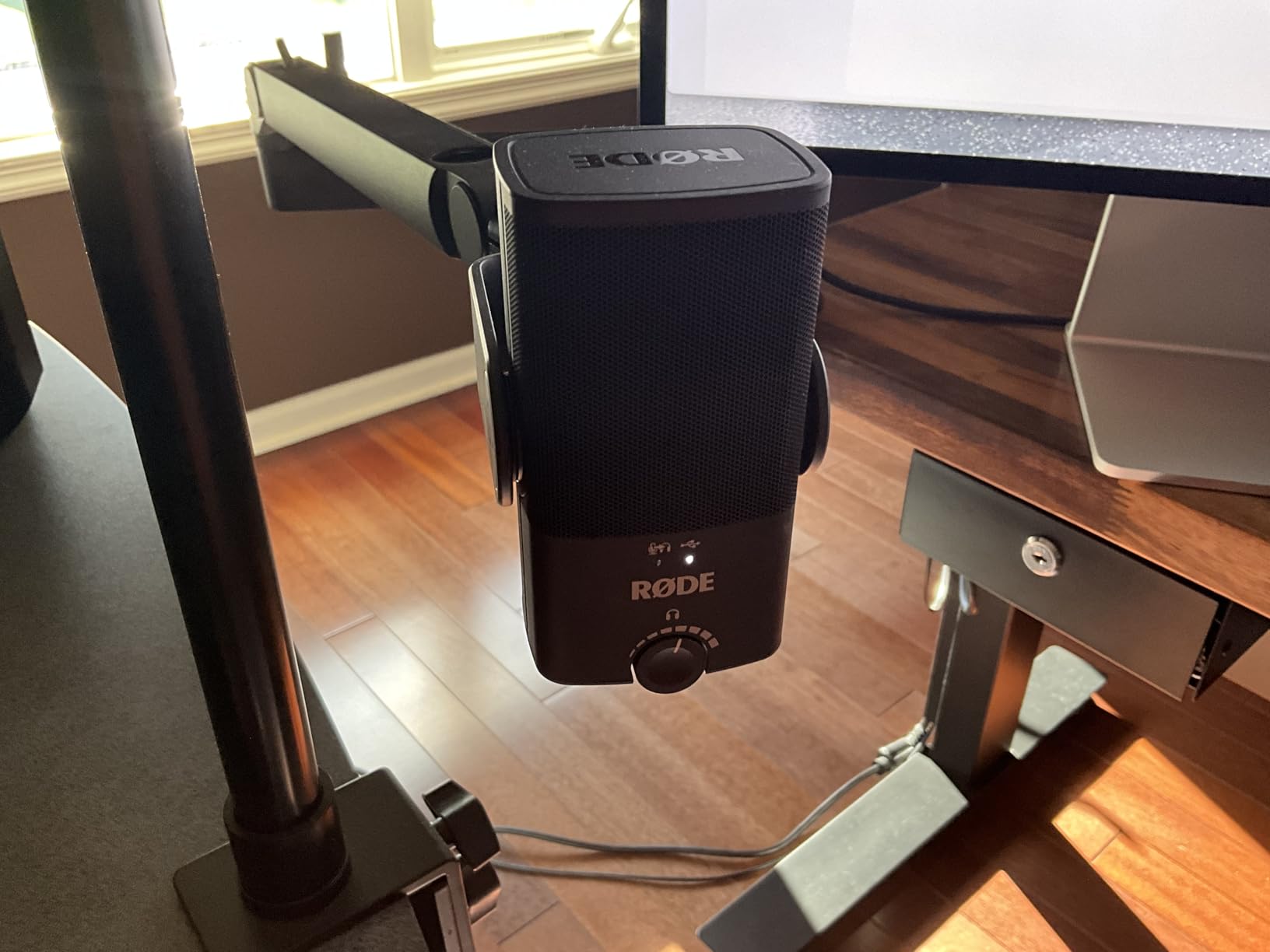
The standout feature is the magnetic desk stand. The base has a strong magnet that lets you pop the microphone off and attach it to any standard boom arm or stand. We tested this repeatedly during review, and the magnetic hold is firm. There’s also a zero-latency headphone monitor with a hardware volume knob right on the front of the mic.
The trade-offs are single-pattern only, a higher price than bundle kits, and fewer included accessories. You don’t get a boom arm or shock mount in the box. For a beginner who already plans to add a boom arm, that’s not a problem. For a beginner who wants everything in one purchase, one of the kits above may be a better value.
For whom it’s good
Beginners who want a single premium microphone that will serve them well into intermediate territory will appreciate the NT-USB Mini. It’s a strong choice for voiceover artists, narrators, and anyone whose main priority is audio quality over accessory count. Quiet-room podcasters looking to invest once will get the best long-term value here.
Common issues to know about
Reviewers note that this microphone offers only one pickup pattern, which limits flexibility compared to the Yeti. The price is higher than most bundles in this guide. You won’t get a boom arm or shock mount in the box, so plan to add those if you don’t already have them.
10. FIFINE AmpliGame AM8 USB/XLR Dynamic Microphone – Built for Streamers and Growing Shows
FIFINE AmpliGame AM8 USB/XLR Dynamic Microphone for Gaming Streaming
- Dynamic USB/XLR mic
- Tap-to-mute with LED
- RGB ring with 3 modes
Pros
- Dual USB and XLR for easy upgrade path to audio interfaces
- Tap-to-mute button with LED status indicator
- Customizable RGB ring with 3 modes and memory function
- Built-in headphone jack for real-time monitoring
- Dedicated gain knob and monitoring volume
- Noise-canceling windscreen
- Universal 3/8-inch and 5/8-inch threads
Cons
- RGB lighting and function keys are inactive in XLR mode
- Mute control is touch-sensitive rather than a physical press
- Included stand is basic and many users prefer a boom arm
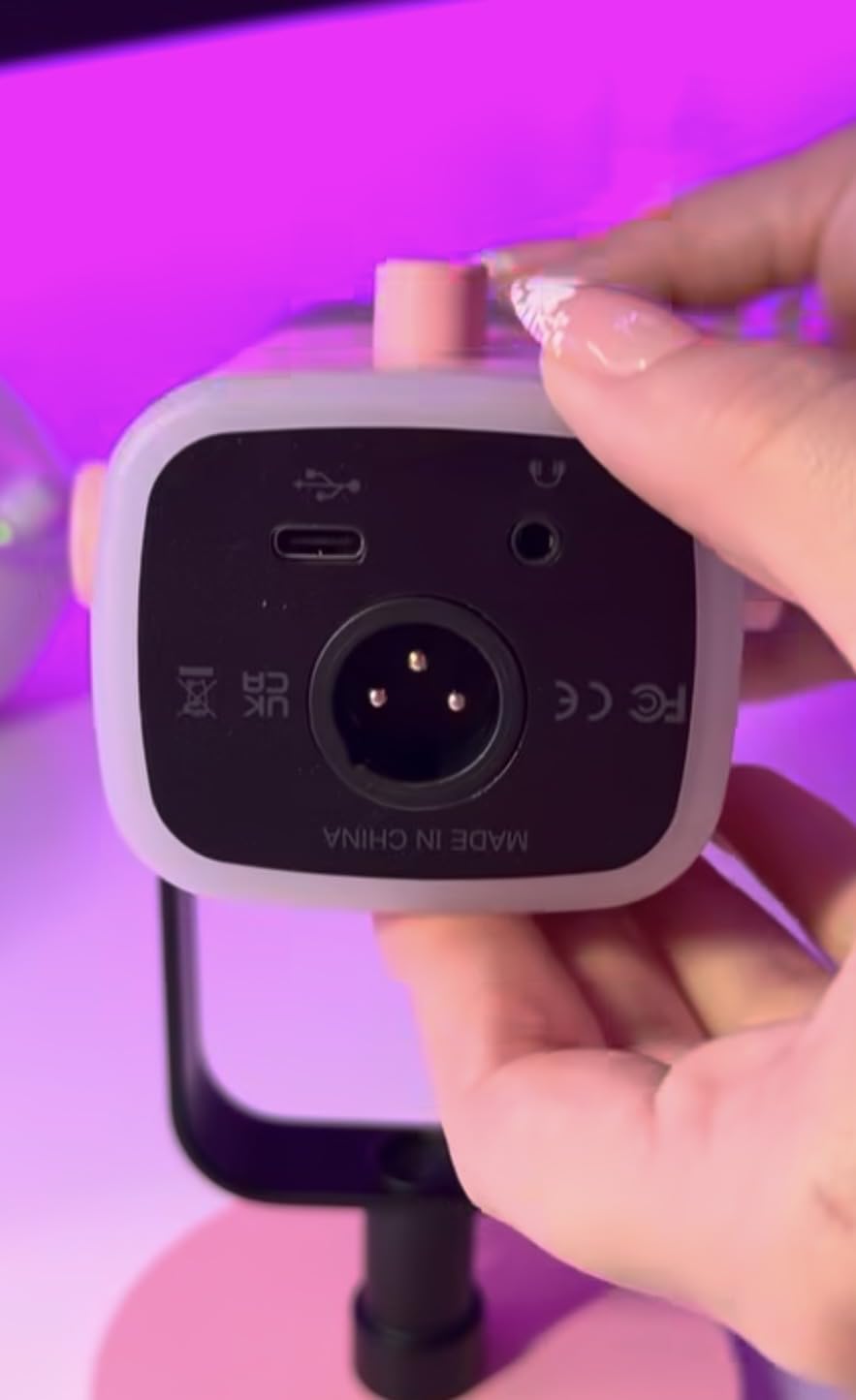
The FIFINE AmpliGame AM8 is the most flexible microphone in this lineup for streamers and podcasters who want one device that bridges beginner and intermediate setups. It has both USB and XLR outputs, a tap-to-mute with LED, an RGB ring, and a headphone monitoring jack. The RGB is a fun visual touch that streamers in particular will love.
I tested the AM8 across both USB and XLR setups. Over USB, the dynamic capsule produced clean, present voice audio with strong rejection of room noise. Over XLR into a small audio interface, the same microphone sounded even more open. That kind of upgrade path is exactly what a new podcaster planning to grow into professional gear needs.
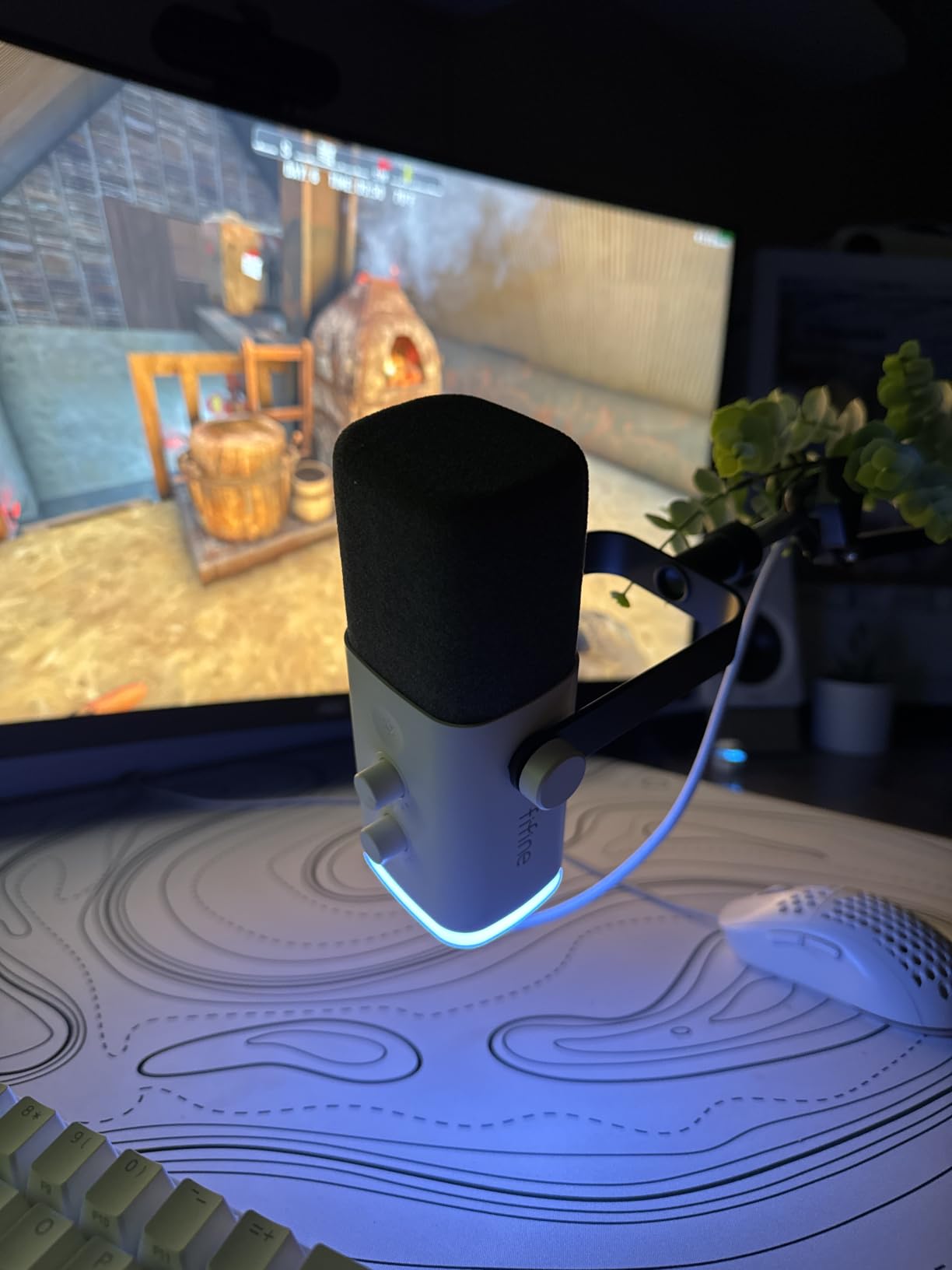
The physical control layout is one of the best in this roundup. There’s a dedicated gain knob on the bottom of the mic, a monitoring volume knob, and a tap-to-mute sensor on top. The RGB ring has three modes and a memory function, which means the AM8 remembers your preferred setting even when you cycle power.
One thing reviewers emphasize is that the touch-sensitive mute button takes some getting used to. It’s sensitive enough that adjusting the mic angle can trigger an accidental mute. The RGB lighting and function keys also go inactive when you use XLR mode, which is a minor annoyance if you wanted both audio quality and lighting together.
For whom it’s good
Streamers and gamers who want a podcast-quality microphone with visual flair will love the AM8. It’s also a strong pick for podcasters planning to grow into a more professional setup within their first year, thanks to the USB/XLR dual output. The included windscreen helps in rooms where hum from appliances is a concern.
Common issues to know about
Reviewers point out that the RGB lighting and function keys are inactive in XLR mode. The touch-sensitive mute button can be triggered accidentally by adjusting the mic angle. The included stand is basic, and many users end up adding a boom arm for more flexible positioning.
Buying Guide: How to Choose Your First Podcast Microphone
Choosing the best podcast microphone for beginners comes down to matching the mic to your room, your recording style, and your upgrade plans. Here are the most important things to think about before you spend a cent.
Dynamic vs condenser: pick based on your room
Dynamic microphones are less sensitive to surrounding noise. They’re the right choice if you’re recording in a bedroom, a home office with a window air conditioner, or anywhere with noticeable background hum. The Samson Q2U and FIFINE AM8 are both dynamic mics that shine in untreated spaces.
Condenser microphones capture more detail and a wider frequency range, but they also pick up more of the room. In a quiet or treated space, a condenser like the Blue Yeti, the FIFINE K669B, or the RØDE NT-USB Mini produces beautifully detailed audio. In a noisy room, a condenser will be working against you.
USB vs XLR: start simple, upgrade later
USB microphones plug directly into your computer. They’re the simplest choice for beginners and the right starting point for most new podcasters. XLR microphones require an audio interface, which is an extra expense and an extra learning curve.
If you anticipate upgrading within the first year, look for a hybrid USB/XLR mic like the Samson Q2U or the FIFINE AM8. You can start over USB and graduate to XLR when you buy an audio interface, without replacing your microphone.
Pickup patterns explained
Cardioid is the most common pattern for podcasting. It picks up sound from the front and rejects the sides and rear. Omni captures sound from all directions, which is useful for roundtable discussions. Bidirectional captures the front and back. Stereo creates left and right channels for music or immersive field recording.
For a typical solo podcast, cardioid is all you need. If you record interviews around a table, a mic with multiple patterns like the Blue Yeti gives you flexibility to switch without buying a second mic.
Mic placement and the 3-to-1 rule
Place your microphone about a fist’s distance, roughly four to six inches, from your mouth. Speak slightly across the front of the capsule rather than directly into it to reduce plosives. The 3-to-1 rule says that when using multiple microphones, the distance between each mic should be at least three times the distance from each speaker to their mic. This keeps one person’s voice from leaking into the other’s microphone.
Common beginner mistakes to avoid
Setting the gain too high is the number one mistake new podcasters make. If your recording software shows the levels peaking into the red, lower the gain until peaks sit comfortably below the maximum. Aiming the microphone directly at your mouth increases plosives. Speaking slightly off-axis gives you cleaner audio.
Skipping the pop filter is another frequent mistake. Even budget foam windscreens make a meaningful difference, and the kits on this roundup include them. Recording into a condenser in a noisy room is a setup that almost always disappoints. If your space isn’t quiet, choose a dynamic mic.
Accessories you actually need
A pop filter is the single most useful accessory. A boom arm makes a meaningful difference for ergonomics and audio quality, since it gets the mic off the desk and reduces handling noise. A shock mount is helpful but not essential for most beginners. Closed-back headphones for monitoring complete the basics.
Upgrade path planning
If you buy a USB-only microphone today, you’ll likely replace it the day you buy an audio interface. A USB/XLR hybrid mic protects that investment. Our team recommends the Samson Q2U or the FIFINE AM8 for beginners who want to leave the door open to growing into a full XLR setup later in 2026 and beyond.
Frequently Asked Questions
What is the 3 to 1 rule for microphones?
The 3 to 1 rule states that when using multiple microphones, the distance between each mic should be at least three times the distance from each speaker to their mic. For example, if each speaker sits 6 inches from their mic, the microphones should be at least 18 inches apart. This minimizes audio bleed between microphones and keeps each speaker’s voice focused on their own channel.
What mic does Joe Rogan use for his podcast?
Joe Rogan uses the Shure SM7B for The Joe Rogan Experience, a dynamic broadcast microphone that connects via XLR. The SM7B is a professional-grade dynamic mic that costs several times more than beginner options and requires a high-gain preamp or cloudlifter to perform well. Beginners who love Rogan’s sound should consider the Samson Q2U or FIFINE AM8 as more accessible dynamic alternatives.
Which microphone is best for podcasts?
For beginners, the best podcast microphones combine a dynamic capsule, USB connectivity, and an upgrade path. The Samson Q2U is widely recommended thanks to its dual USB/XLR output and noise rejection. For quiet rooms, the Logitech Blue Yeti delivers broadcast-quality detail and four pickup patterns. Your room, your budget, and your upgrade plans all influence the right choice.
What is the best equipment for a beginner to start podcasting?
A beginner podcasting setup needs a USB microphone, a pop filter, closed-back headphones, and recording software. Audacity and GarageBand are free options, while paid tools like Hindenburg, Adobe Audition, or Reaper offer more control. A boom arm and a basic XLR-to-USB audio interface become worth adding as your show grows.
Is a USB microphone good enough for podcasting?
Yes. Modern USB microphones like the Blue Yeti, FIFINE K669B, and Samson Q2U (over USB) deliver audio quality that listeners perceive as professional. USB mics also remove the need for an audio interface, which keeps your setup simpler and more affordable. The main difference between USB and XLR is upgrade flexibility rather than sound quality at the beginner tier.
Final Verdict: The Best Podcast Microphone for Beginners in 2026
After comparing all ten of the best podcast microphones for beginners, our team’s pick for most first-time podcasters is the Logitech Blue Yeti. It delivers broadcast-quality audio, four pickup patterns, onboard controls, and a metal build. If you’re recording in a quiet room and want one microphone that can handle any format, the Yeti is the safest single purchase.
If your recording space isn’t perfectly quiet, the Samson Q2U is the better choice. The dynamic capsule, dual USB/XLR output, and included accessories make it the strongest upgrade-path option in the lineup. For the tightest budgets, the TONOR TC-777 gets you recording today without overthinking the choice. For a complete bundle, the FIFINE T669 covers the microphone, boom arm, shock mount, and pop filter in one box.
Whichever microphone you choose, the most important next step is to start recording. Audio quality matters, but consistency matters more. Pick the mic that fits your room and budget, set your levels, and ship your first episode. The gear on this list gives you everything you need to sound professional from episode one.